Product creation
Sometimes products must be created manually
TABLE OF CONTENTS
Guide
In cases where you need to create your own product in Telaris, for example internal products or miscellaneous products that should be available. It is also possible to create products to link them to catalogues/suppliers.
Creating
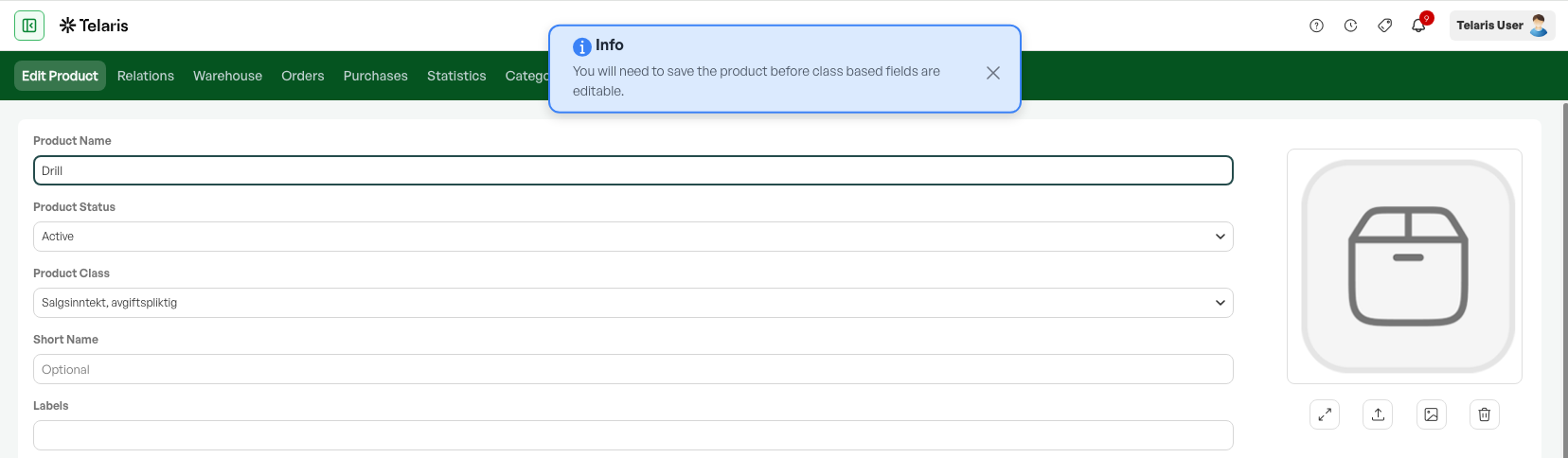
At the bottom of the product list you find the 'Add new' button. Clicking it takes you to a blank product card.

On the product card, you are told to save the product before you can add information in product-class-specific fields.
On the first save, you can set the product name and similar.
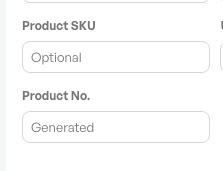
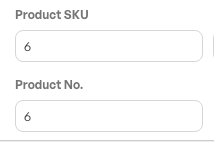
Product number and Telaris PNr
Before the first save, neither the Product number nor the Telaris PNr is created. The Product number can be set as you wish, while the Telaris PNr is generated on save.
Before saving
After saving
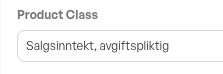
Product class
The product class on new products is automatically set to the default product class. This can be changed on the product if needed.
Purchase price
To be able to define a purchase price on products, they must be linked to a catalogue.
To link a product to a catalogue, go to the middle of the product card and click 'Add'.

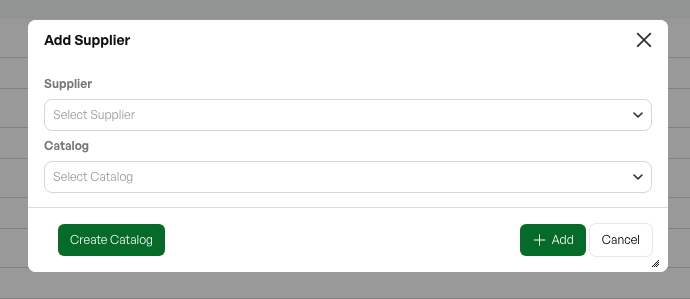
A dialog then appears where you can link the product to a supplier, and to the supplier's associated catalogue(s).
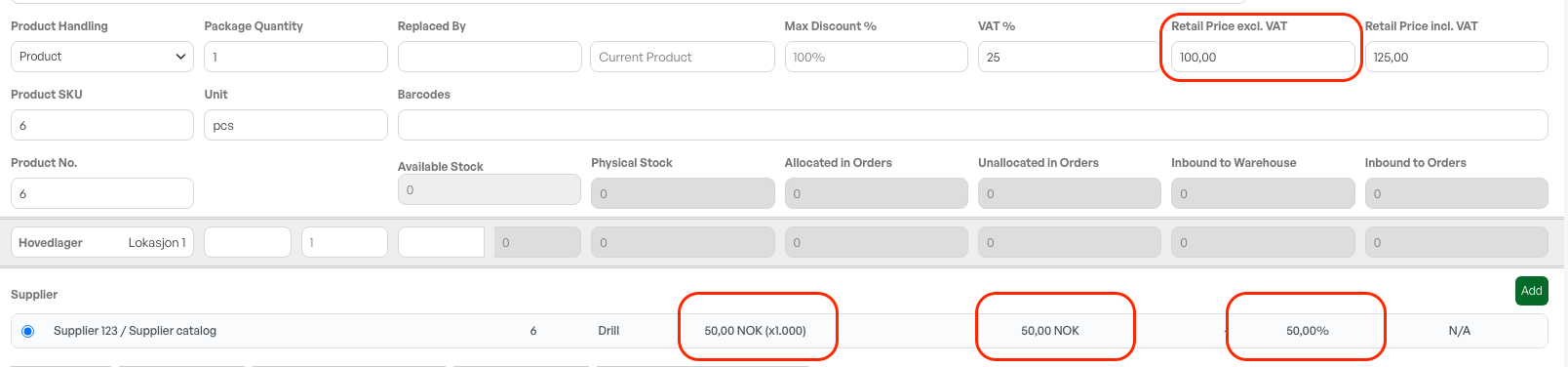
When you have chosen a supplier and catalogue, the product gets a link, and you can see the purchase price, list price, any currency, and profit margin.

Clicking the line brings up a dialog from the catalogue view where you can set the desired purchase price.

Sales price
On the product card you set the sales price. Telaris calculates VAT based on the percentage set on the product. This VAT rate comes from the product class and should not be changed.

Based on the sales price excl. VAT and the purchase price, the profit margin in percent is also shown on the supplier line.

Was this article helpful?
That’s Great!
Thank you for your feedback
Sorry! We couldn't be helpful
Thank you for your feedback
Feedback sent
We appreciate your effort and will try to fix the article