Adding a manufacturer to a product
Guide for adding a manufacturer on the product card
Guide
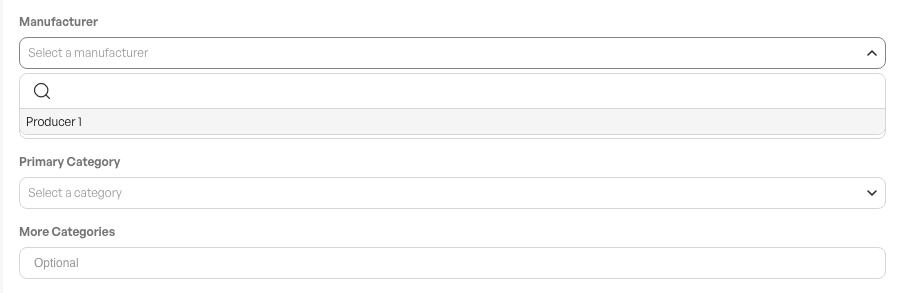
At the bottom of the product card, where you have several information options, is the 'Produsent' field.
To choose a manufacturer for a product, click 'Produsent' and select the desired one from the drop-down menu.
Creating a manufacturer
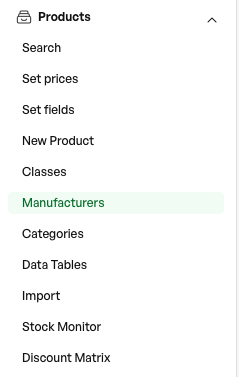
In the side menu -Produkt -> Manufacturers
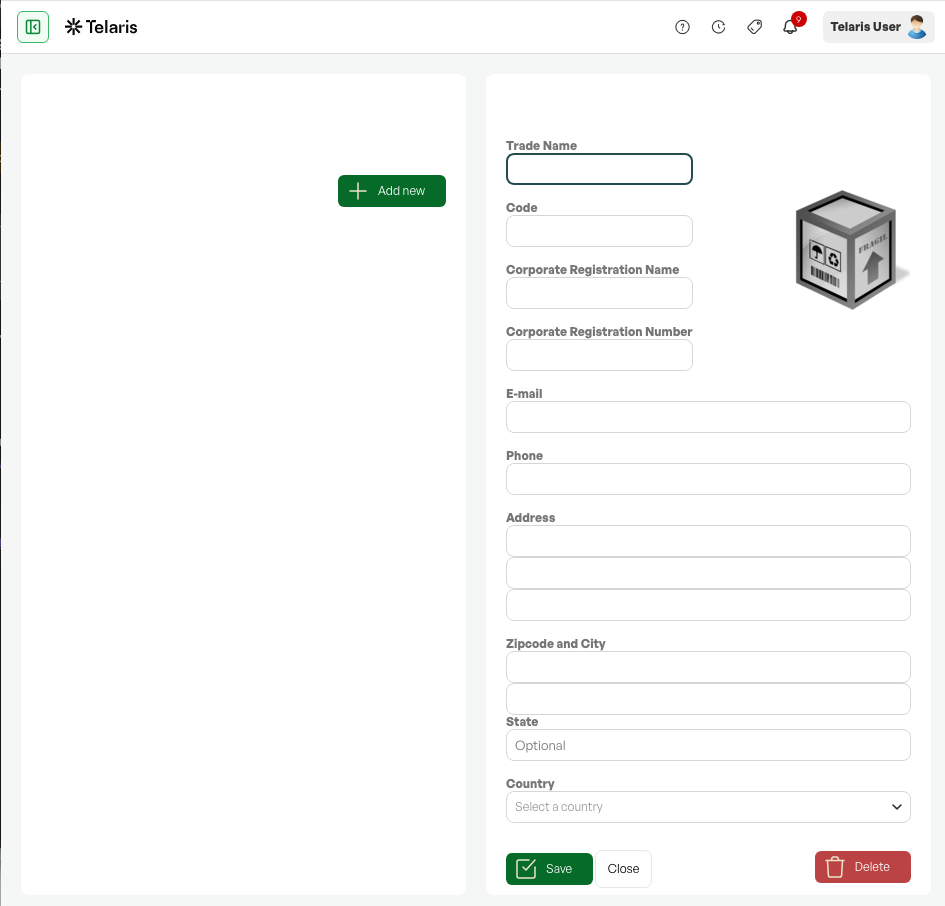
Click "Add new", add the desired information, and save.
Tip: If you have a webshop via Telaris, the manufacturer is shown on the product in the webshop.

Was this article helpful?
That’s Great!
Thank you for your feedback
Sorry! We couldn't be helpful
Thank you for your feedback
Feedback sent
We appreciate your effort and will try to fix the article