Selling batch-controlled products
Guide for selling batch-controlled products
TABLE OF CONTENTS
Guide
1. Batch numbers in stock
After goods receipt of batch numbers, the product gets extra stock details on the stock tab of the product card, showing the quantity and an overview ofbatch numbersregistered in stock.
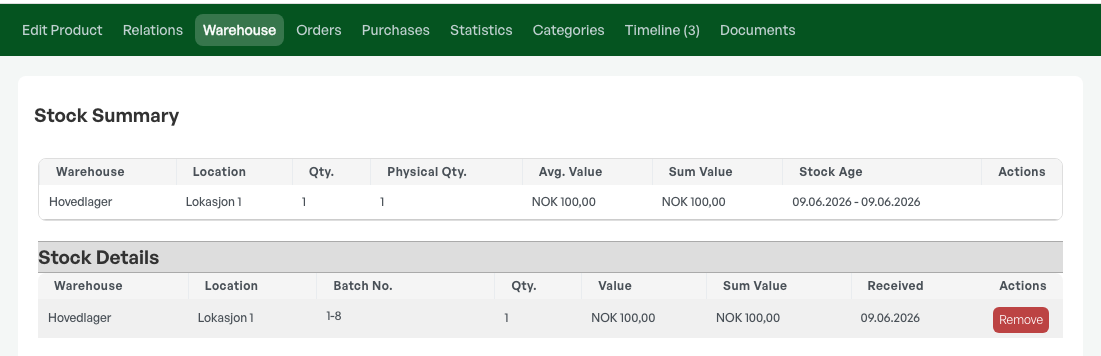
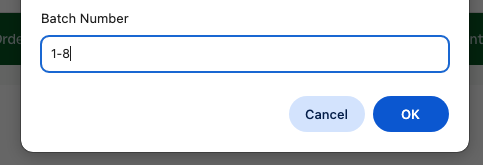
From this tab it is also possible to clickthe batch numberto add or change stored batch numbers.
2. Selling batch numbers
Add the product to the order as normal.

Click the numbers under 'På lager' to choose which batch number to sell.

TIP: If you do not choose a specific batch number in the order, FIFO is used, which takes the oldest batch number for sale.
Then choose the desired batch number by clicking the 'Alloker' button.
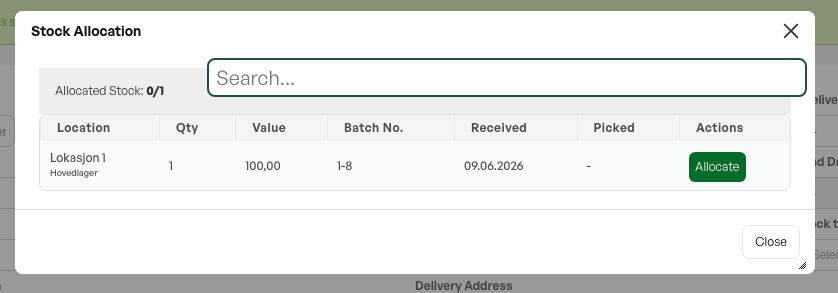
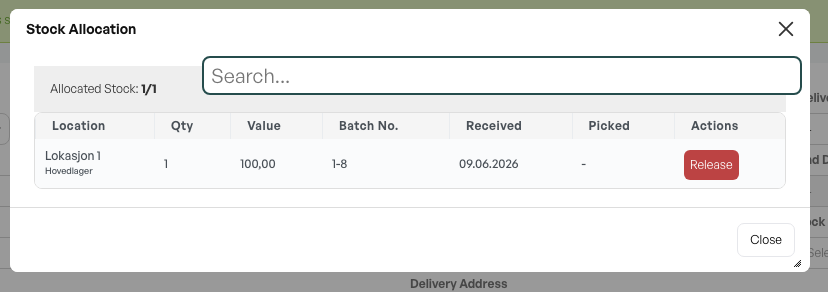
The product is then added to the order with the chosen batch number. You can cancel this by clicking 'Release'.
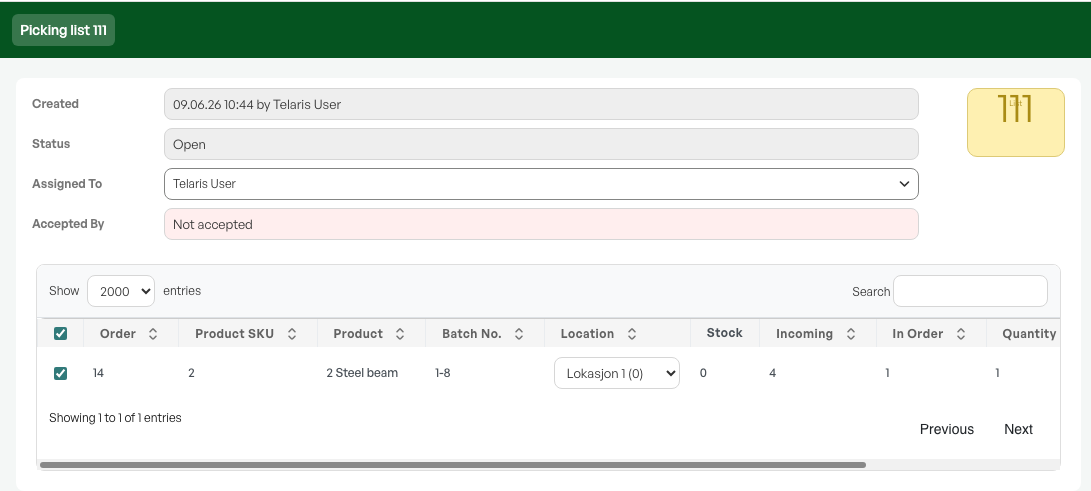
In the picking list, the product is then shown with the batch number.
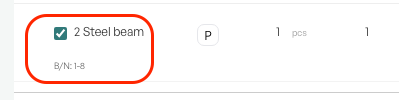
In the order view, the batch number appears as text below the product. It also appears on produced standard forms.
The product is now sold as a normal product, and the chosen batch number is deducted from stock.
Guide: purchasing a batch-controlled product

Was this article helpful?
That’s Great!
Thank you for your feedback
Sorry! We couldn't be helpful
Thank you for your feedback
Feedback sent
We appreciate your effort and will try to fix the article