Non-stocked serial numbers
Guide for the method used to sell products with serial numbers without stocking the serial number on the product
TABLE OF CONTENTS
Purpose
Methodology for setting up a custom field that lets you add serial numbers to a product on the order at the time of sale.
Used in cases where you do not want the serial number stocked on the product.
Setup
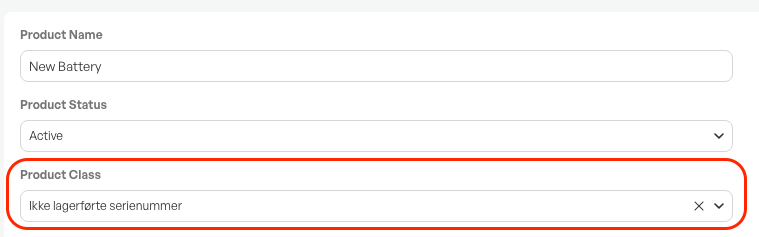
All products that should have serial numbers without stock control should be in the same product class so that the serial-number field appears on the order line.
On the desired, or new, product class, add an 'Ordrelinjefelt' that you call 'Serienummer' or similar.
Choose the type as 'Beskrivelse' and save.

Add the desired products to the product class.
Use
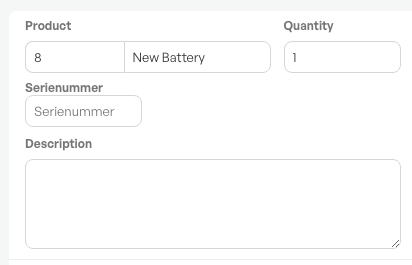
With the product class set up correctly and products registered in the class, the serial-number field appears on the order line. You can then add the serial number when the product is added to the order.
The serial number becomes part of the product's description.
Reporting and overview
To see sold serial numbers, a separate report is required in Telaris.
Contact Telaris support for more information.
Display on forms
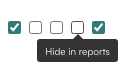
On the product class is the option to show and hide the custom field on reports.
If it is hidden, the serial number is not shown on order confirmation, quote, invoice, work order, picking list, and packing slip PDFs.
If it is left not switched on, the custom field is shown on all standard forms in Telaris.
NOTE: Custom forms can have mixed results. Contact Telaris support to order if the field does not show on a template.

Was this article helpful?
That’s Great!
Thank you for your feedback
Sorry! We couldn't be helpful
Thank you for your feedback
Feedback sent
We appreciate your effort and will try to fix the article