Change invoice address or invoice recipient on order
Guide for changing the invoice address or invoice recipient on an order.
TABLE OF CONTENTS
Purpose
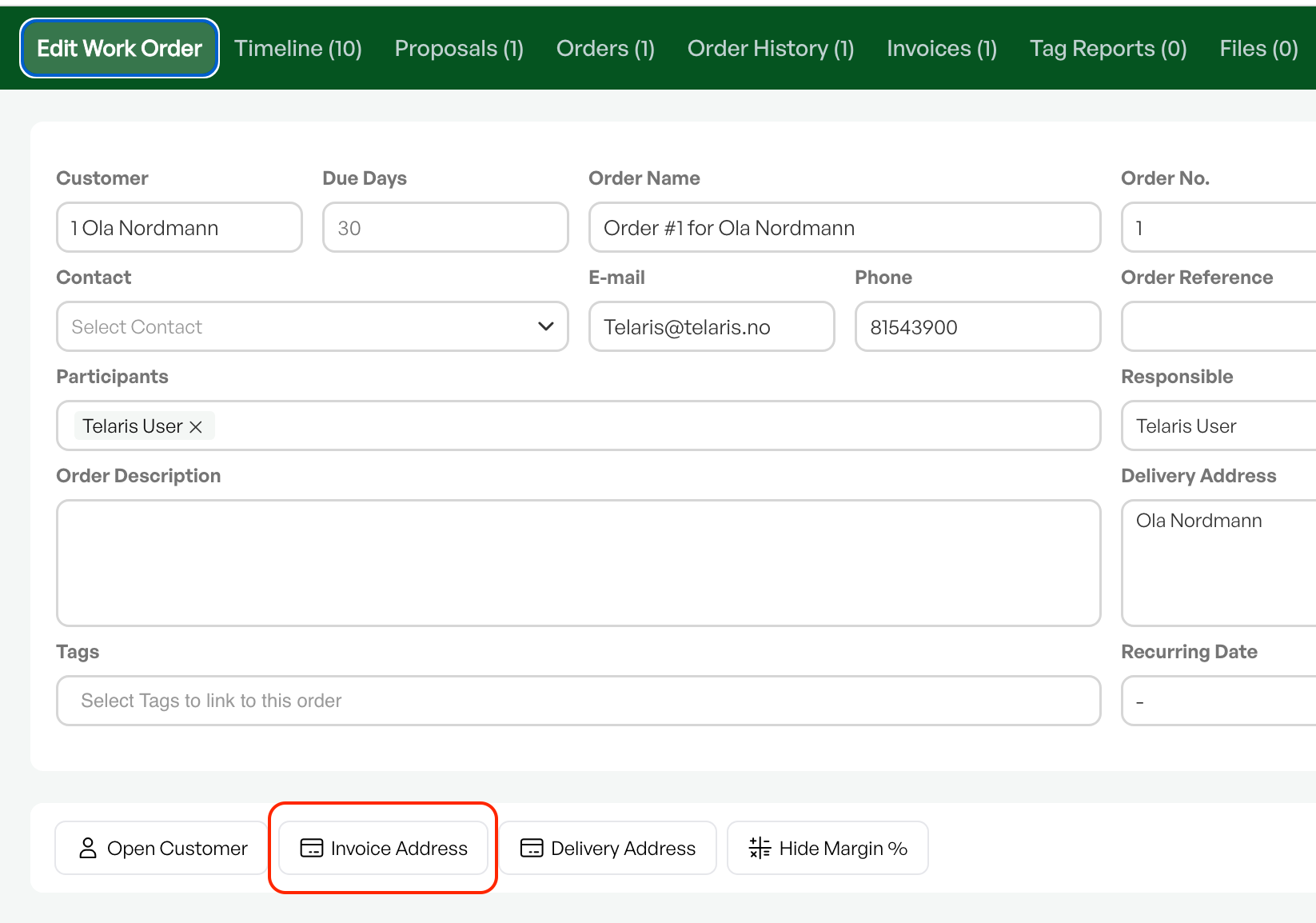
In some cases, a customer order should be invoiced to a different address than the customer's address. The option to change this in an order is found under the 'Change invoice address' button in the order view.
Change invoice address
Click 'Change invoice address' in the order view to open the dialog box.
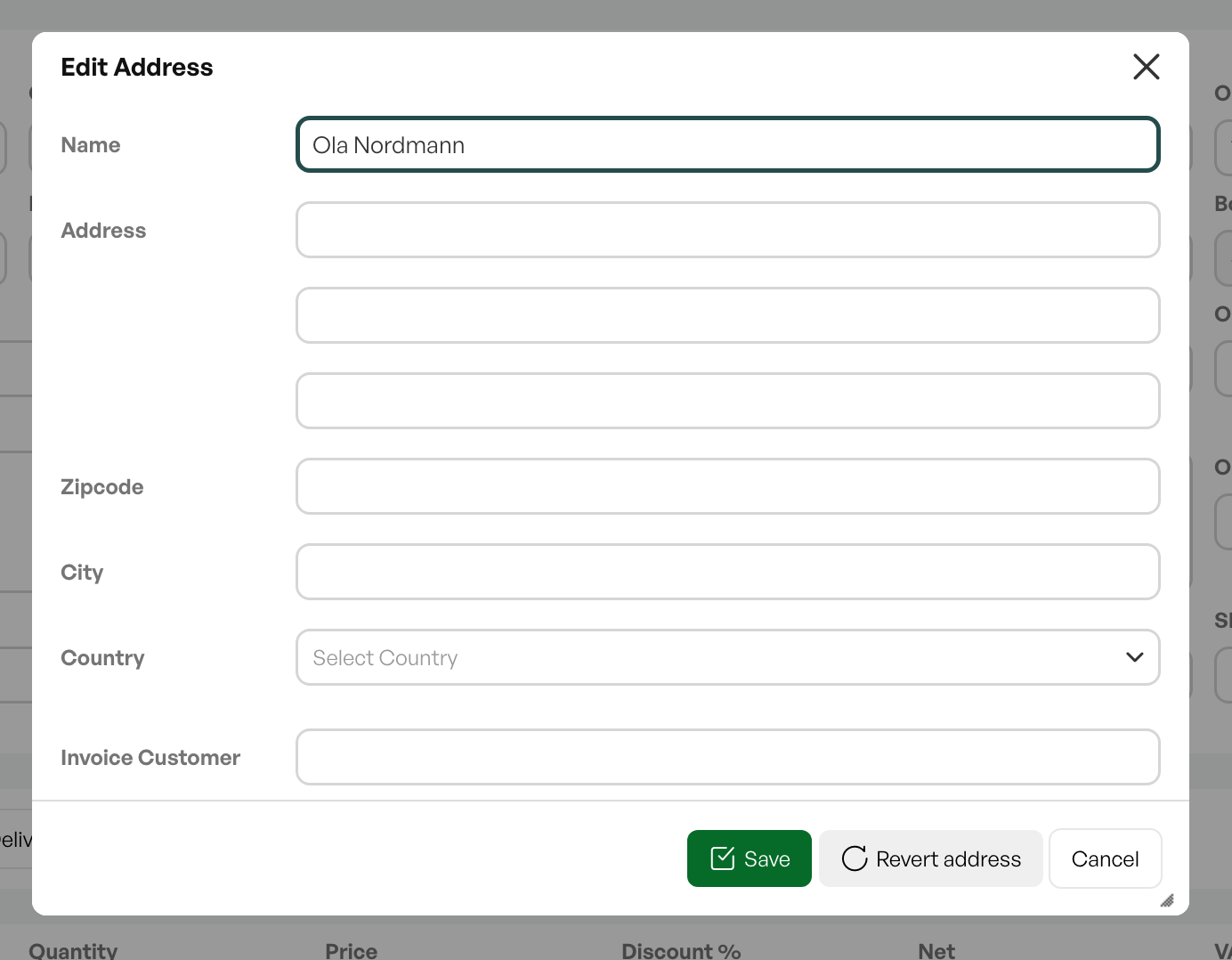
Retrieve or add invoice recipient
From the dialog box you can search the customer list to find an invoice recipient if they are in the customer list.
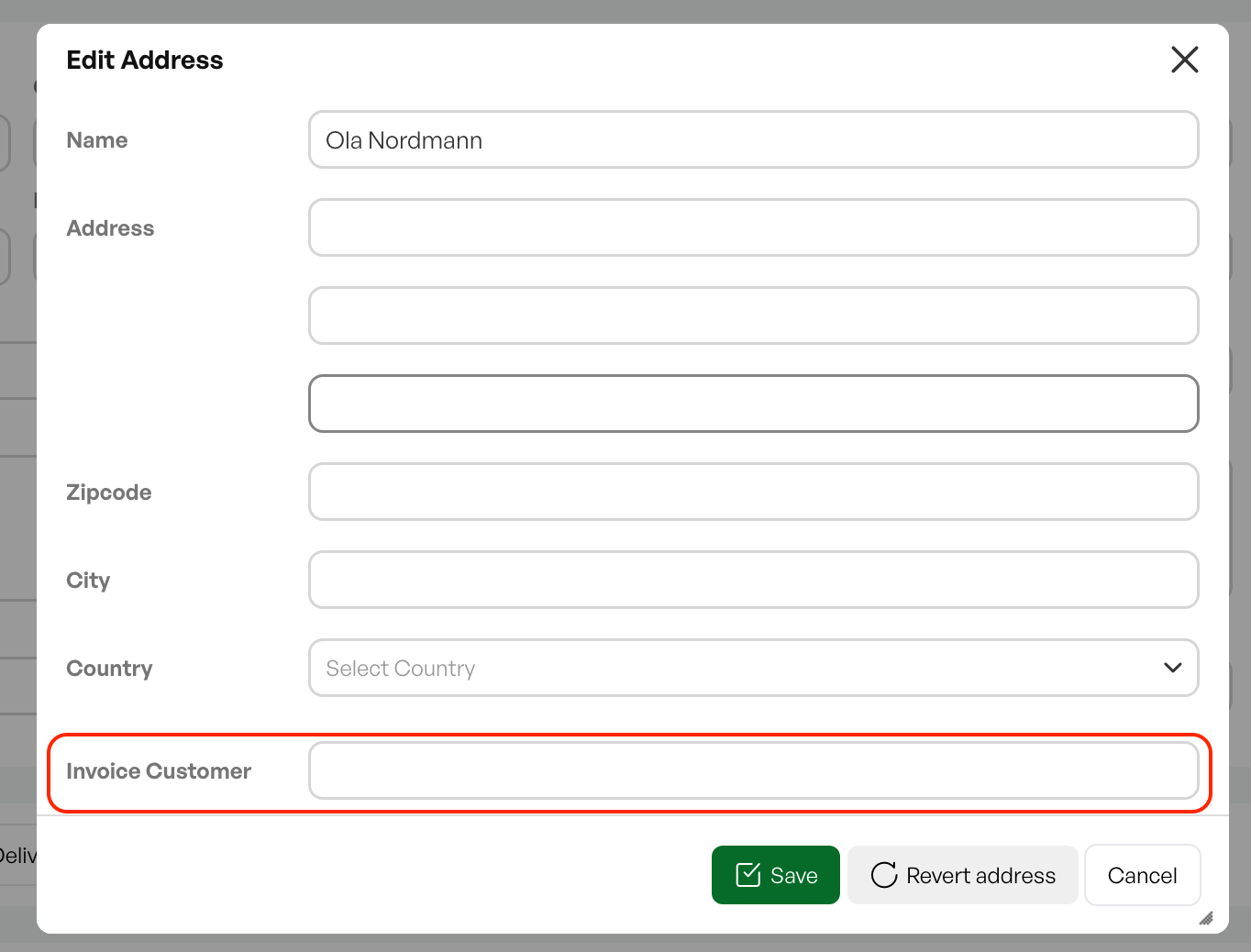
Default invoice recipient
If the customer on the order has set a default invoice recipient, this will be shown in the dialog box when creating an order with that customer.
See the separate guide for setting a default invoice recipient.
Guide: Financial settings on the customer cardReset address
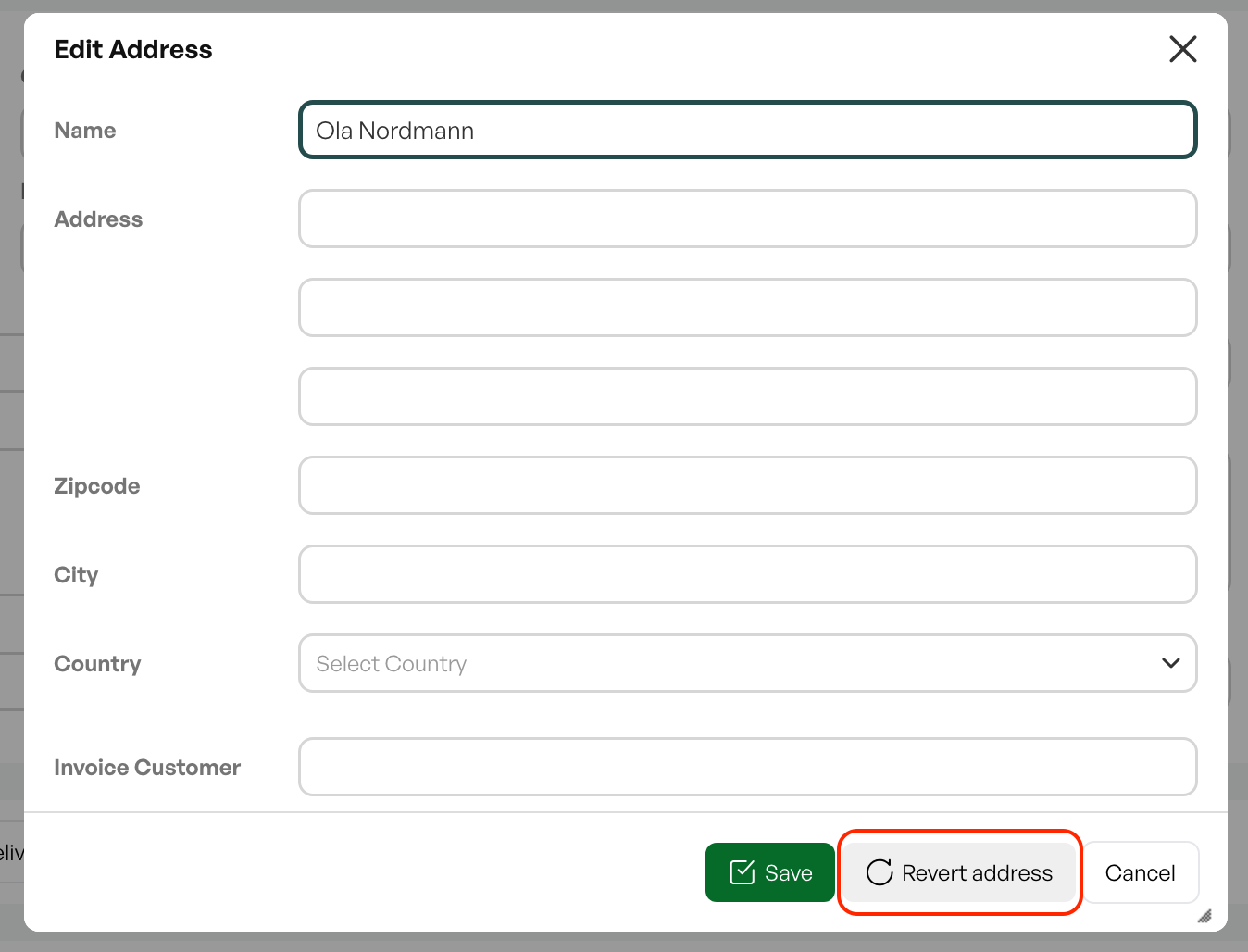
*Retrieves the default invoice recipient if the customer has registered one on the customer card.

Was this article helpful?
That’s Great!
Thank you for your feedback
Sorry! We couldn't be helpful
Thank you for your feedback
Feedback sent
We appreciate your effort and will try to fix the article