Invoicing to a recipient outside Norway
Simple guide for sending an invoice to a recipient outside Norway.
Procedure
When invoicing a customer outside Norway, it is wise to ensure that the content of the invoice is correct to avoid issues in the accounts.
If you are new to invoicing foreign customers, check the following:
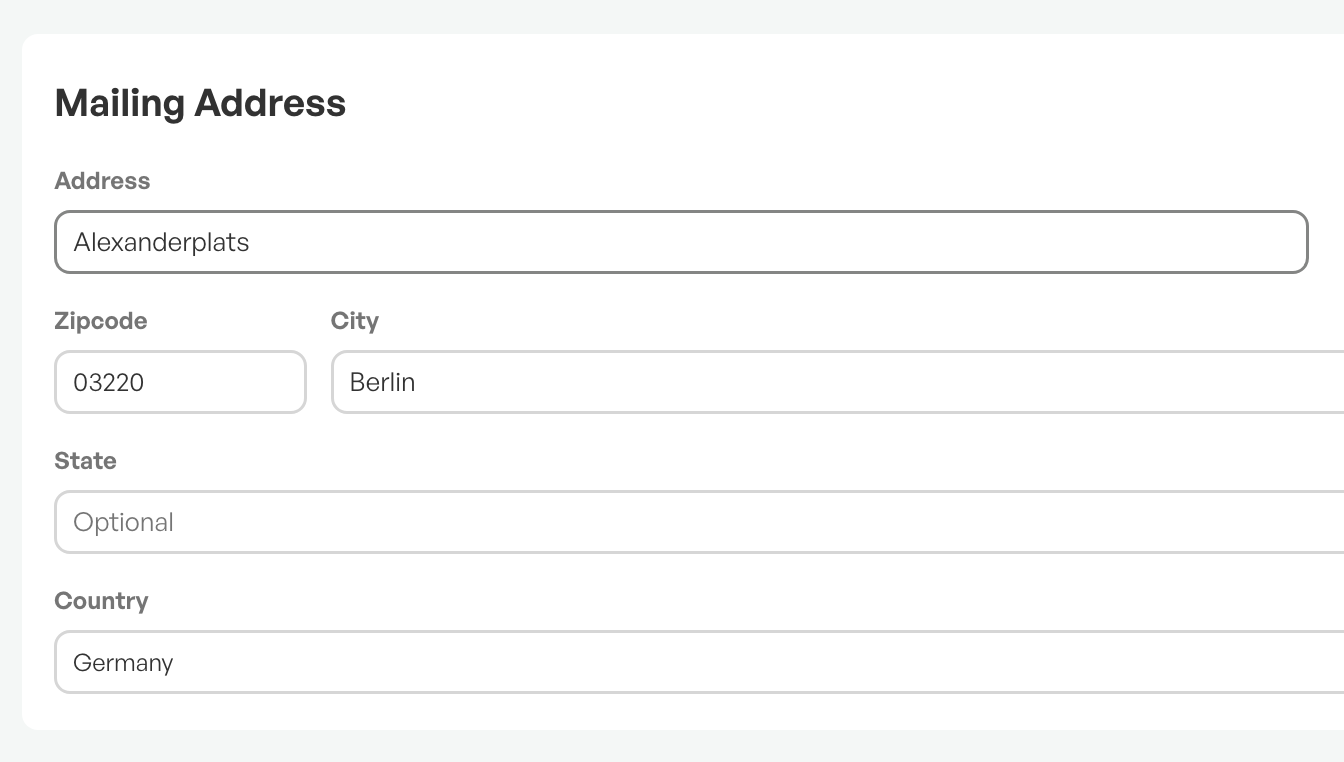
Check - Customer's address
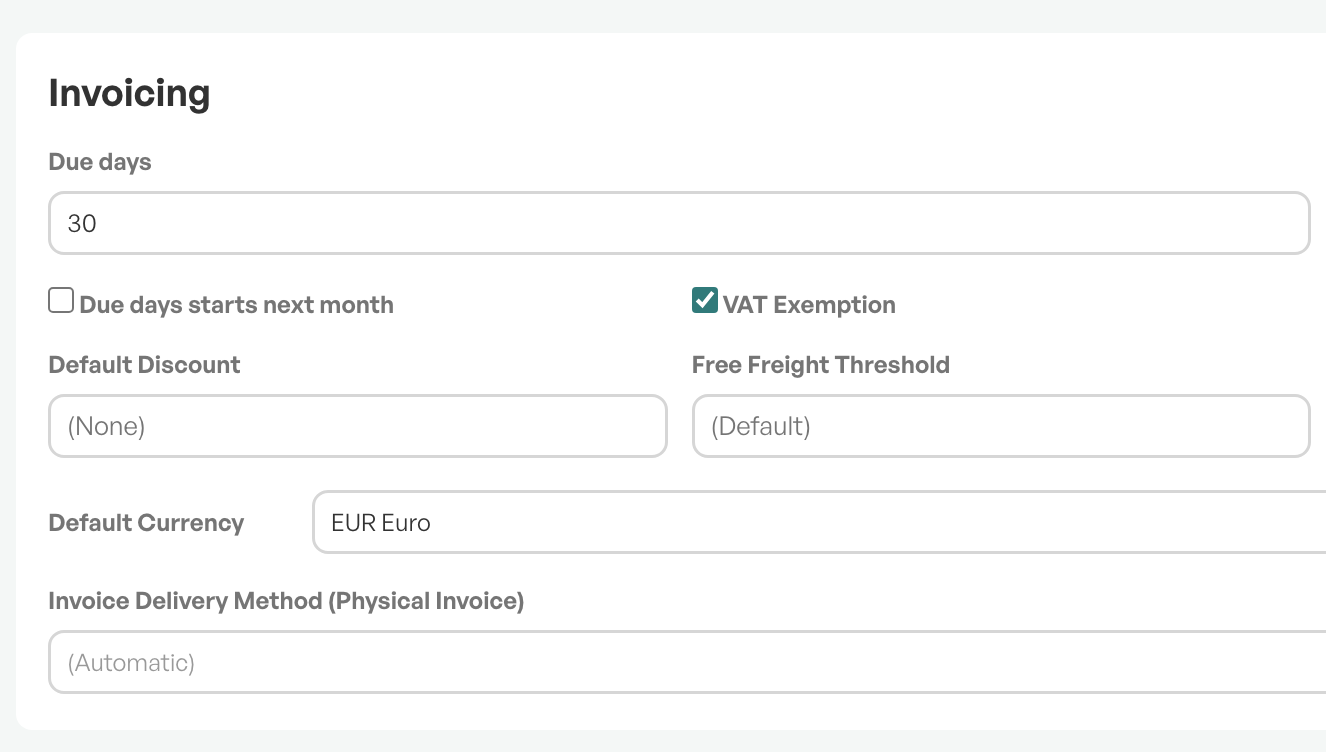
VAT options and currency
If the customer has registered a default currency, the customer is exempt from VAT.
Currency in the order
Check that the order lines also have the correct currency.

Product classes and account
Setup of account and chart of accounts is usually done at the start of Telaris.
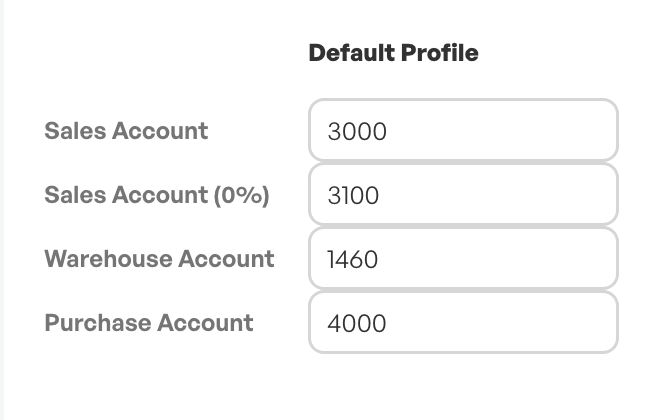
Products sold without VAT must be registered on a product class that has an account in the chart of accounts for 0% VAT, otherwise the accounting entry will land on a VAT-liable account.
These settings are made by a superuser or in dialogue with the accountant.
VAT codes
In certain cases, specific VAT codes are also desired on invoices going out of Norway.
This can be solved by using an invoice profile.
Contact Telaris Support for more information.
Guide: VAT code - Override default accounting

Was this article helpful?
That’s Great!
Thank you for your feedback
Sorry! We couldn't be helpful
Thank you for your feedback
Feedback sent
We appreciate your effort and will try to fix the article