Outgoing invoice - change language
Telaris supports multiple languages on outgoing invoices.
TABLE OF CONTENTS
Purpose
In cases where customers require invoices in English, there is a solution in Telaris to ensure that the customer always receives the invoice in the correct language.
Procedure
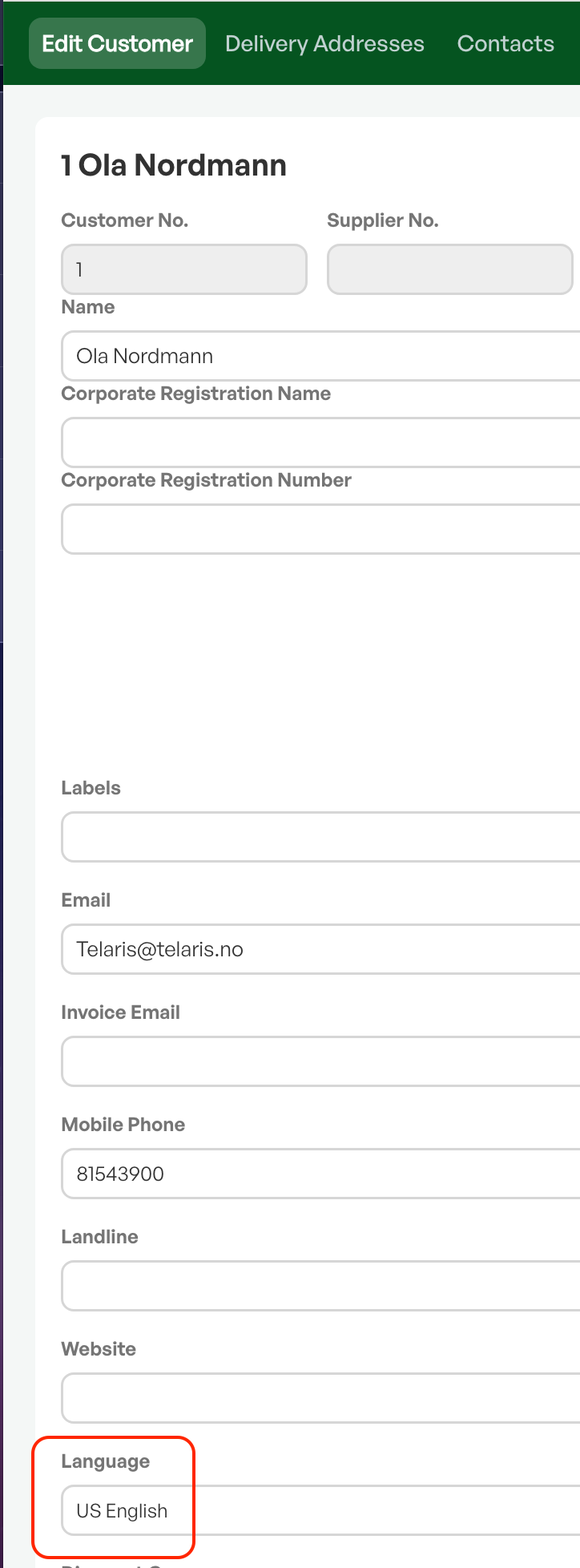
On the customer card of the relevant customer there is an option to set the language. This language choice carries over to quotes, order confirmations and invoices.
Set the desired language on the customer card and save. The language on PDFs will then change to the selected language.
NOTE: The language choice on the customer card does not change the currency on orders/quotes.

Was this article helpful?
That’s Great!
Thank you for your feedback
Sorry! We couldn't be helpful
Thank you for your feedback
Feedback sent
We appreciate your effort and will try to fix the article