Terms templates
Guide for setting up and maintaining terms templates
TABLE OF CONTENTS
Setup
Navigate to 'Settings -> 'System settings' and then to the tab called 'Terms'
Here there are fields for entering default terms per template type, such as invoice, order confirmation and quote
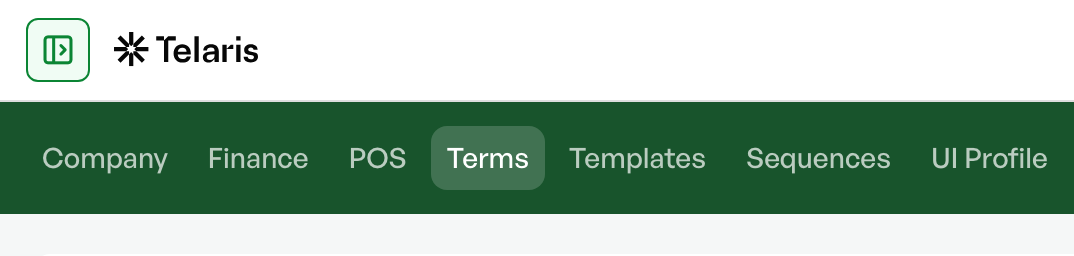
Each terms box contains a tab for the default language and a tab for the foreign language.
The most common setup is to have Norwegian in the default tab and English in the foreign tab.
The customer's set language on the customer card determines which template is used for terms.
If the default language in Telaris is Norwegian, and a customer has English as the selected language, the terms template from the 'Foreign' tab is used
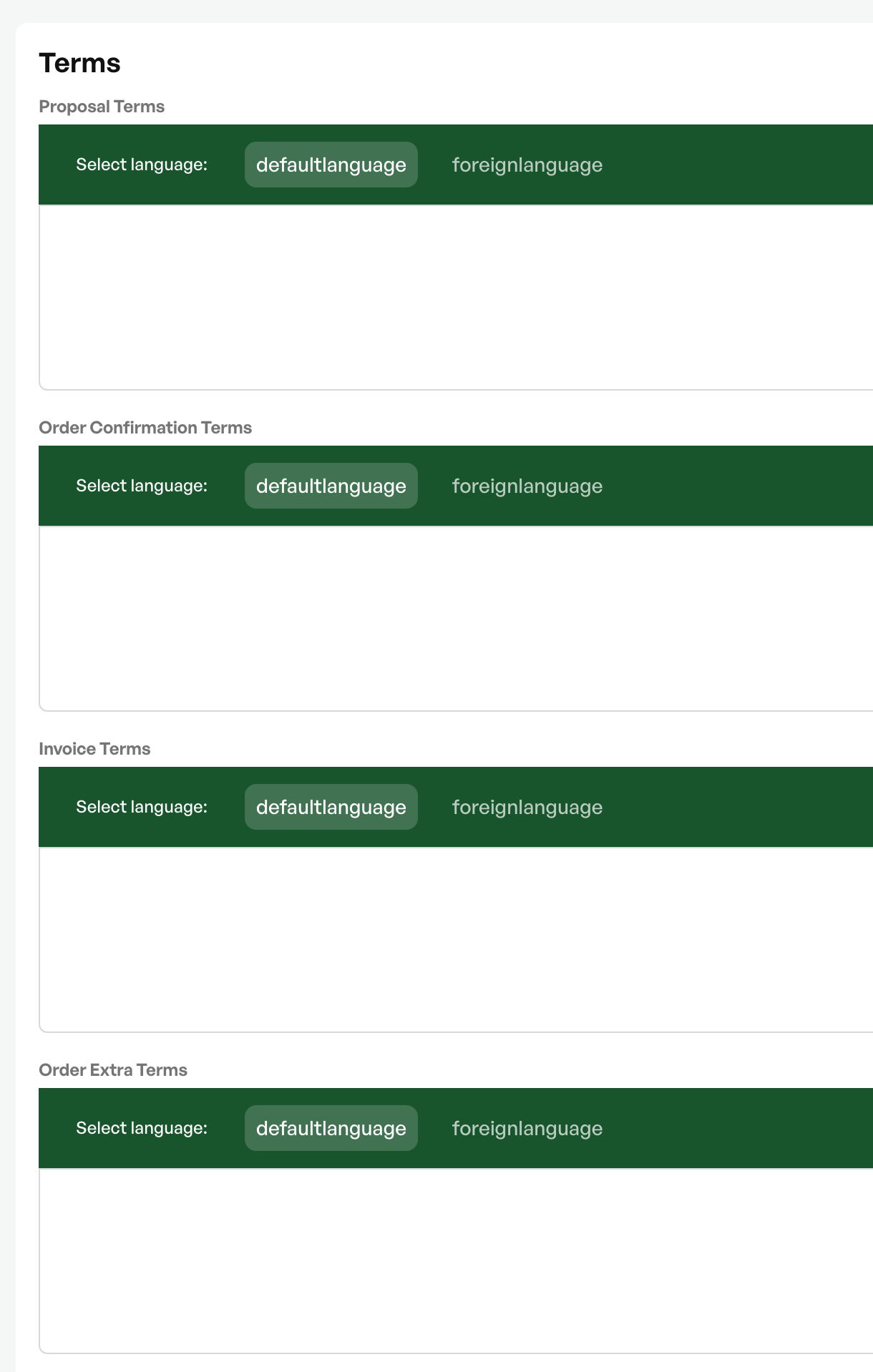
QuickCodes - Merge fields
In the terms overview, a list of merge fields, or QuickCodes, is shown, which you can use to pull information into the terms template.

Example of QuickCodes use:
Kind regards
%CREATEDBY%
Firma AS
%CREATOREMAIL%
%CREATORPHONE%
Shown in the terms as:
The user's name
Firma AS
The user's email
The user's phone

Was this article helpful?
That’s Great!
Thank you for your feedback
Sorry! We couldn't be helpful
Thank you for your feedback
Feedback sent
We appreciate your effort and will try to fix the article