Restore deleted information
Deleted data sometimes needs to be restored. Telaris has a trash can you can retrieve from
Trash can
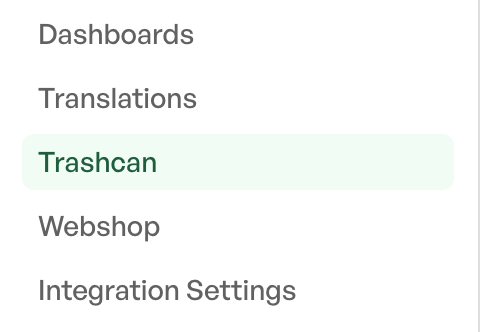
Navigate to 'Settings -> System settings -> Trash can'
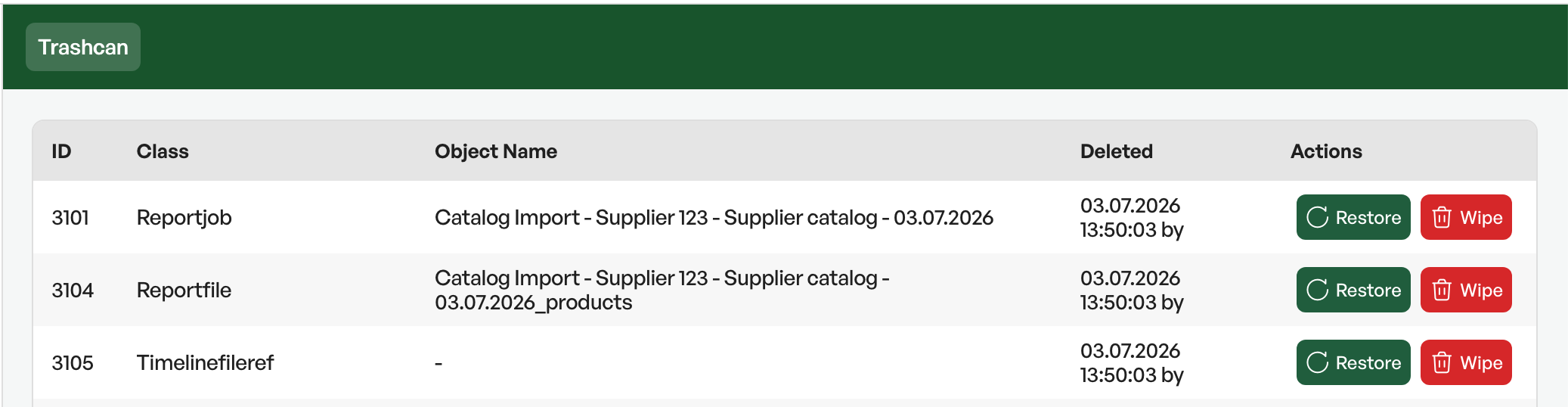
At any time this holds 1000 rows of deleted data that can be removed or restored. When something is deleted in Telaris, it is placed at the top of the list and paginated across pages
To restore, click 'Restore' and the item disappears from the trash can

Was this article helpful?
That’s Great!
Thank you for your feedback
Sorry! We couldn't be helpful
Thank you for your feedback
Feedback sent
We appreciate your effort and will try to fix the article