Partial invoicing
Guide for how to do partial invoicing in Telaris
Procedure
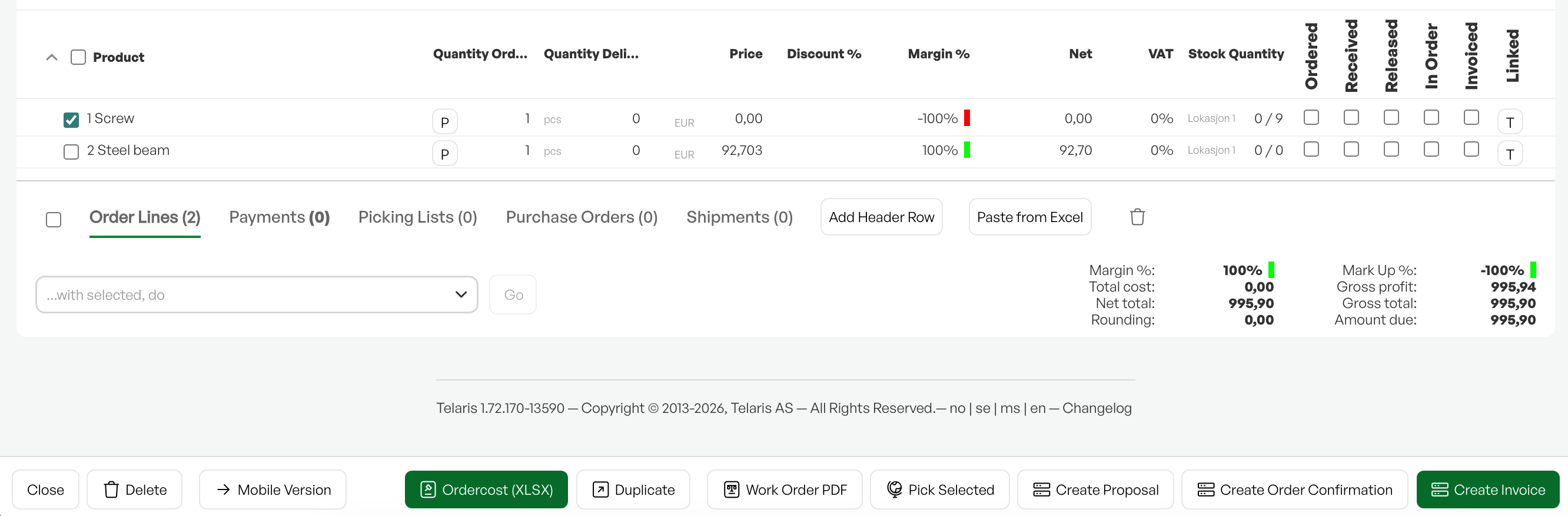
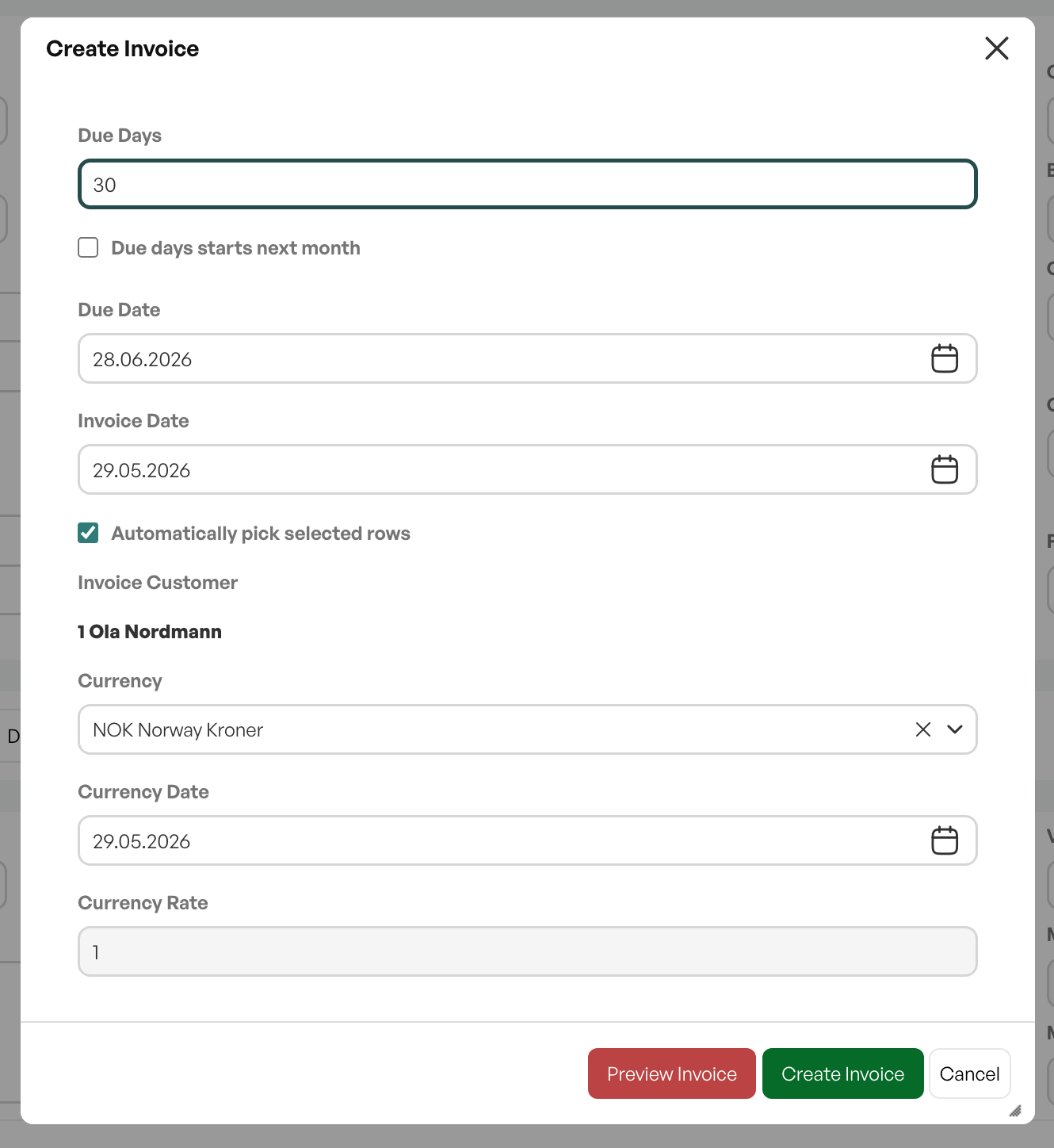
To partially invoice an order in Telaris, select the desired lines for invoicing and click 'Create invoice'
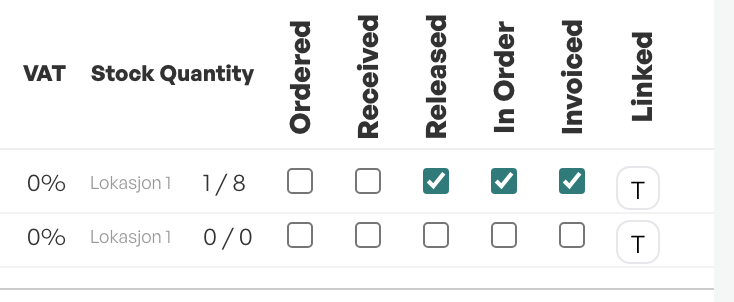
You then invoice only the selected lines, and each selected line gets the marking as invoiced.
Order status and order lines
After partial invoicing, the order automatically gets the status 'Partially invoiced' until the remaining lines are invoiced.

The order line that is invoiced is marked as invoiced on the order
NOTE: If you remove uninvoiced lines from a partially invoiced order, you must manually change the order status to 'Invoiced'

Was this article helpful?
That’s Great!
Thank you for your feedback
Sorry! We couldn't be helpful
Thank you for your feedback
Feedback sent
We appreciate your effort and will try to fix the article