Preview outgoing invoice
A simple tool for seeing how an invoice will look.
TABLE OF CONTENTS
Guide
When you have created a sales order, click "Invoice" at the bottom right of the order view.
Invoice dialog box
Inside the invoice dialog there will be a button called "Preview invoice". This creates a preview of the invoice.
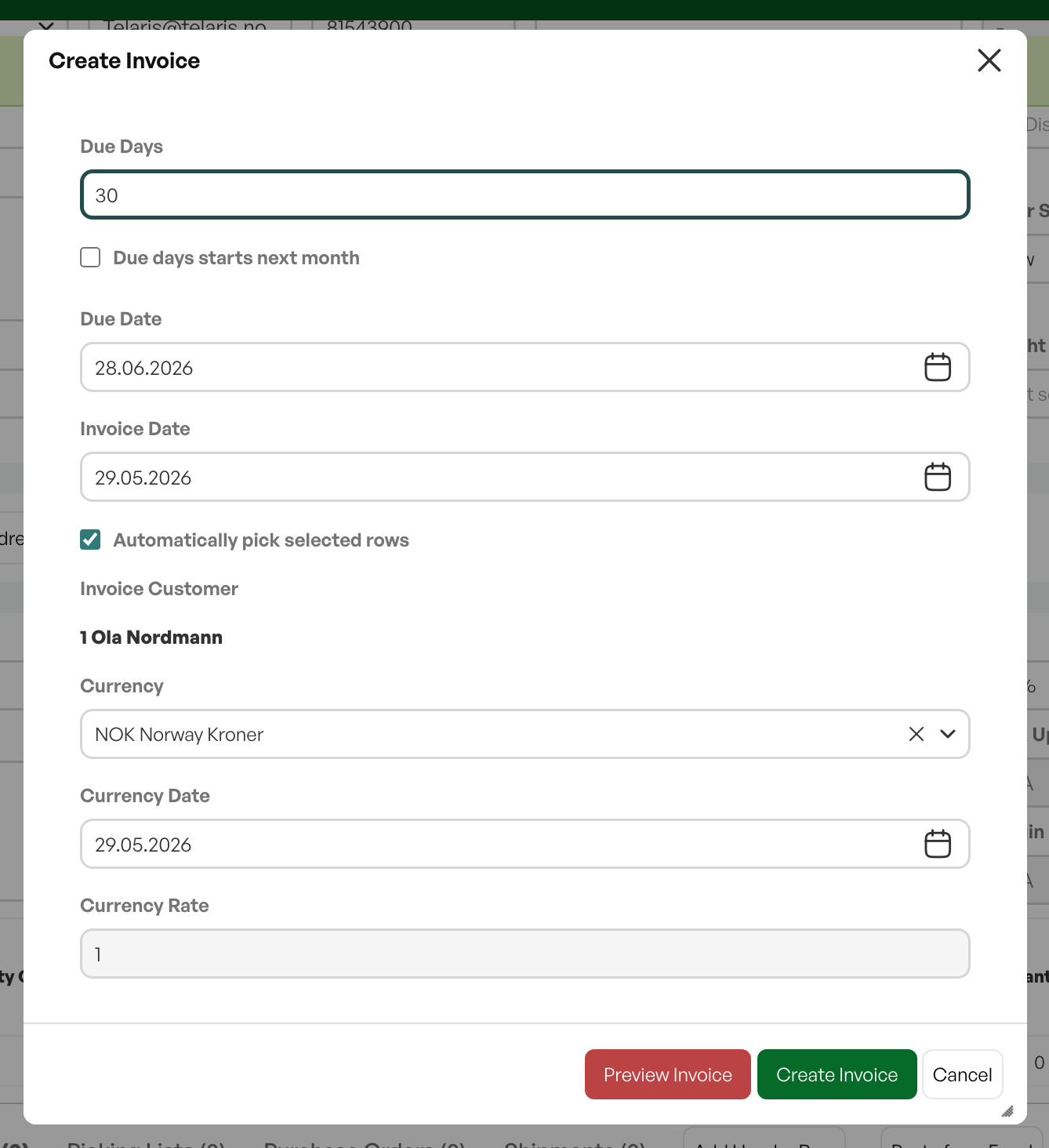
NB: The invoice preview does not produce an invoice; the preview must not be sent out.

Was this article helpful?
That’s Great!
Thank you for your feedback
Sorry! We couldn't be helpful
Thank you for your feedback
Feedback sent
We appreciate your effort and will try to fix the article