Partial credit
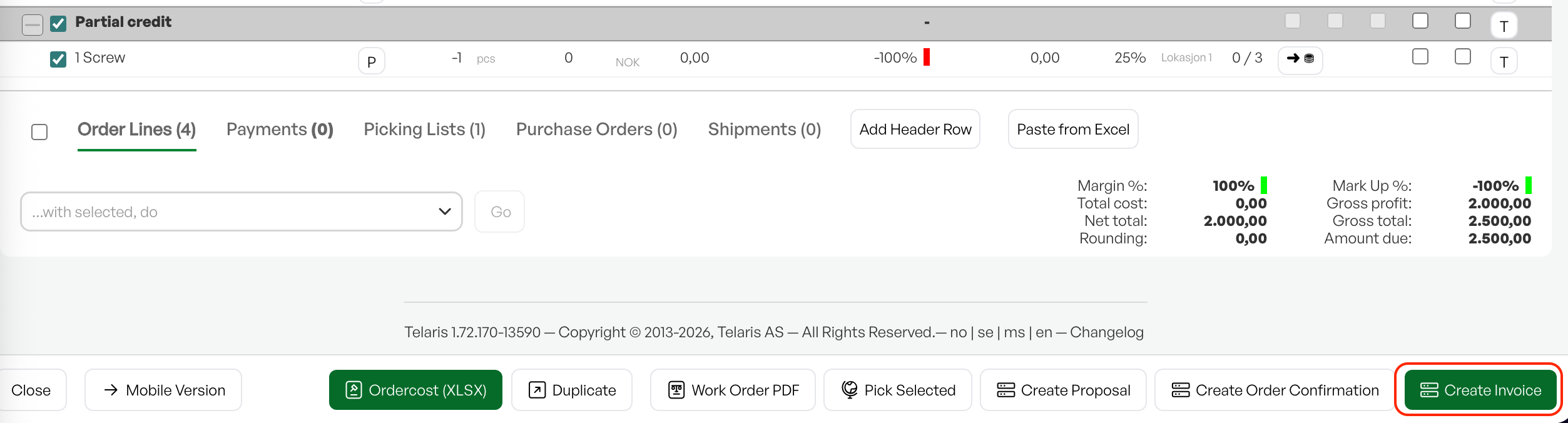
Partially crediting an invoice may be necessary if a customer wants to return only part of a purchase, or if you have invoiced too many of an item.
TABLE OF CONTENTS
Guide
You can partially credit an invoice both before and after it has been paid – the process is the same either way.
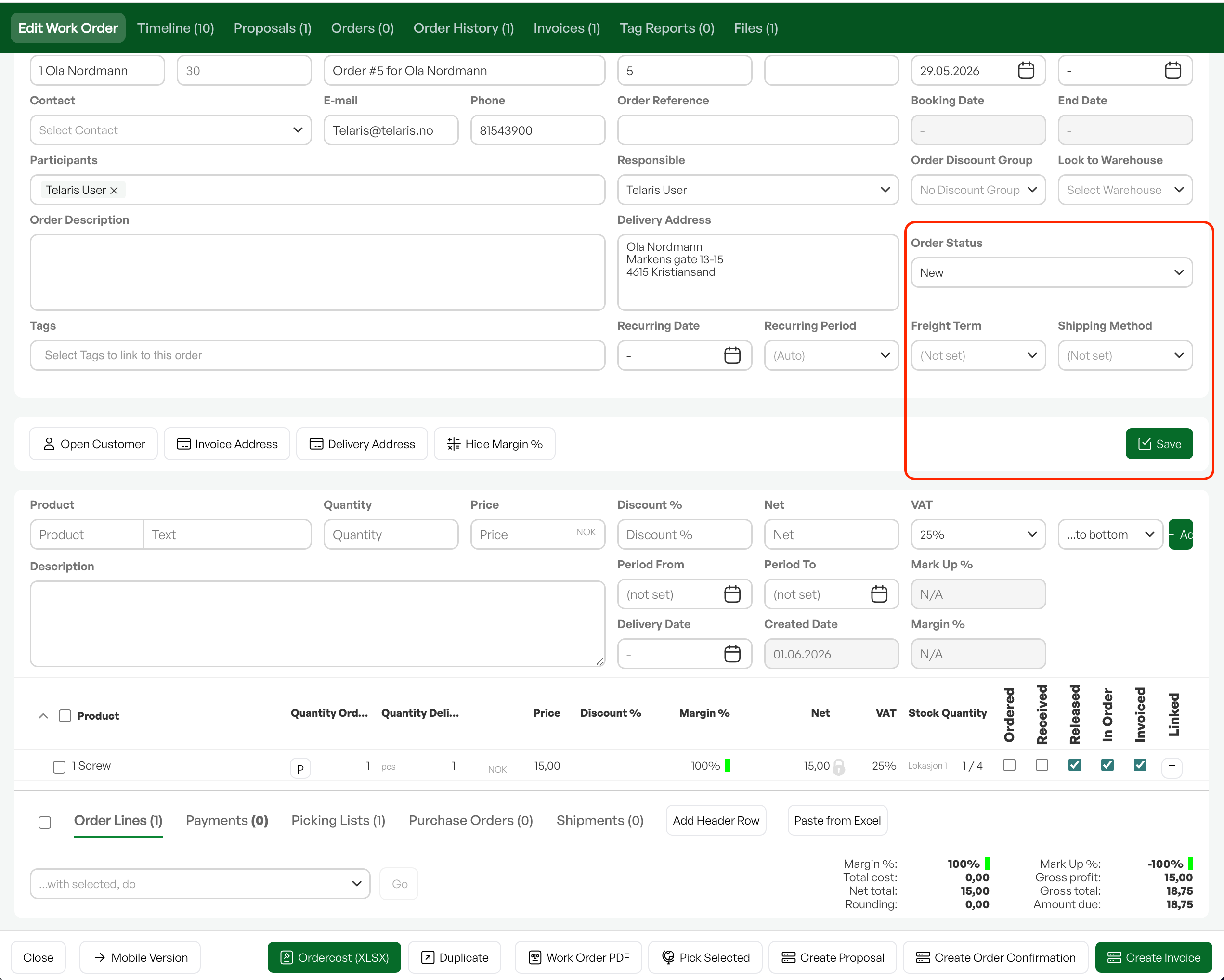
Open the order for the invoice. If it has the status 'Invoiced', change the order status to 'New' and click 'Save'.
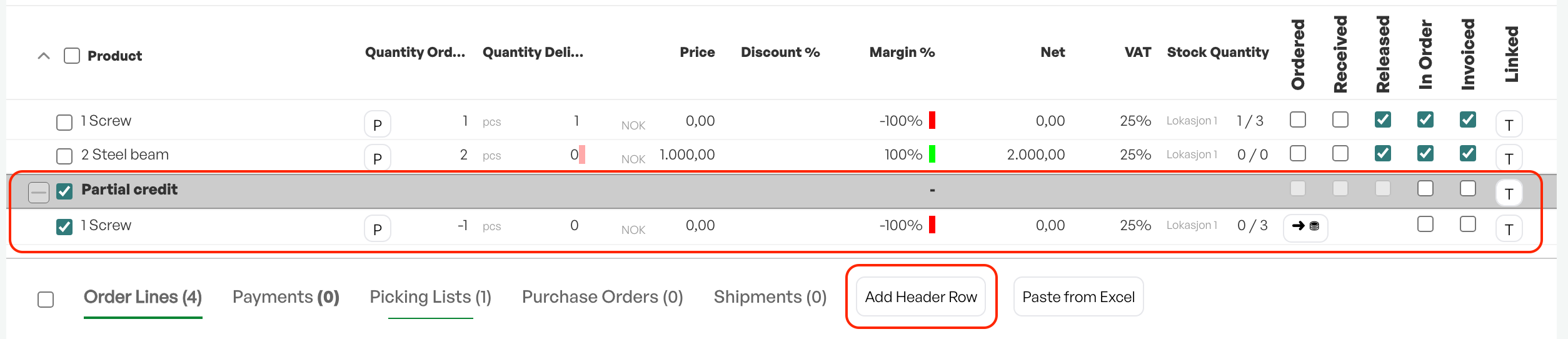
Add a new header row named 'Partial credit'. Click 'OK'.
Add the products to be credited back to the order. This time they should be entered with a negative quantity. This is done by placing a minus sign before the quantity when adding the product to the order. You decide how many and which products to credit.
Returning items to stock
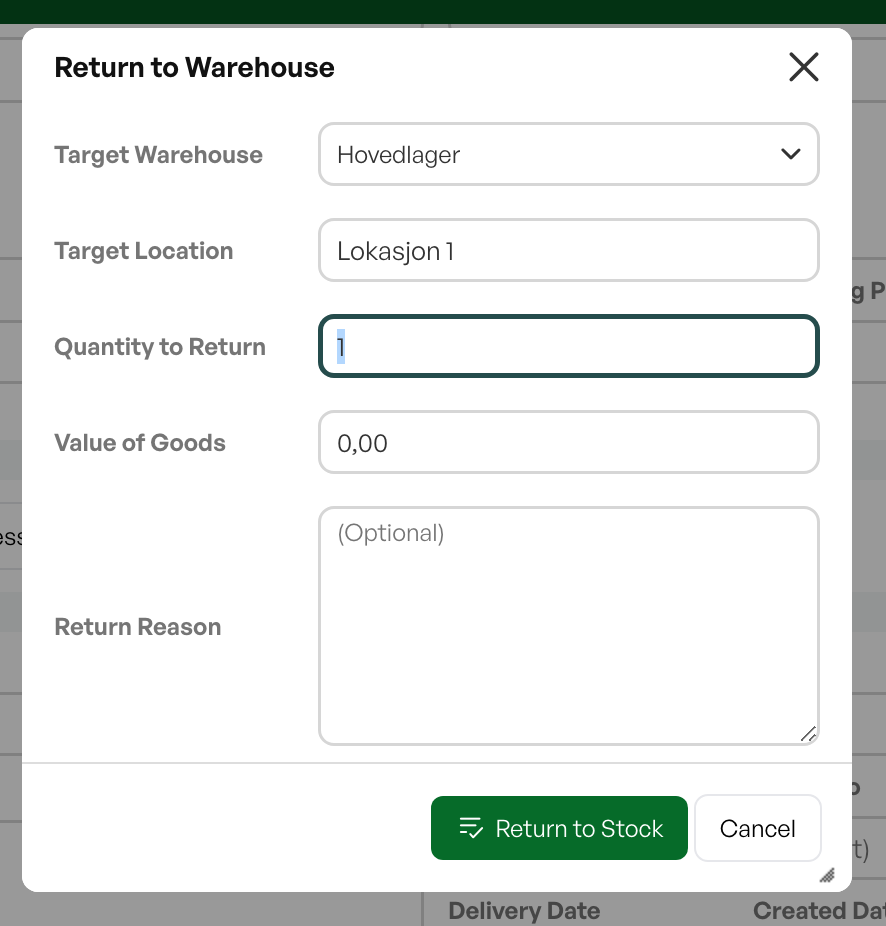
When crediting, items are not automatically returned to stock. However, the minus lines activate a stock icon on the order line, which allows you to return the item to stock.
Click the stock icon -> select location and cost price in the dialog that opens -> click Return to stock.
A green checkmark will indicate that the item has been returned to stock.

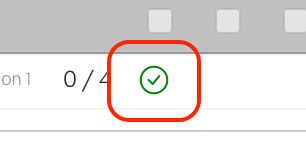
After the item has been returned to stock, a green checkbox icon is displayed.

Was this article helpful?
That’s Great!
Thank you for your feedback
Sorry! We couldn't be helpful
Thank you for your feedback
Feedback sent
We appreciate your effort and will try to fix the article