Crediting - Returning Items to Stock
TABLE OF CONTENTS
Purpose
When crediting an invoice, there is sometimes a need to return products to stock in cases where the sale is to be cancelled.
Procedure
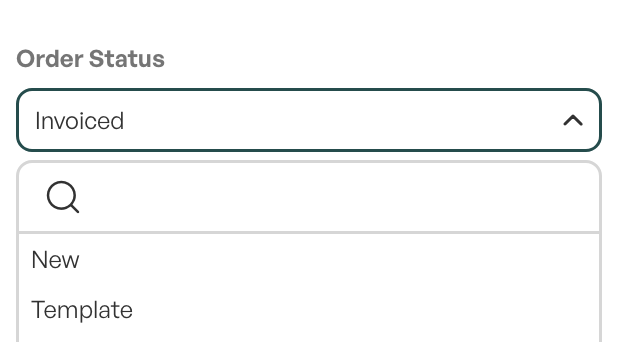
To be able to edit order lines when crediting, you must first change the order status 'Fakturert' (Invoiced). This status makes it impossible to edit order lines.
In the example below, the order status is changed to 'New'.
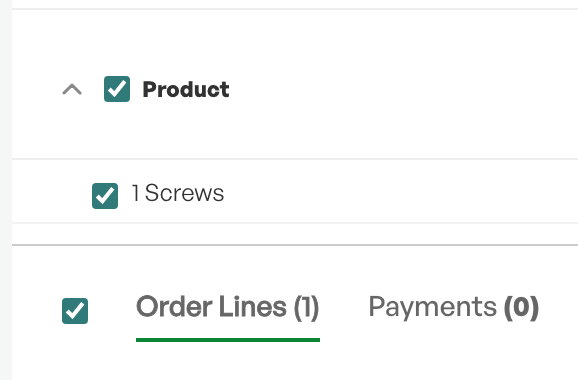
Then select the order lines you want to return to stock.
The next step is to go to the submenu 'med utvalgte utfør..' (with selected, perform).
Here you select 'Put back in stock'.
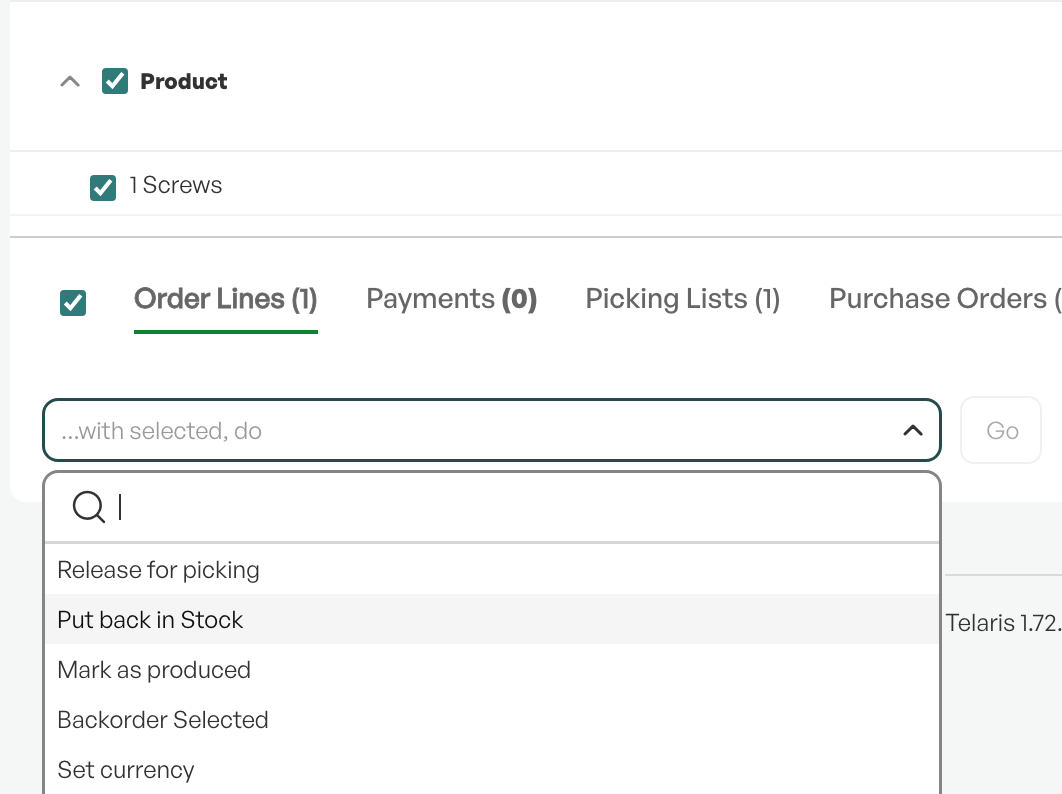
The final step is to click the green 'utfør' (perform) button.

The result of this operation is that items picked from stock are returned to stock.

Was this article helpful?
That’s Great!
Thank you for your feedback
Sorry! We couldn't be helpful
Thank you for your feedback
Feedback sent
We appreciate your effort and will try to fix the article