Delete an order
Guide for deleting an order.
Guide
It is possible to delete an order in Telaris. A deleted order can be retrieved from the bin for a period of time.
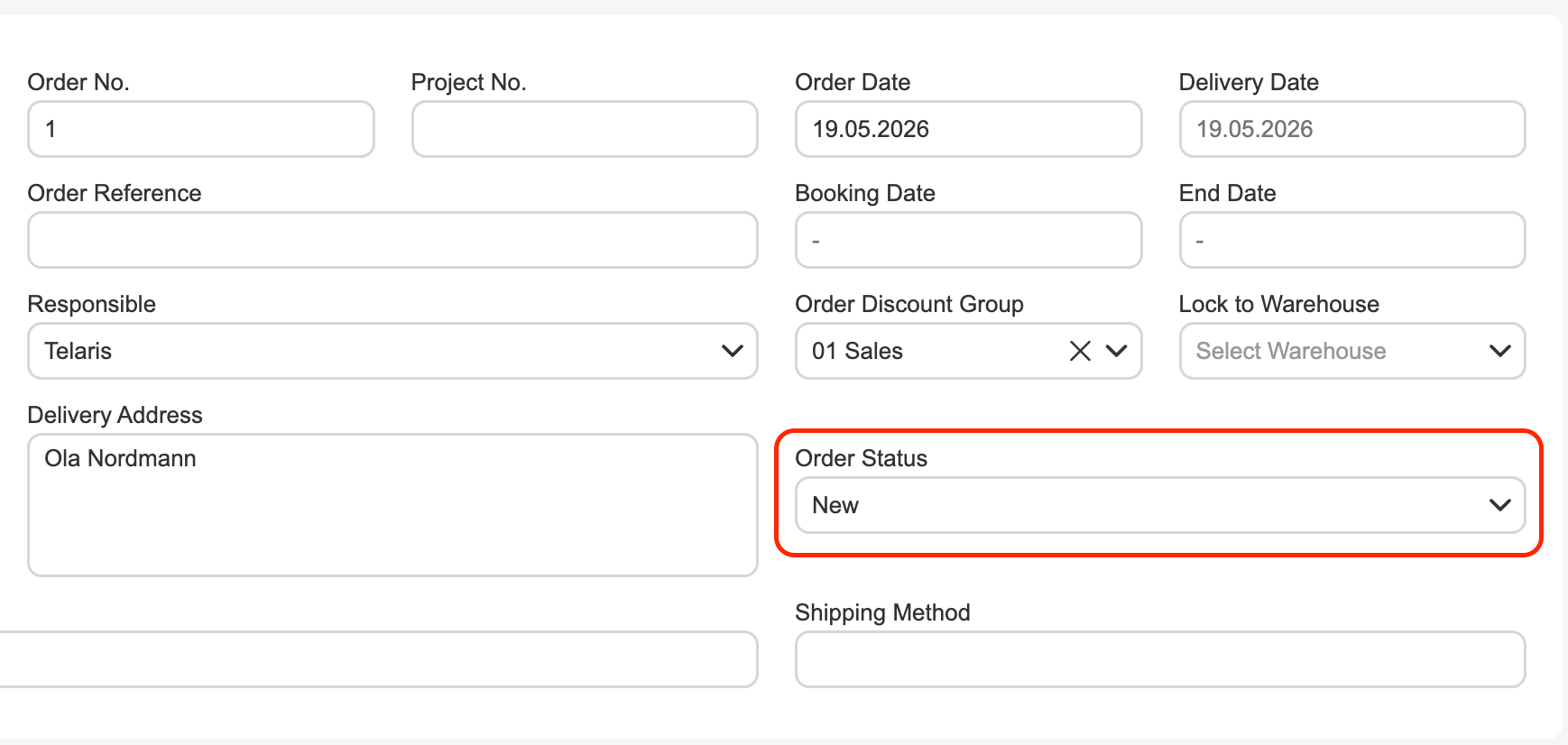
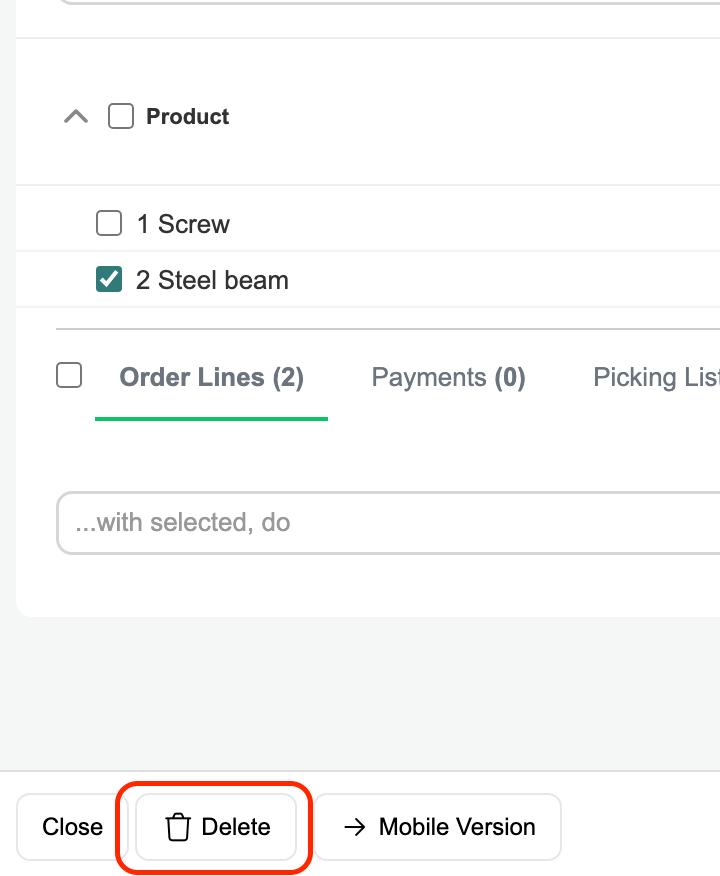
To delete an order, the order status must first be set to 'New' or 'Open'. Once you do this and save and refresh the page, the delete button will become visible.
When you click 'Delete', you will be asked if you are sure — clicking 'OK' on the dialog will delete the order, and it will no longer be searchable or visible on the customer card.
All reserved or picked products will be returned to inventory.
Tip: Deletion should be a "last resort" for removing an order. The order status 'Closed' may be more useful for retaining history on the customer.

Was this article helpful?
That’s Great!
Thank you for your feedback
Sorry! We couldn't be helpful
Thank you for your feedback
Feedback sent
We appreciate your effort and will try to fix the article