Add sections to order lines
Guide for adding sections to order lines. Sections are used to divide order lines and will also subtotal the contents of sections in the line.
TABLE OF CONTENTS
Add sections
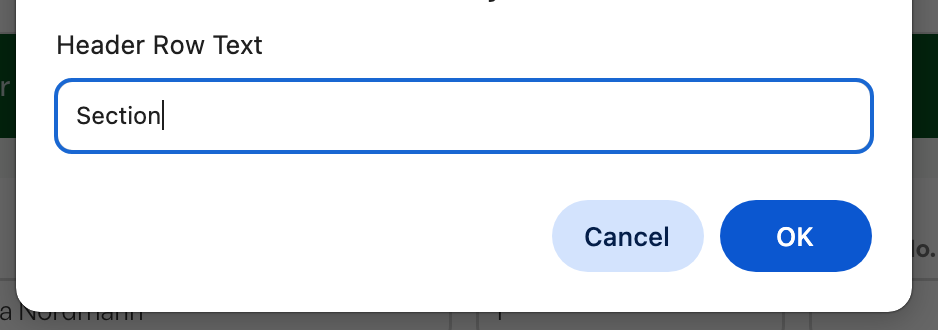
Sections are added by clicking 'Add section' below the order lines. After the section is created you can drag it to where you want it in the order lines.

Move sections
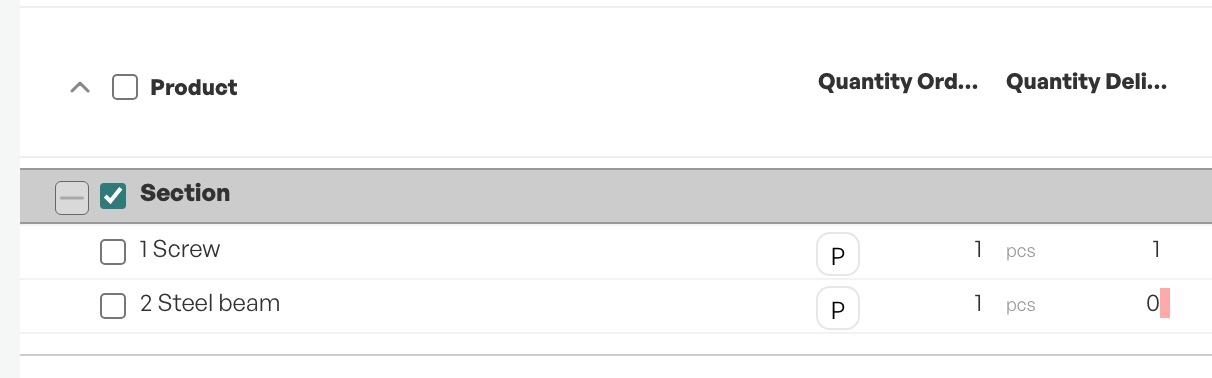
If you have multiple sections, you can move entire sections within the order lines for the desired organisation and order using drag and drop.
Rename section
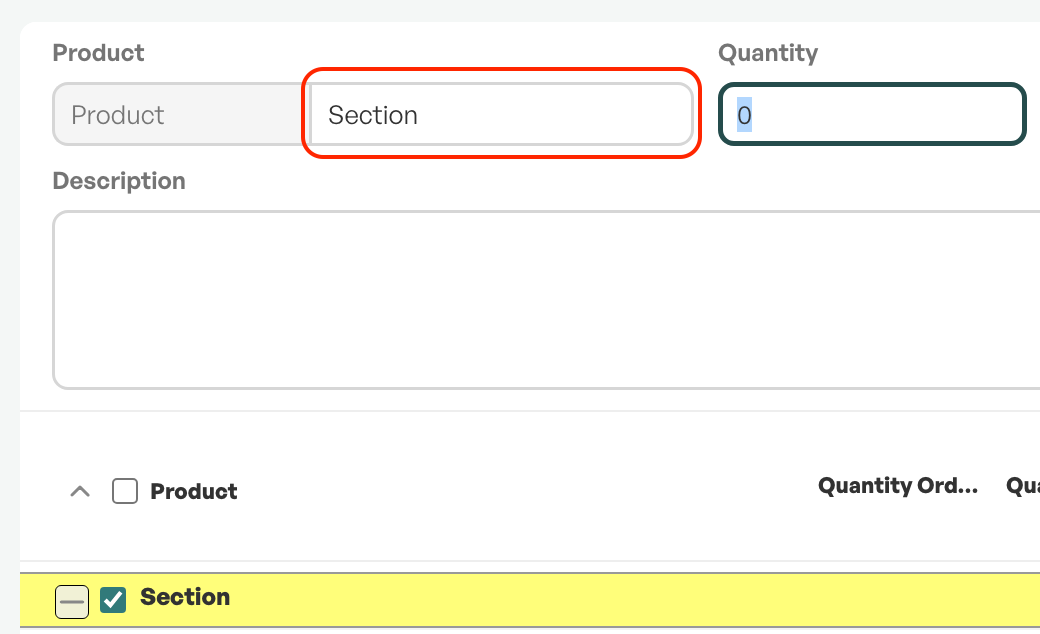
By clicking on the section you want to rename so that it becomes highlighted in yellow, you can change the name after it has been created.
Delete sections
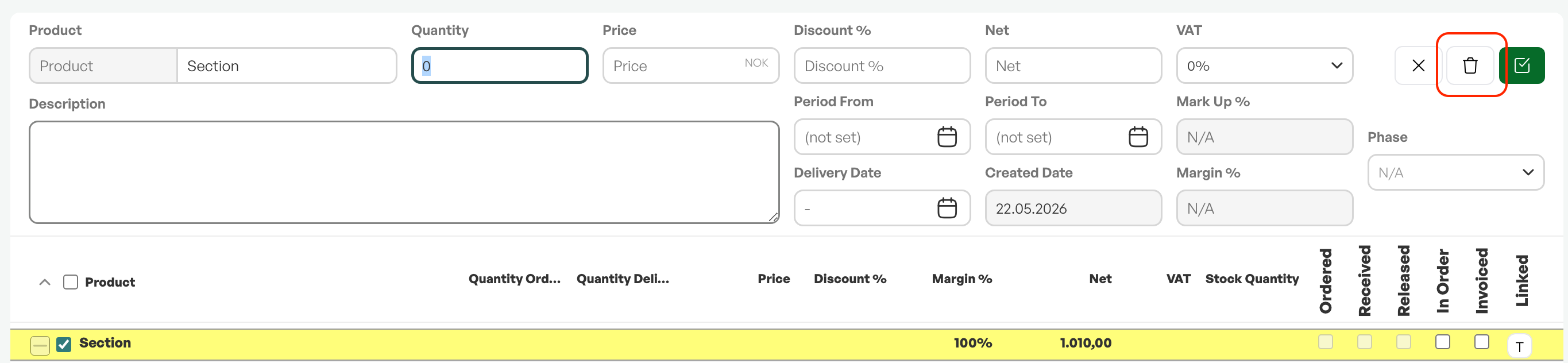
By clicking on the section you want to delete so that it becomes highlighted in yellow, you can delete it by pressing the delete button on the right in the product management area.
Was this article helpful?
That’s Great!
Thank you for your feedback
Sorry! We couldn't be helpful
Thank you for your feedback
Feedback sent
We appreciate your effort and will try to fix the article