Update product in order
Guide for how to update replaced or template product(s) in an order.
TABLE OF CONTENTS
Purpose
This guide shows how to perform an update of a product at order line level from replacement products and templates.
Replacement products
Telaris has the ability to link products together to mark one as replaced. This guide shows how to update order lines with information from the replacement product.
Template orders
If an order is set up from a template order, it is possible to re-fetch product information from the template in cases where the template has been updated after the order was created.
How to
Orders can be updated by two methods:
1. Directly from order
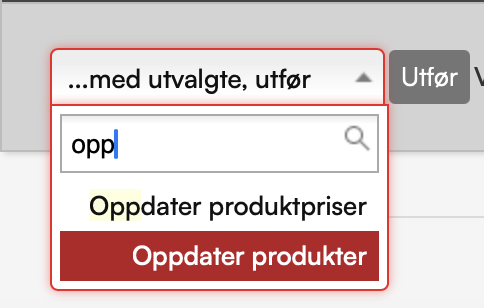
Select the line(s) in the order, then using 'with selected, do' — choose 'Update product'.
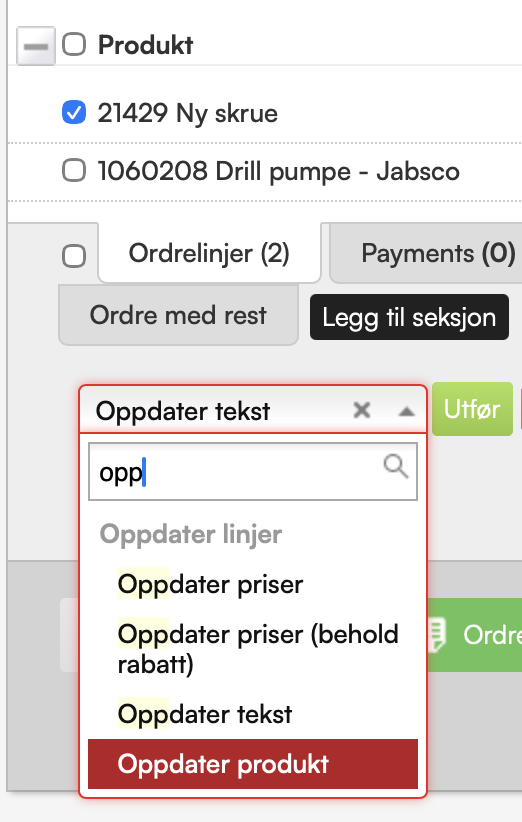
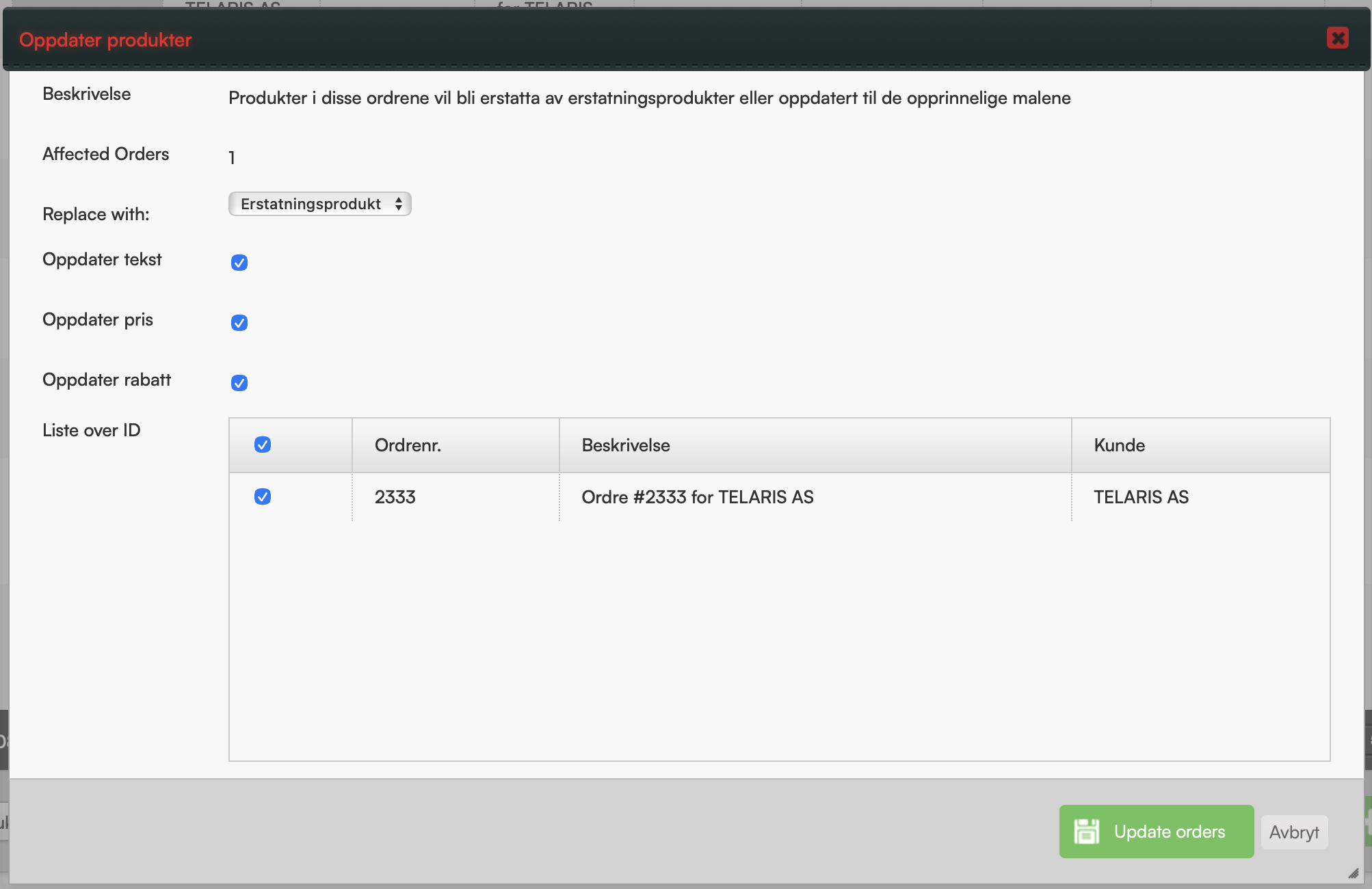
When choosing to update products from a replacement product, selected information from the replacement product is fetched to the order line.
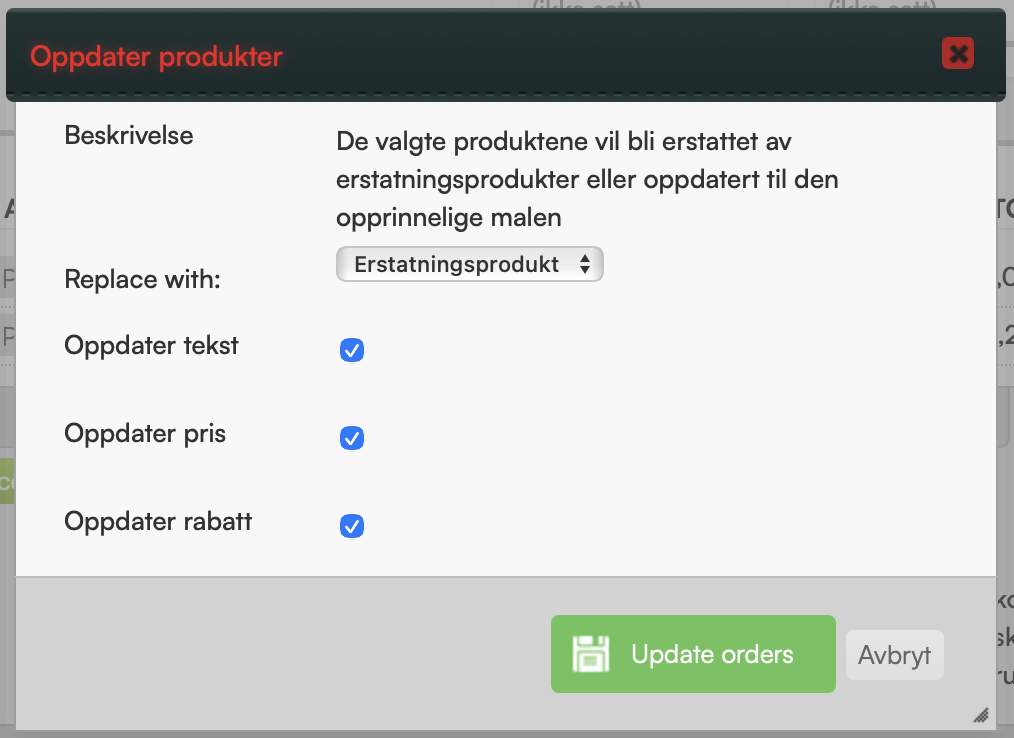
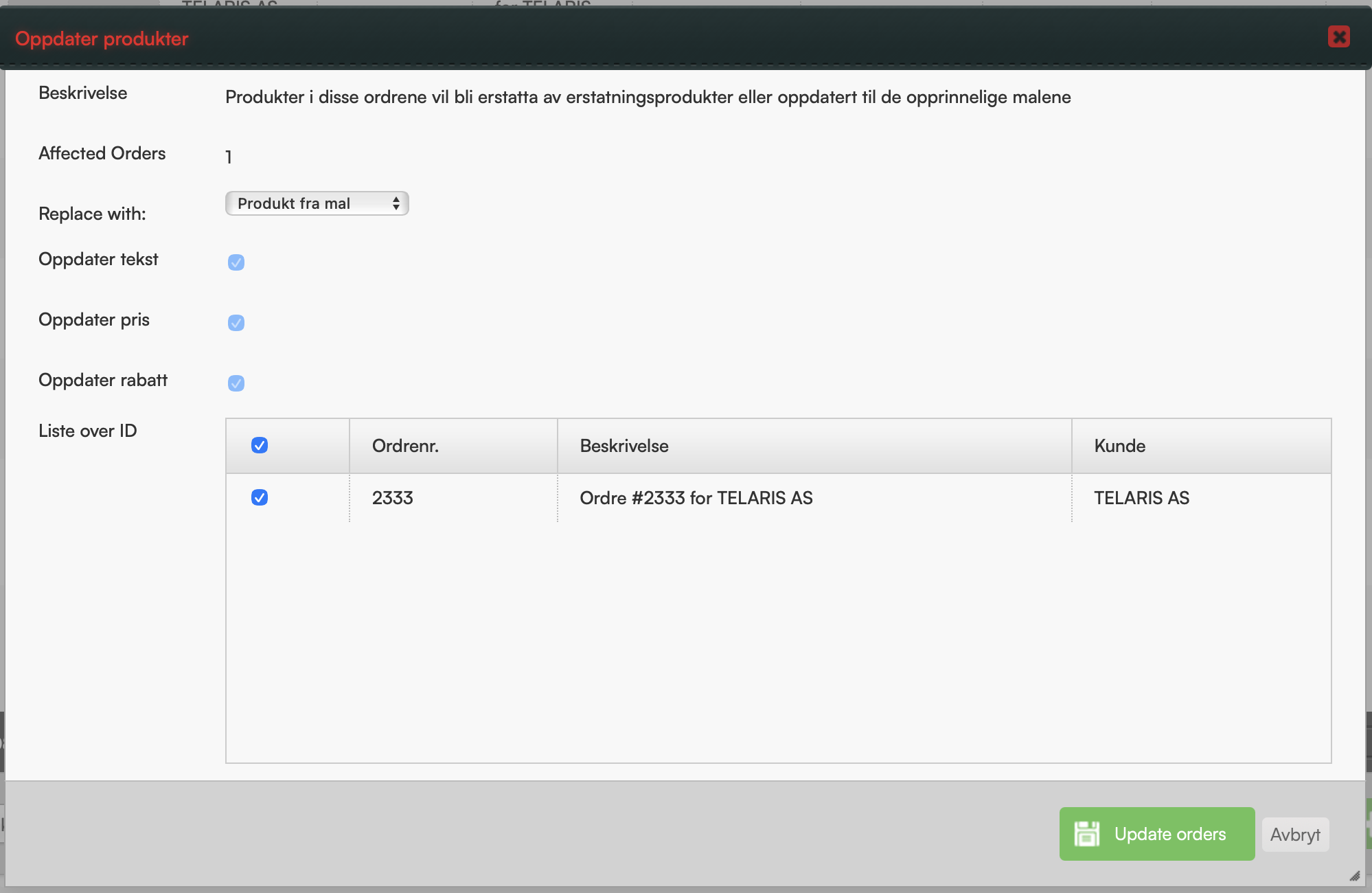
When choosing to fetch product from template, you cannot select which fields are updated — the update makes the order's products identical to the template (again).
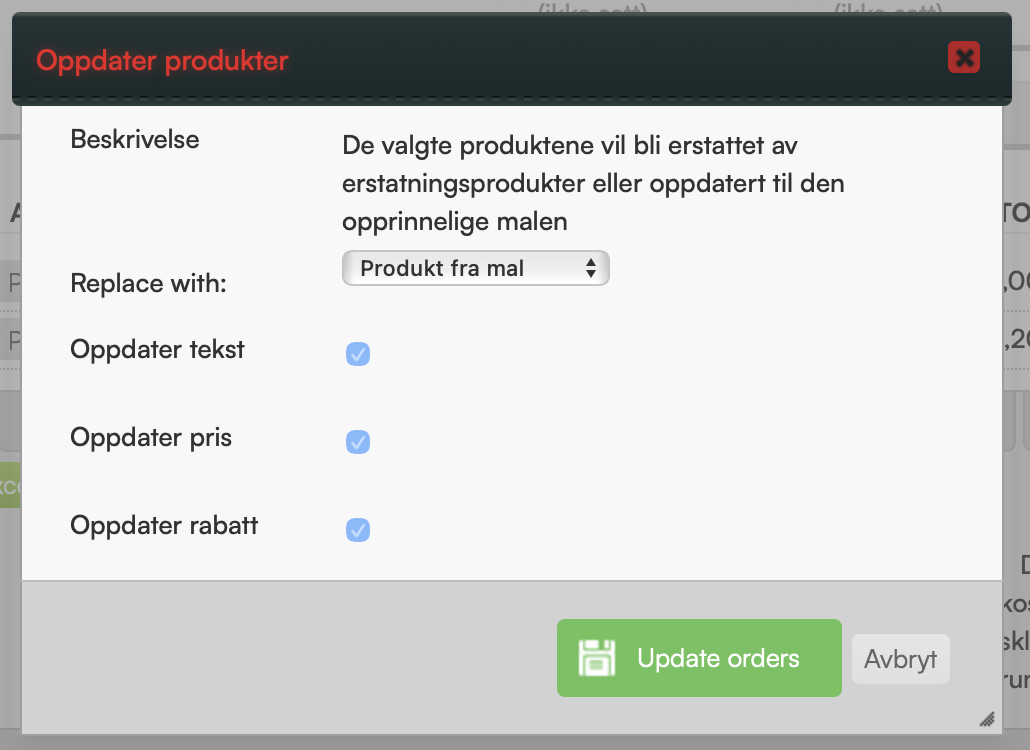
2. Mass update from order list
From the order list, it is possible to perform a mass update of products on orders. Mark the orders you wish to update, use 'with selected, do' and choose 'Update product'.
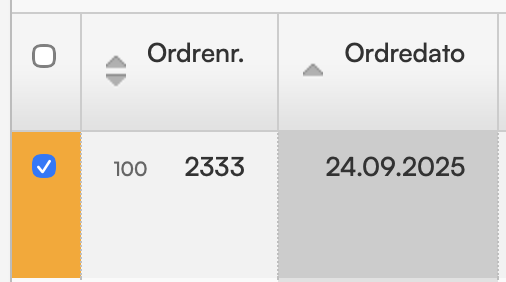
When choosing to update from replacement product, selected information is fetched to the order line.
When choosing to fetch from template, you cannot select which fields are updated.
To apply the change click 'Update orders'.
Remember to mark the orders you want to make changes to. The order search should be well defined before making changes.
Common troubleshooting
- The template you wish to update from no longer has order type "Template"
- Products do not have a replacement product
- The replacement product is not out of stock
NOTE: Changes made cannot be reversed in the same way as the change itself.

Was this article helpful?
That’s Great!
Thank you for your feedback
Sorry! We couldn't be helpful
Thank you for your feedback
Feedback sent
We appreciate your effort and will try to fix the article