Update a selection of orders with latest product price
Relevant for orders of the type "fixed recurring agreements" — e.g. service agreements, subscription agreements, etc.
Can also be relevant for quotes/orders that have been started and worked on over time, where you want to ensure the latest product price is used.
TABLE OF CONTENTS
- Update a selection of orders with latest product price
- Prerequisites for use
- Update prices
- After update
Prerequisites for use
The function requires that the logged-in user is of the type "Sysadmin" or that the function has been activated for the user. The function has a default limit of 10 orders that can be updated simultaneously, to prevent unintentional updates. It is possible to add a setting that increases the limit to the desired number of simultaneous orders. Contact Telaris support for help.
Update prices
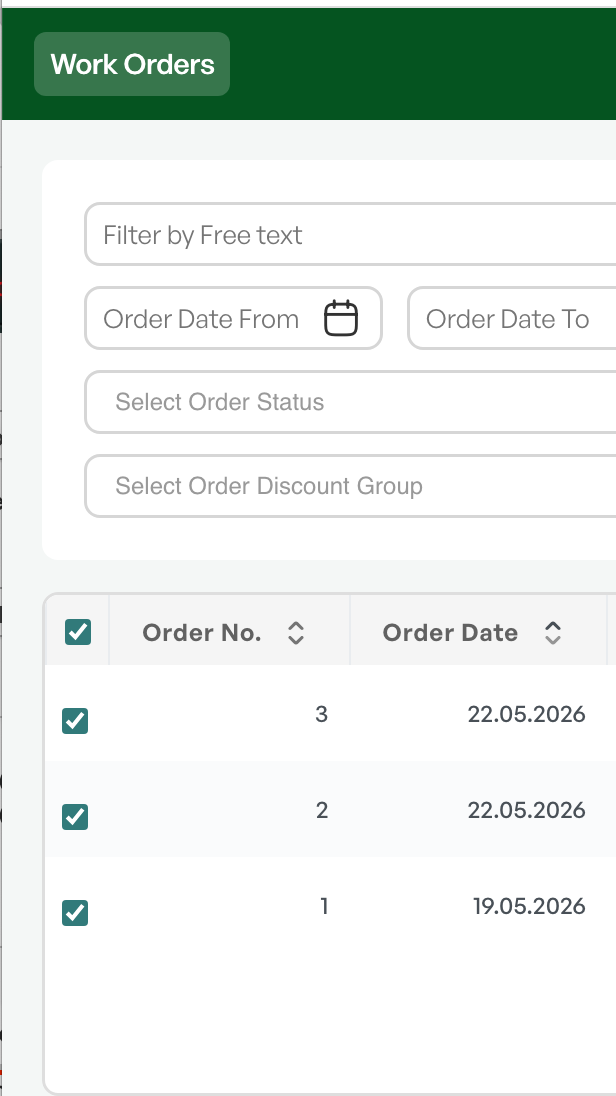
From the order list, define the desired selection of orders.
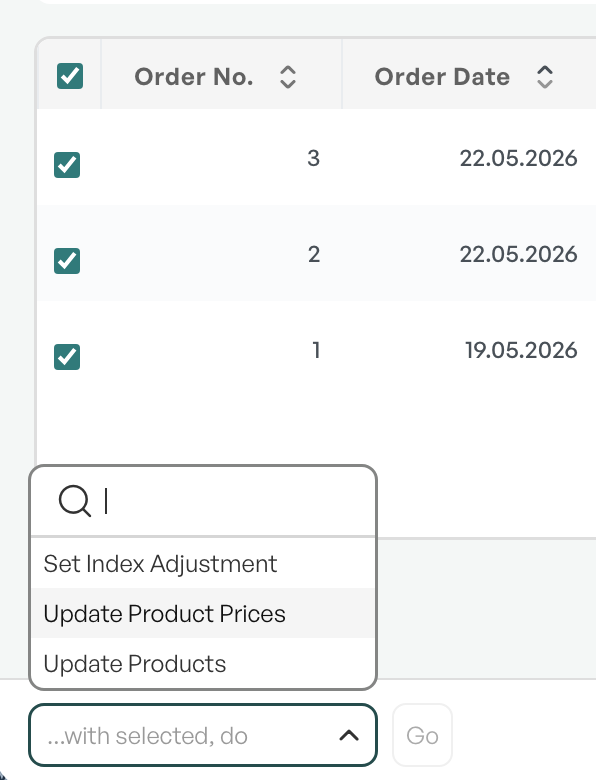
"With selected, perform": Update product prices.
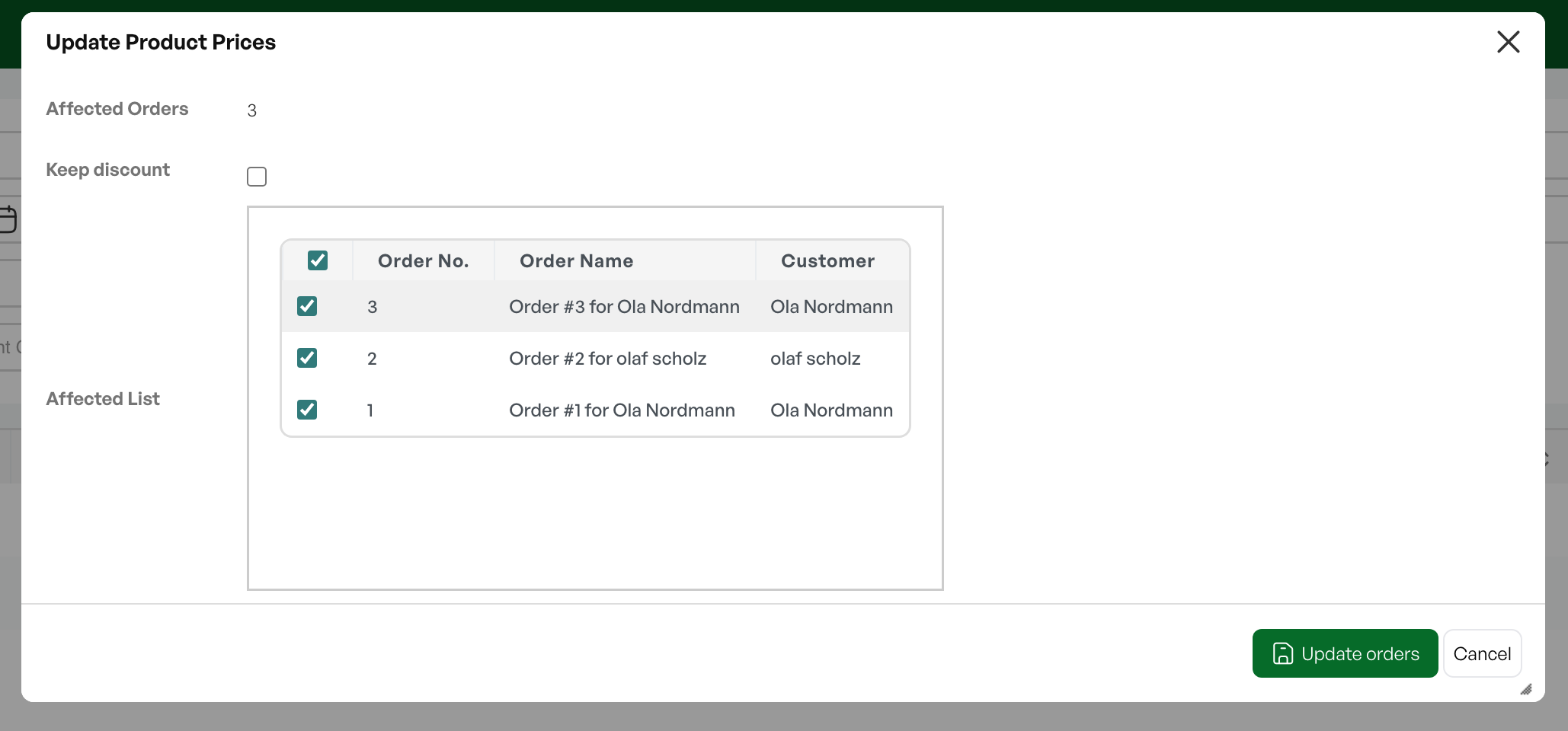
A dialog opens showing the number of orders selected.
If the number is lower than expected, the reason may be that the list contains orders where all order lines are invoiced.
Options:
'Keep discount' will retain the current discount on the order lines.
If not checked, order lines will have updated product price and updated discount. Discount is retrieved from the same rules as when order lines are added manually — typically discount matrix, discount set on the customer.
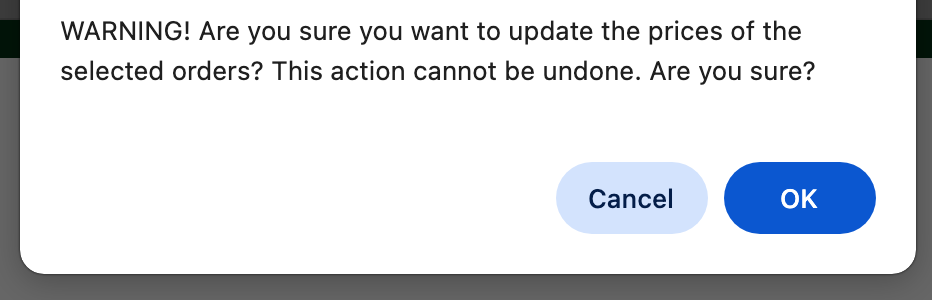
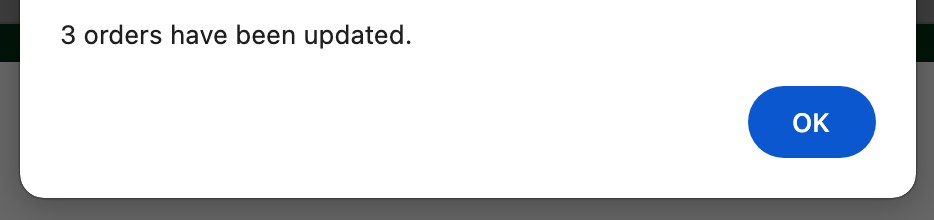
After clicking Update orders you will also receive a confirmation prompt asking if you are sure you want to update the prices.
After update
After updating, you can check the effect of price changes.
If your instance does not have such a report, contact Telaris Support.
Was this article helpful?
That’s Great!
Thank you for your feedback
Sorry! We couldn't be helpful
Thank you for your feedback
Feedback sent
We appreciate your effort and will try to fix the article