Percentage price adjustment on selected orders
Relevant for orders of the type "fixed recurring agreements" — e.g. service agreements, subscription agreements, etc.
Orders that have been worked on over a longer period where you want to adjust prices in the order by a percentage.
TABLE OF CONTENTS
Prerequisites for use
The function requires that the logged-in user is of the type "sysadmin".
Order lines that have been invoiced cannot be updated.
A limit has been set in the system that prevents updating more than 100 orders simultaneously, as a safety mechanism to prevent unintentional updates. It is possible to add a setting that increases the limit to the desired number of simultaneous orders.
Update prices
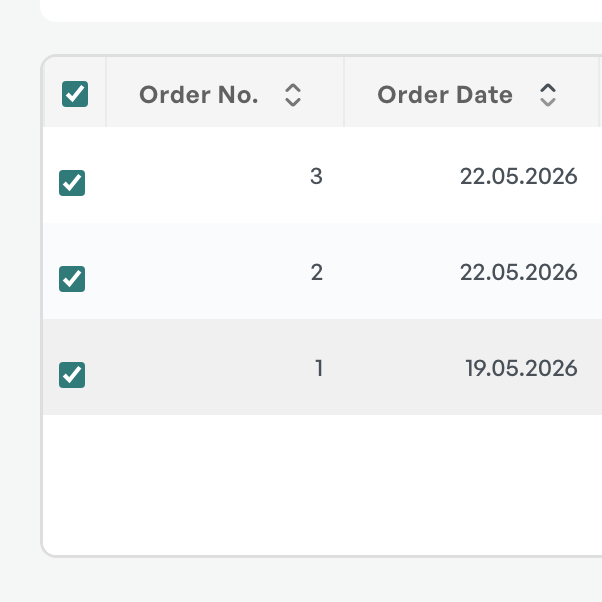
From the order list, define the desired selection of orders.
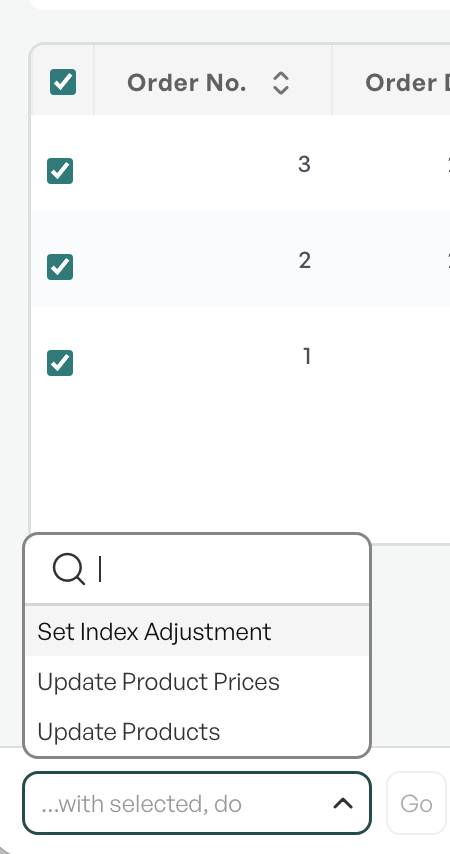
'With selected, perform' — Set Index Adjustment
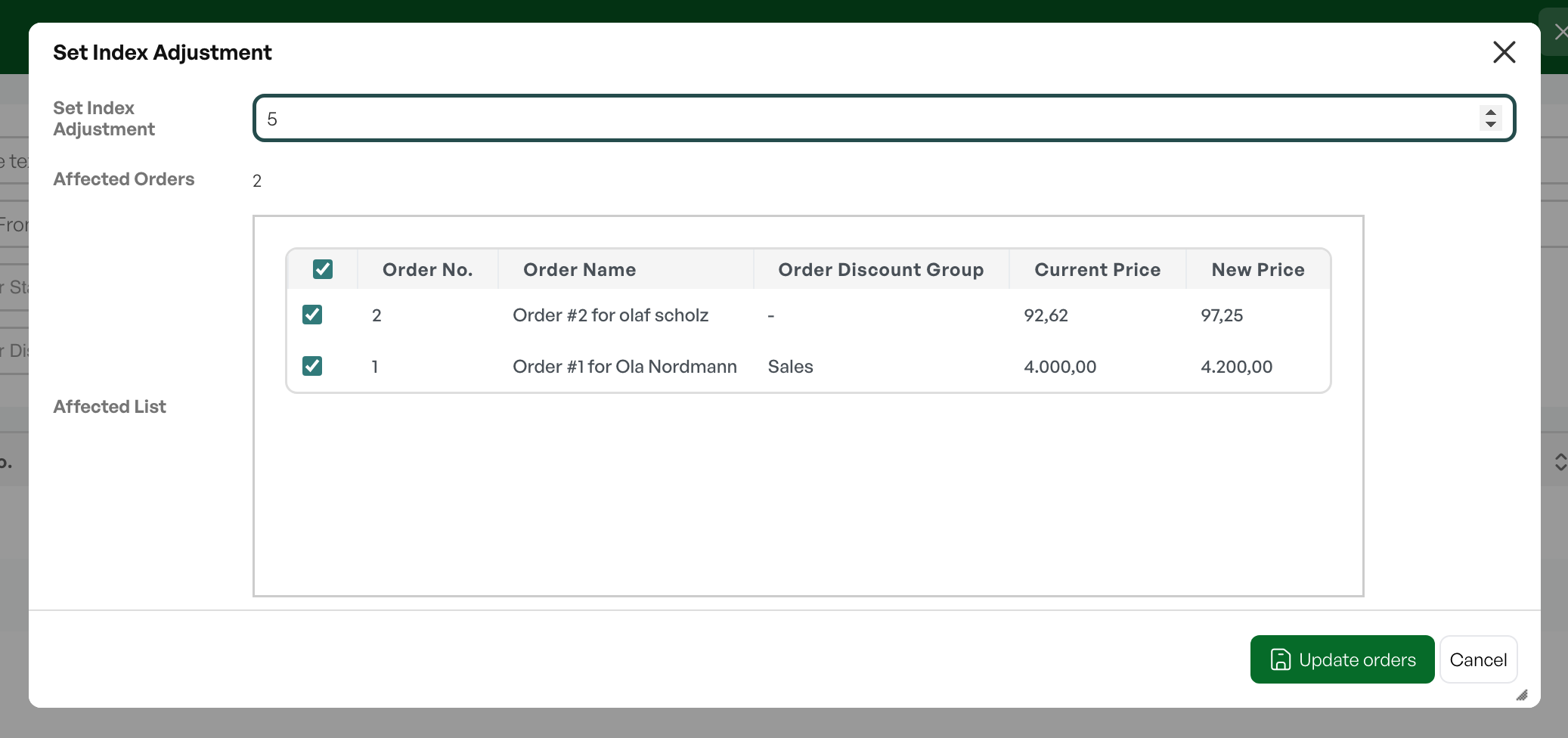
Select the desired percentage increase — the number of orders affected by the change will be shown in the dialog.
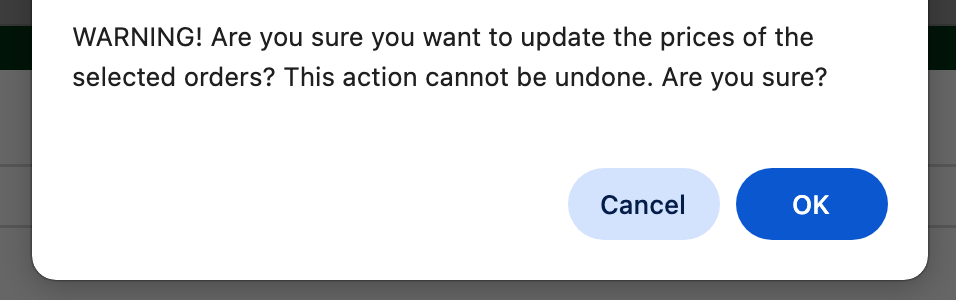
After clicking 'Update orders' a confirmation prompt will appear.
After update
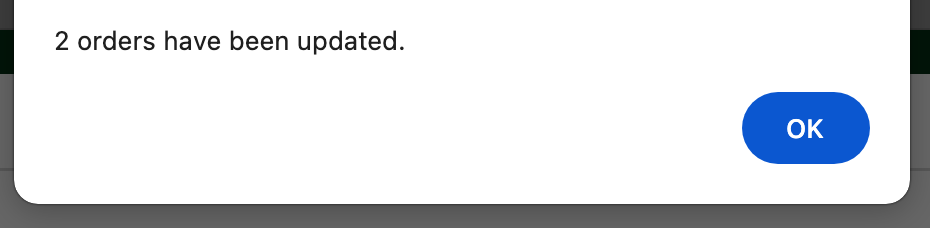
A dialog box will show the number of orders that have been updated by the price adjustment.
Price changes are stamped in the order's timeline.
Tip — to check and document the price changes, an order report can be taken BEFORE the update, and a new one AFTER the update, and by looking it up in Excel you can check the effect of the price changes.
If your instance does not have such a report, contact Telaris Support.

Was this article helpful?
That’s Great!
Thank you for your feedback
Sorry! We couldn't be helpful
Thank you for your feedback
Feedback sent
We appreciate your effort and will try to fix the article