Update price on template orders
Function for updating the order lines on template orders with new prices.
1. Update all template orders
To update prices on all template orders:
Go to "All orders" and filter by order type "Template".
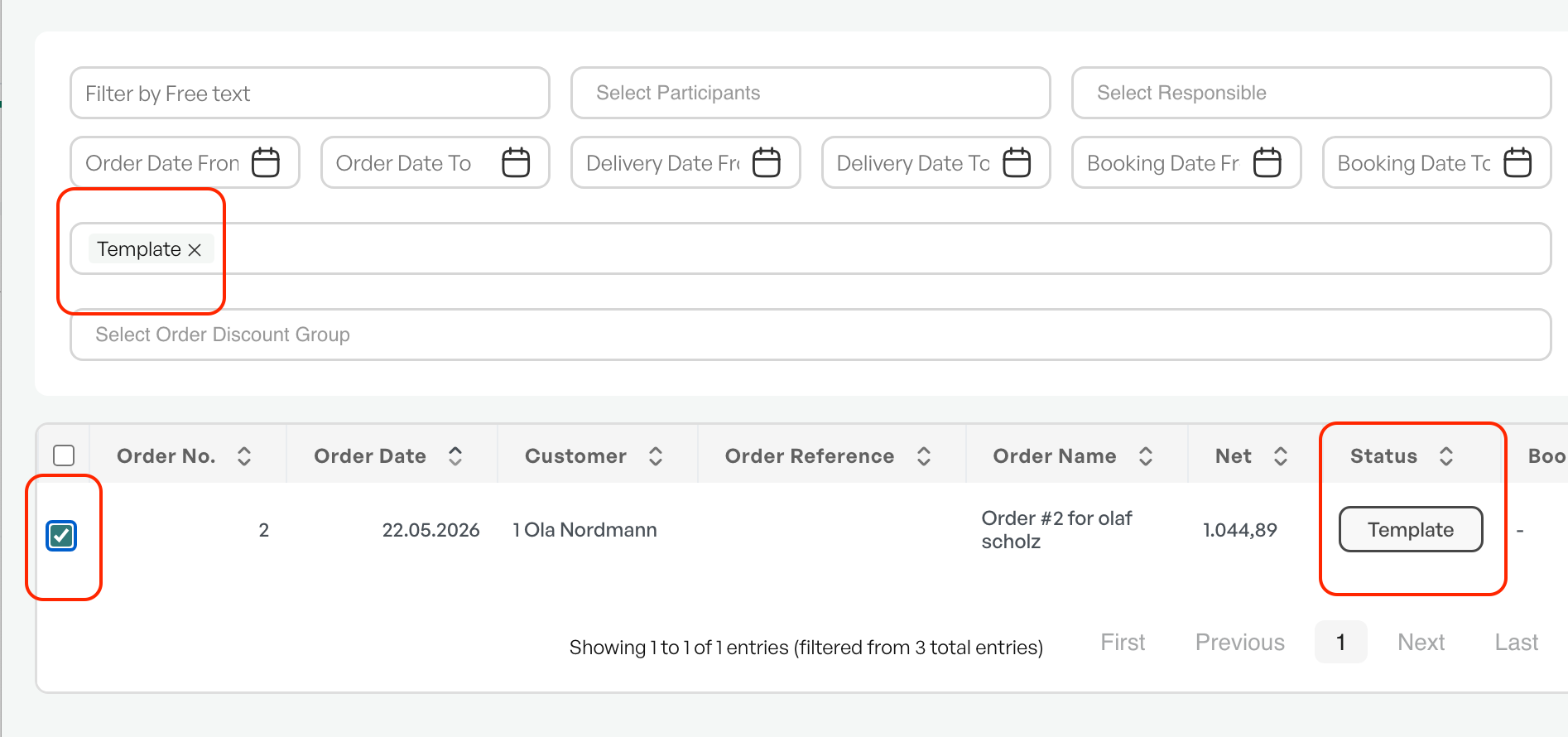
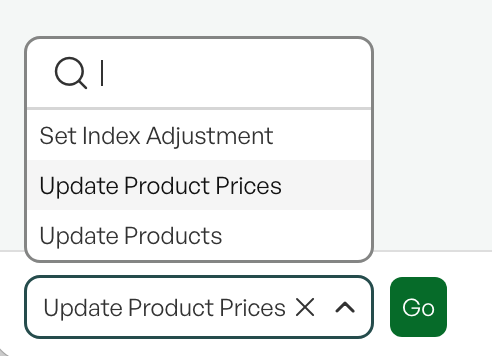
Select all orders in the list and go to the "With selected, perform" dropdown, click "Update product prices" and "Execute".
A dialog will appear showing the available orders. You also have the option to click "Keep discount" to retain any discounts on the template orders.
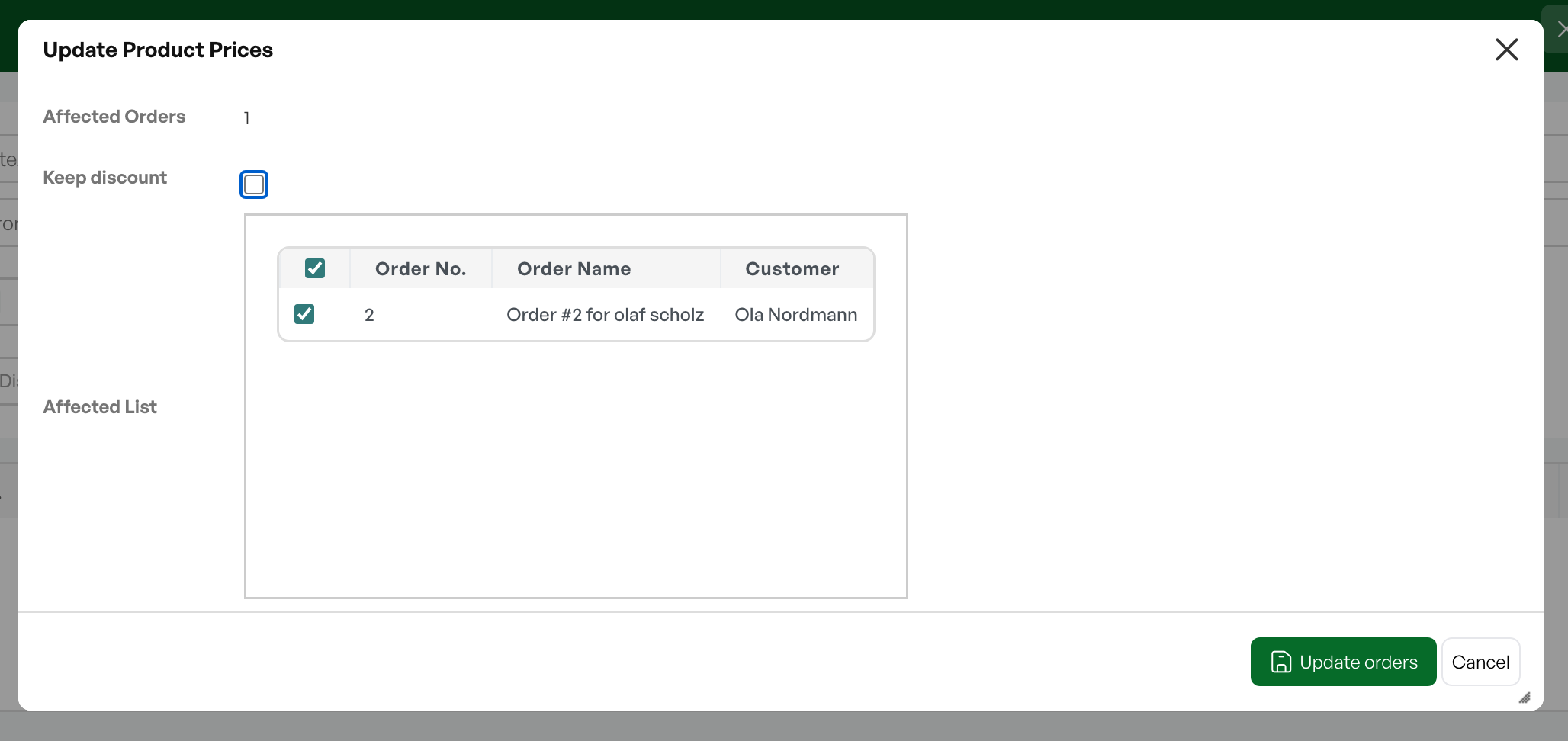
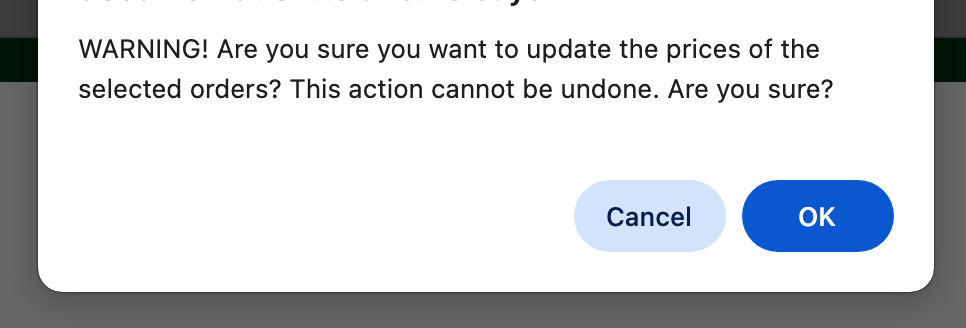
By clicking "Update orders" you will receive a warning that the update cannot be undone.
After the update, the number of affected orders is shown.
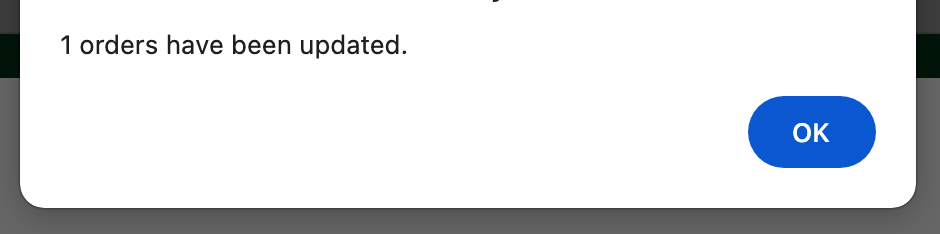
All template orders are then updated with the latest price from the product card.

Was this article helpful?
That’s Great!
Thank you for your feedback
Sorry! We couldn't be helpful
Thank you for your feedback
Feedback sent
We appreciate your effort and will try to fix the article