TABLE OF CONTENTS
How to create an order?
In Telaris, each order serves as a foundation, or a building block, for further processing, such as generating accurate quotes and invoices for customers. This ensures a streamlined and consistent process from order to payment.
Guide
Click "New order" from the side menu. Many instances of Telaris will also have shortcuts from dashboards.
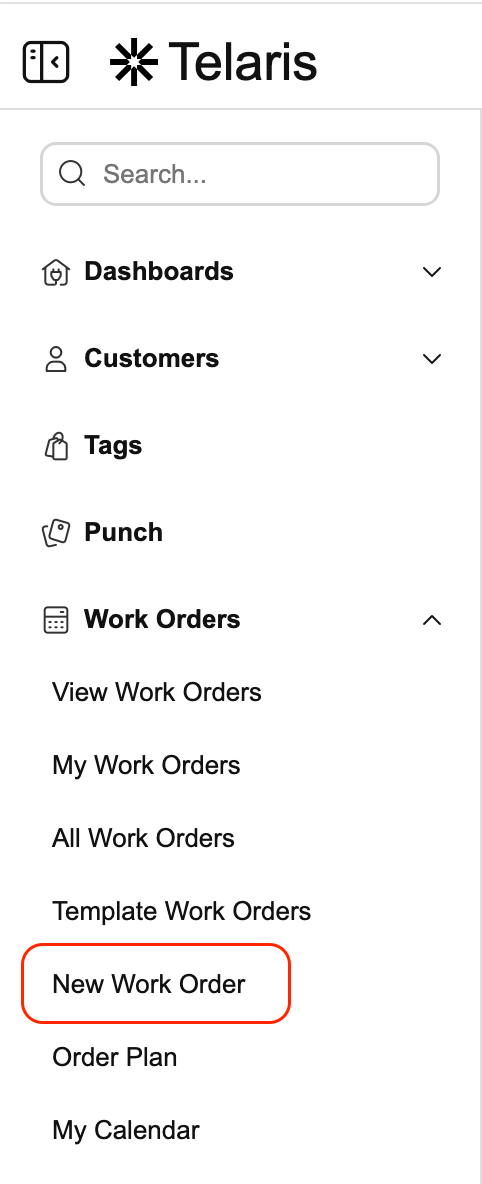
Note: In some cases there are multiple order types that can be created from a shortcut on the dashboard, depending on setup and customisations.Adding a customer
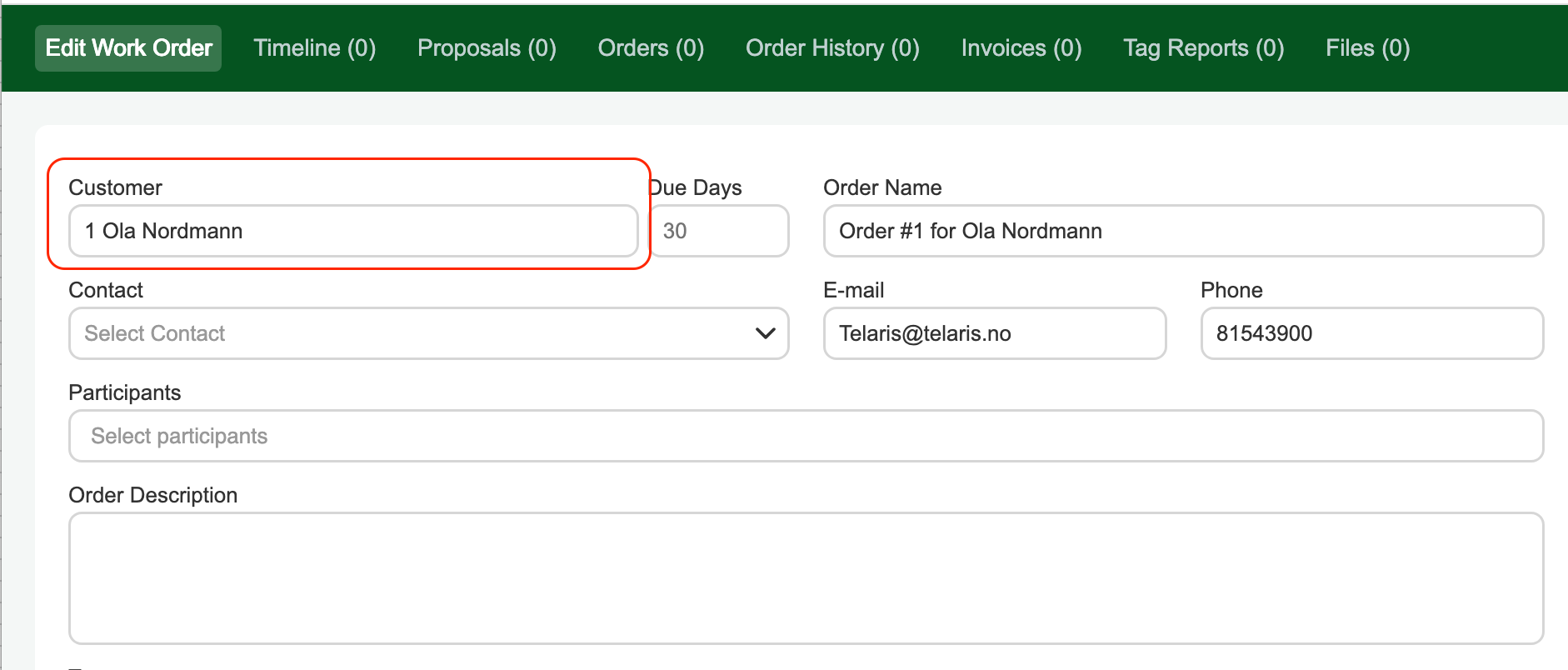
The customer field in the order module works as a lookup against the customer database.
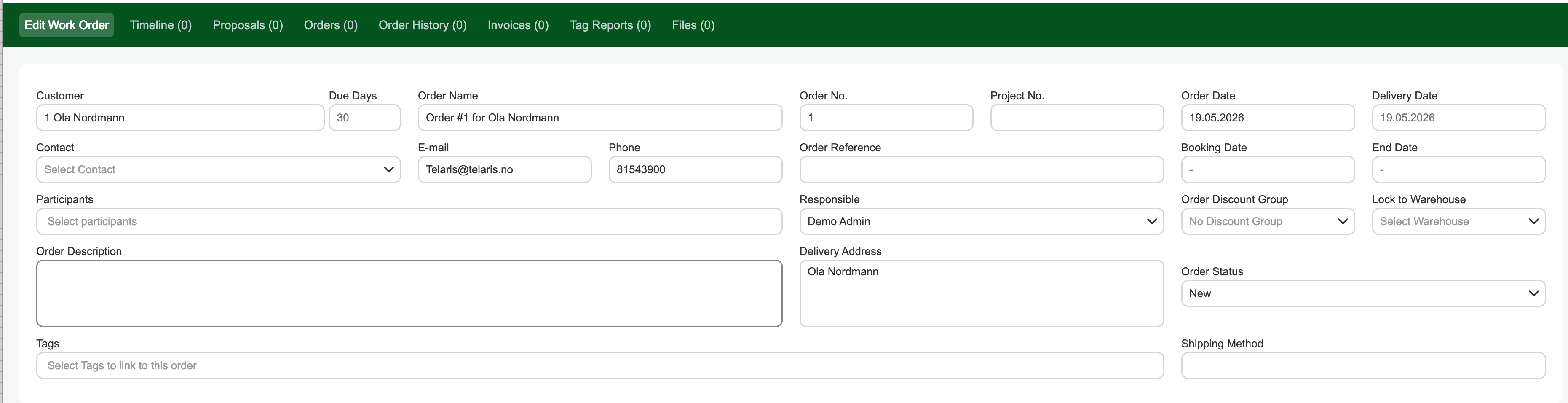
Select the desired customer by clicking on the customer's name, then press Enter to save (or click Save at the bottom of the screen). When you save, the order name/description, order number and order date fields are created and filled in automatically. The order name/description can be changed afterwards. Customer information is retrieved from the customer card and these fields are also filled in automatically, as long as all the information is correctly filled in on the customer card.
The Contact person and Responsible fields are automatically set to the person who created the order. These can be changed afterwards.
Guide: How to add products to an order?
Was this article helpful?
That’s Great!
Thank you for your feedback
Sorry! We couldn't be helpful
Thank you for your feedback
Feedback sent
We appreciate your effort and will try to fix the article