What is a dashboard?
The home screen upon logging in to Telaris is called a dashboard. It is an overview screen and a shortcut to, for example, work tasks, the order module, and the product module, etc. Dashboards can differ based on the user's role in the company and the user's access level.
TABLE OF CONTENTS
- What is a dashboard?
- Example dashboard
- Example mechanical/service dashboard
- Home and hamburger menu
- Search from dashboard
Example dashboard
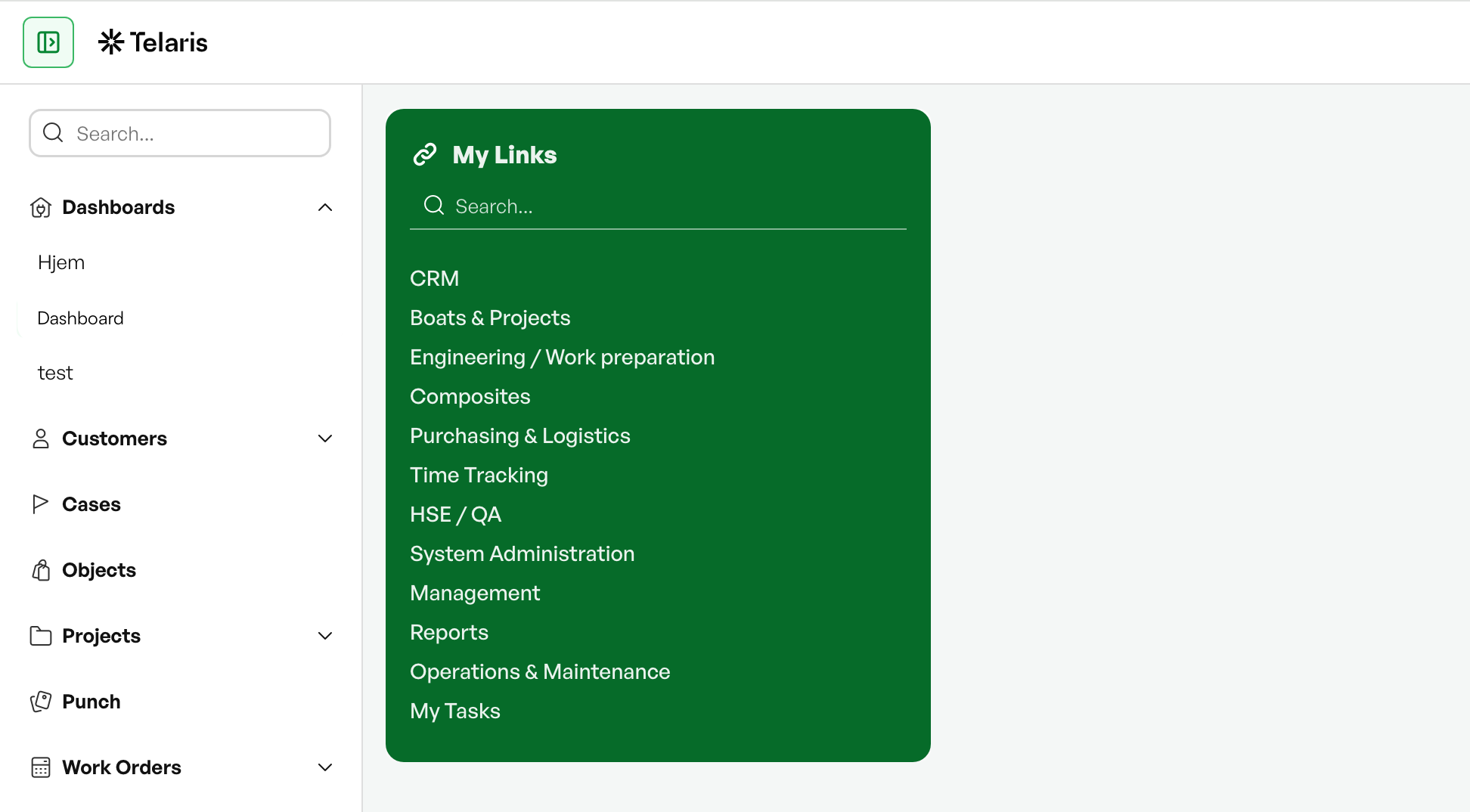
Example mechanical/service dashboard

Home and hamburger menu
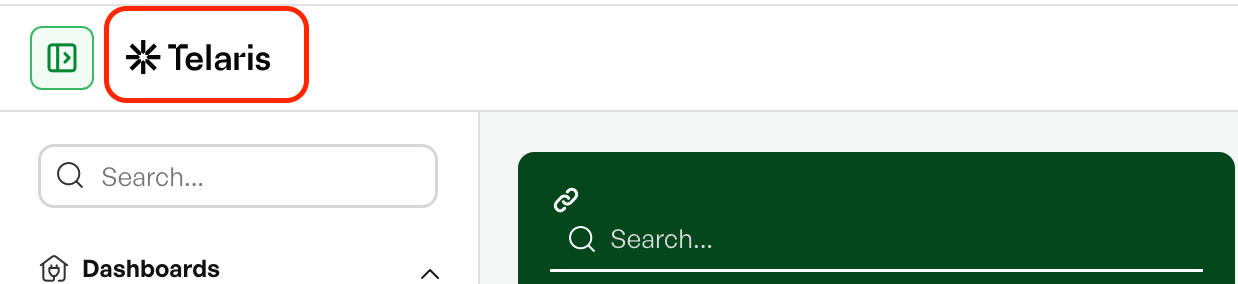
The logo in the top left corner functions as a home button to the default dashboard. The hamburger menu (side menu) is also found here.
Both the home button and the hamburger menu are available everywhere in Telaris.
Search from dashboard
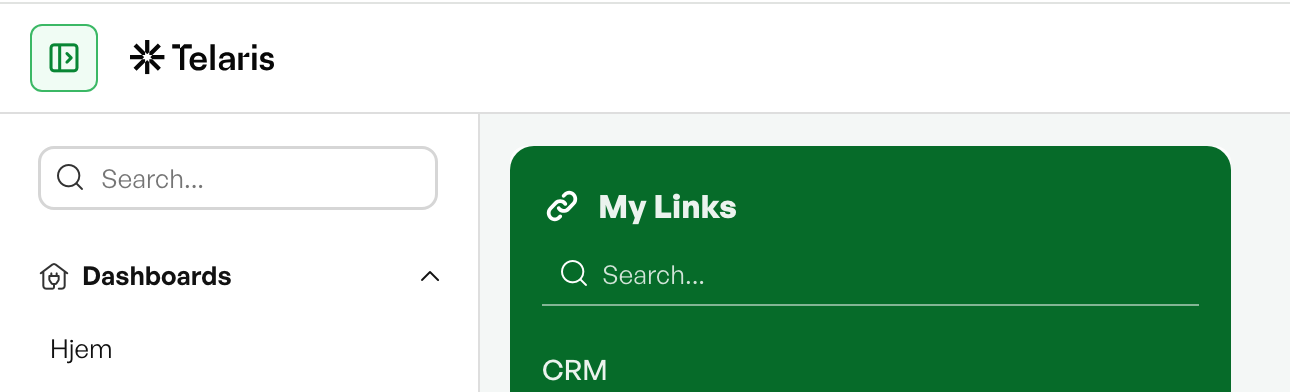
Many dashboards include the ability to search directly in tables. To use the search function, type the desired search term and press "Enter".
Was this article helpful?
That’s Great!
Thank you for your feedback
Sorry! We couldn't be helpful
Thank you for your feedback
Feedback sent
We appreciate your effort and will try to fix the article