Overview and what the module does
Get an overview of how Telaris connects to Tripletex as an accounting system – and which modules build further on the integration.
TABLE OF CONTENTS
- Tripletex integration - overview and what the module does
- Introduction to the integration
- Overview of the integration
Introduction to the integration
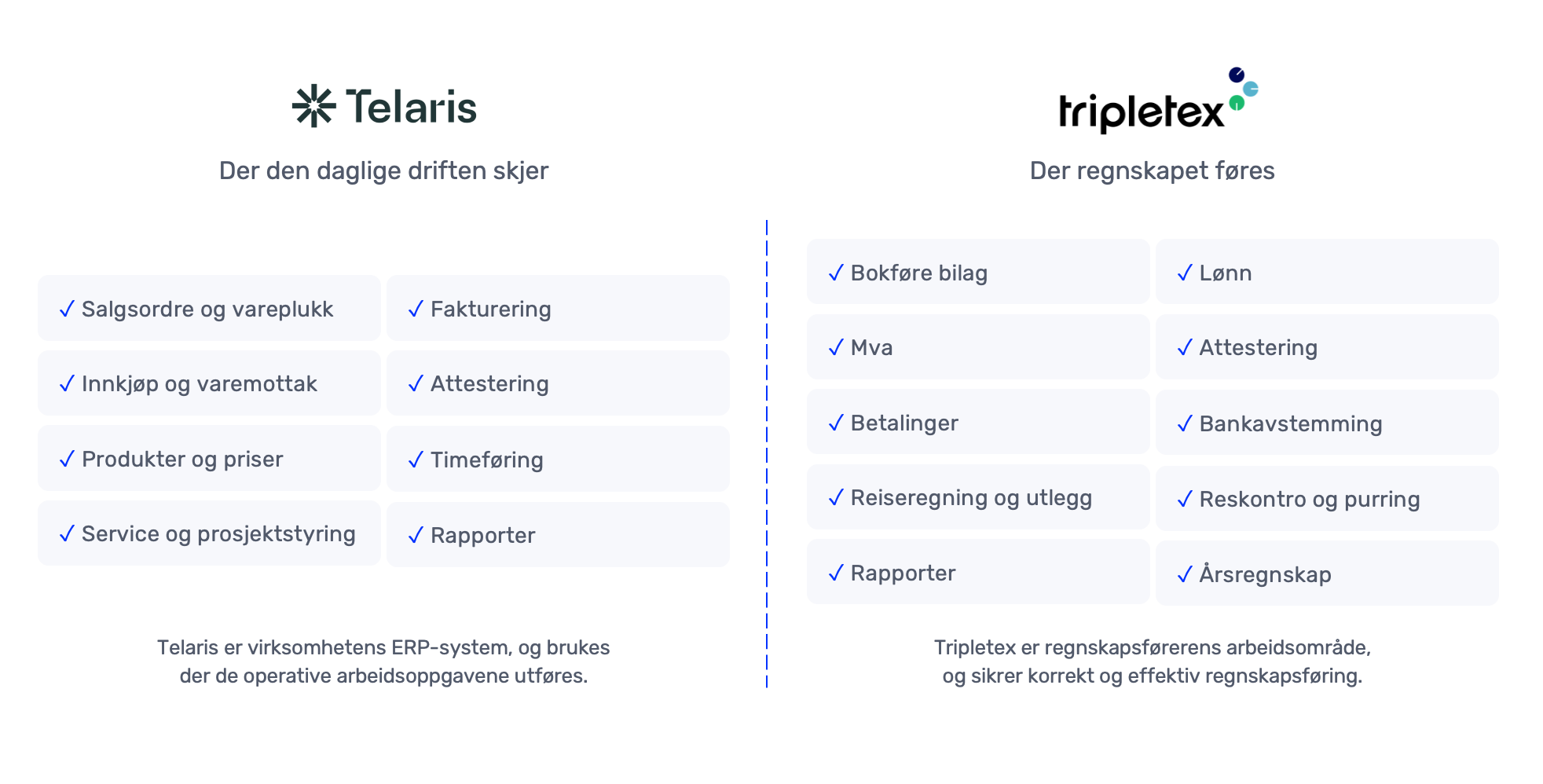
The Tripletex integration connects Telaris to Tripletex and is used to set up Tripletex as the accounting system for Telaris.
The integration synchronises master data such as customers, suppliers, employees, departments and products, and ensures that data is consistent between the systems.
Tip: This integration is always the first step – all Tripletex functions build on this.
Overview of the integration
The integration serves as the foundation for all communication between Telaris and Tripletex.
What the integration does
The integration handles synchronisation of master data between the systems:
- Customers and suppliers (two-way)
- Employees (from Telaris to Tripletex)
- Departments
- Products (as needed)
It also handles authentication, webhooks and linking between objects in the systems.
The accounting module as the core
The Tripletex integration is always used together with the Tripletex – Accounting module.
This module handles the export of invoices and vouchers from Telaris to Tripletex, and is the main purpose of the integration.
Without the accounting module, the integration will have no practical value in daily use.
NOTE: The Tripletex integration is not set up without the accounting module – it is a prerequisite.
Add-on modules
In addition to accounting, there are several modules that build further on the integration:
- Tripletex – Supplier Invoice Approval
- Tripletex – Project Synchronisation
These are activated as needed and use data from the base integration.
Setup in practice
A typical setup looks like this:
- The integration is set up with API keys
- Initial connection is run
- Master data is synchronised automatically
- Invoices are exported to Tripletex via the accounting module
Add-on modules are connected as needed. Note that other modules must be reviewed with Telaris before activation.

Was this article helpful?
That’s Great!
Thank you for your feedback
Sorry! We couldn't be helpful
Thank you for your feedback
Feedback sent
We appreciate your effort and will try to fix the article