Order overview
The order overview displays all orders based on the selected filter, including open orders, orders in progress, and invoiced orders, among others. The purpose of the order overview is to provide an efficient overview of all orders created in Telaris.
TABLE OF CONTENTS
Shortcuts and order statuses
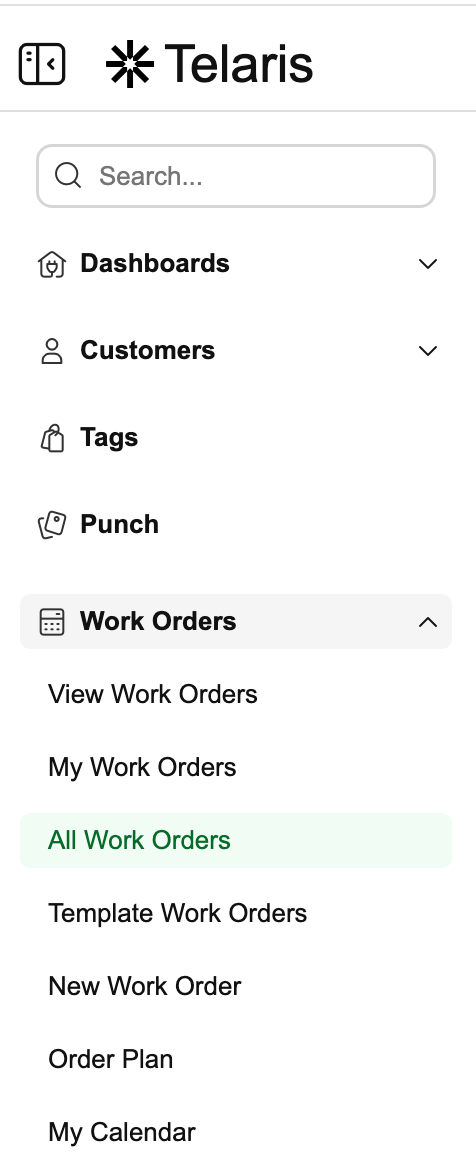
Located in the side menu under "Orders", you will find the fixed path to the order overview. Here you can view all open, your own, and all orders.
Dashboards typically also have shortcuts to the order overview with different filters activated, so you can quickly find the view you are working with.
Open orders
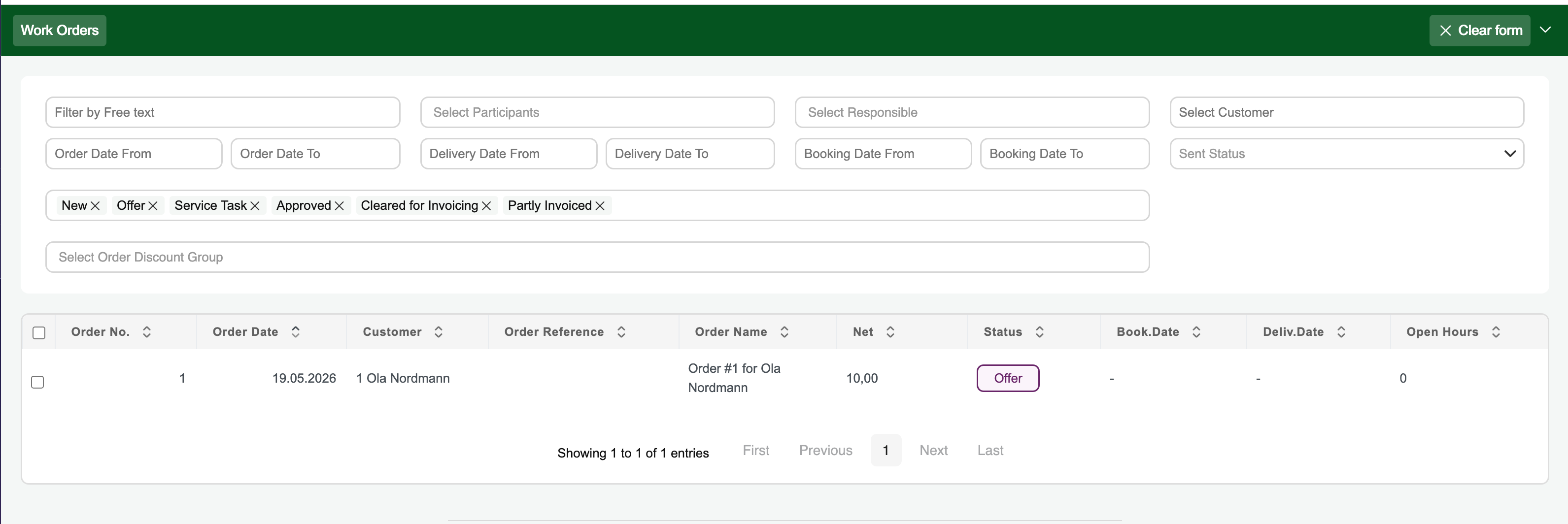
An open order means an order with an order status that has not been invoiced or closed. An order overview of open orders will look like the image below.
Guide: View, create, and change order statuses
All orders
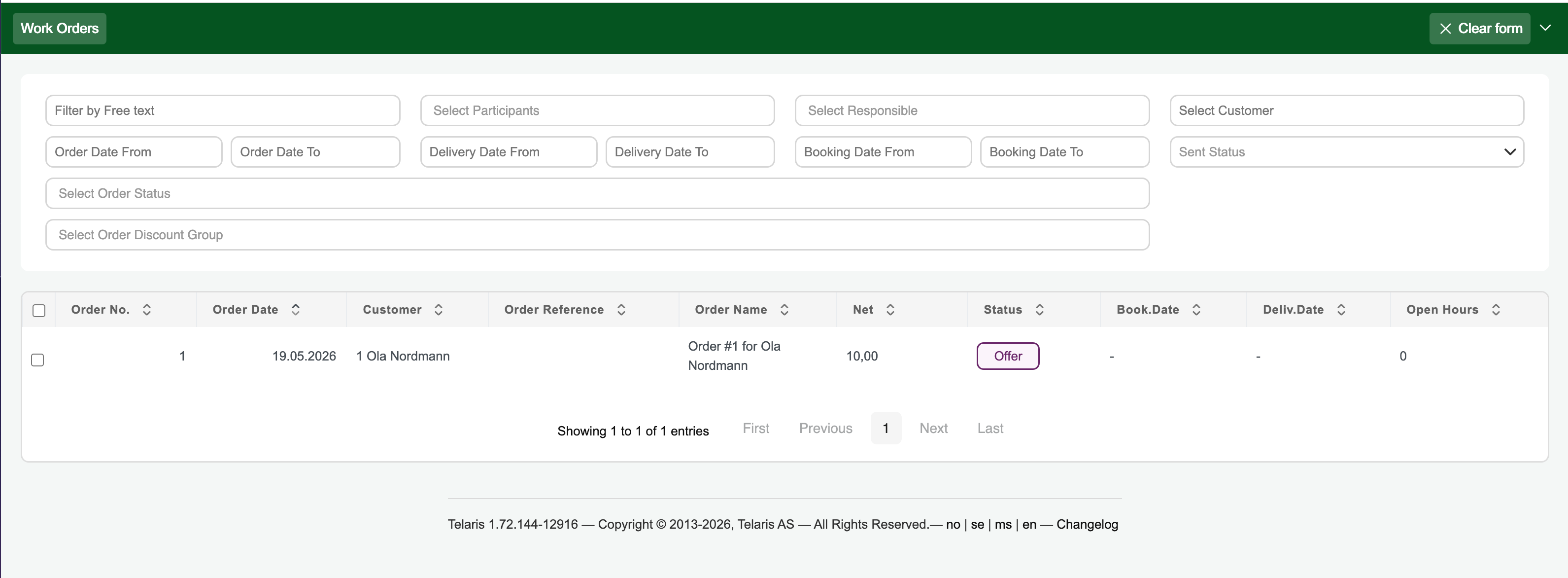
"All orders" will show all orders regardless of status, listed by order number in descending chronological order, with no filter applied in the order overview.
Filtering
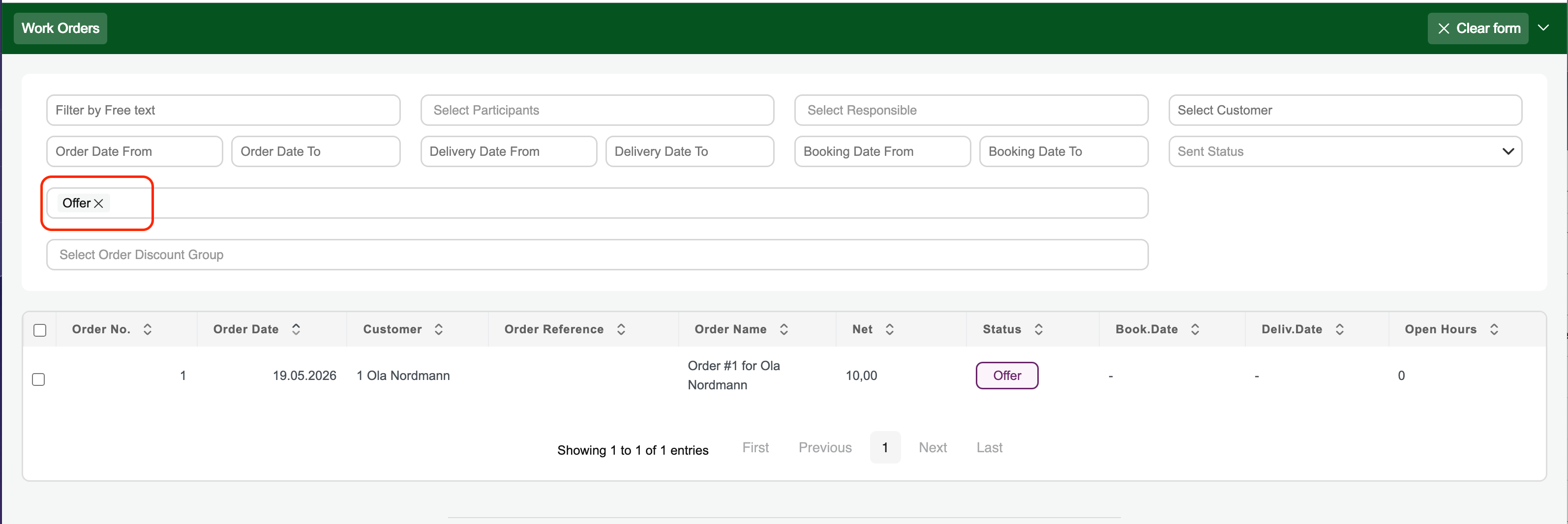
From the order list you can select many different filters to search for orders, in combination with each other.

Was this article helpful?
That’s Great!
Thank you for your feedback
Sorry! We couldn't be helpful
Thank you for your feedback
Feedback sent
We appreciate your effort and will try to fix the article