Options in mobile order review
An overview of the simplified options you can perform on an order from mobile order review.
INNHOLDSFORTEGNELSE
Options button
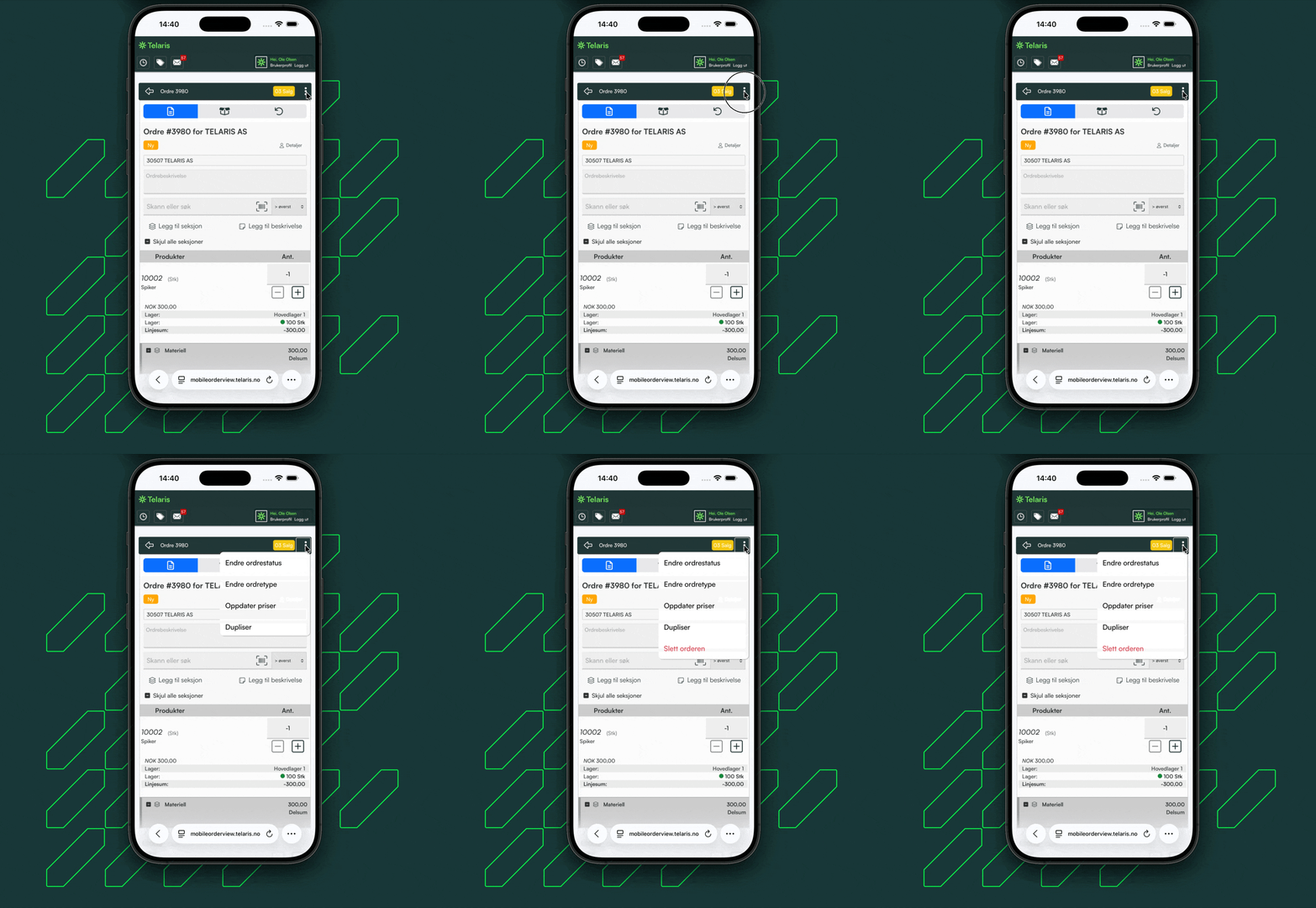
In mobile order review there is a button with simplified options that can be performed on an order
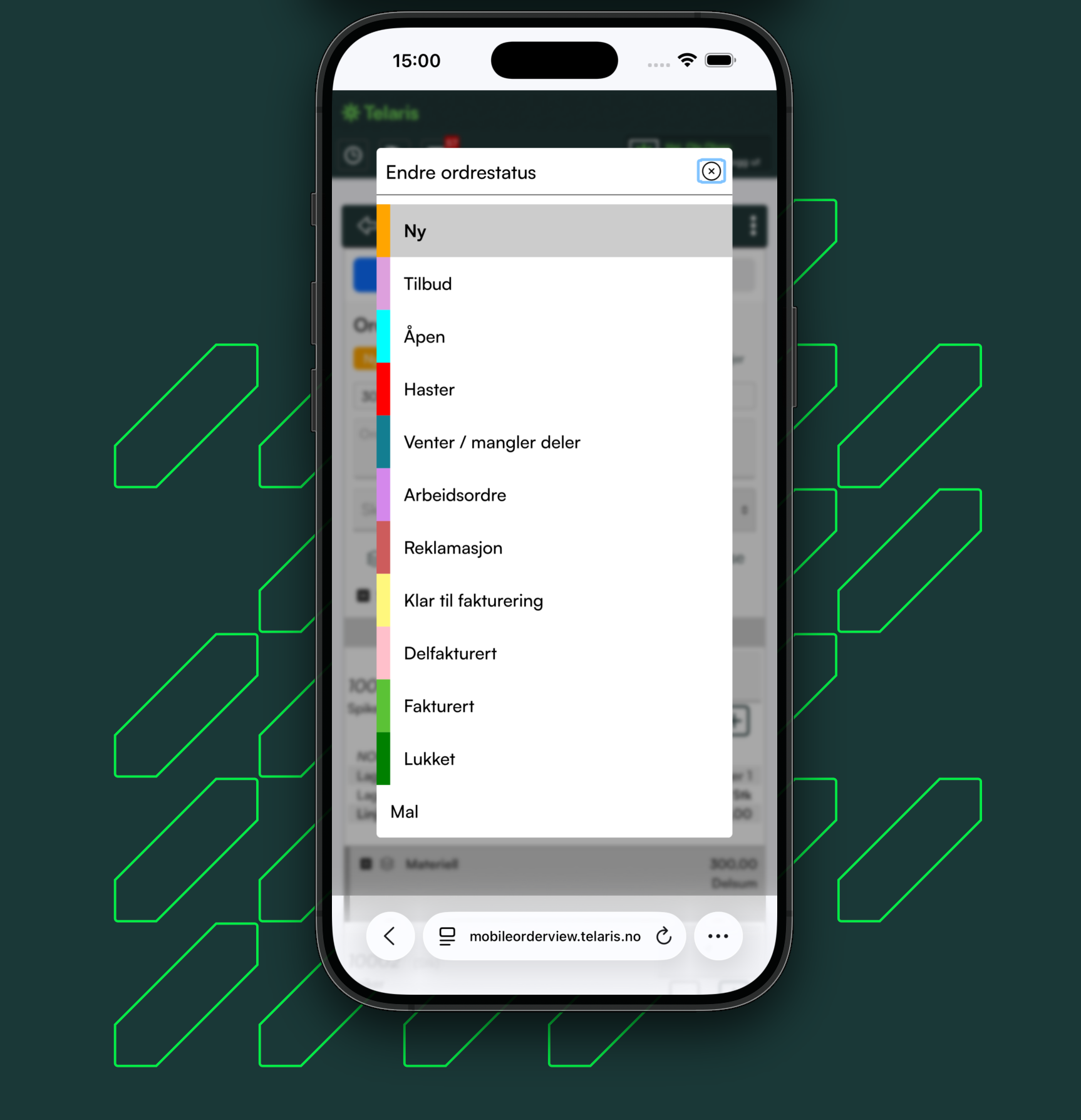
Change order status
You can choose order status from all active order statuses in Telaris
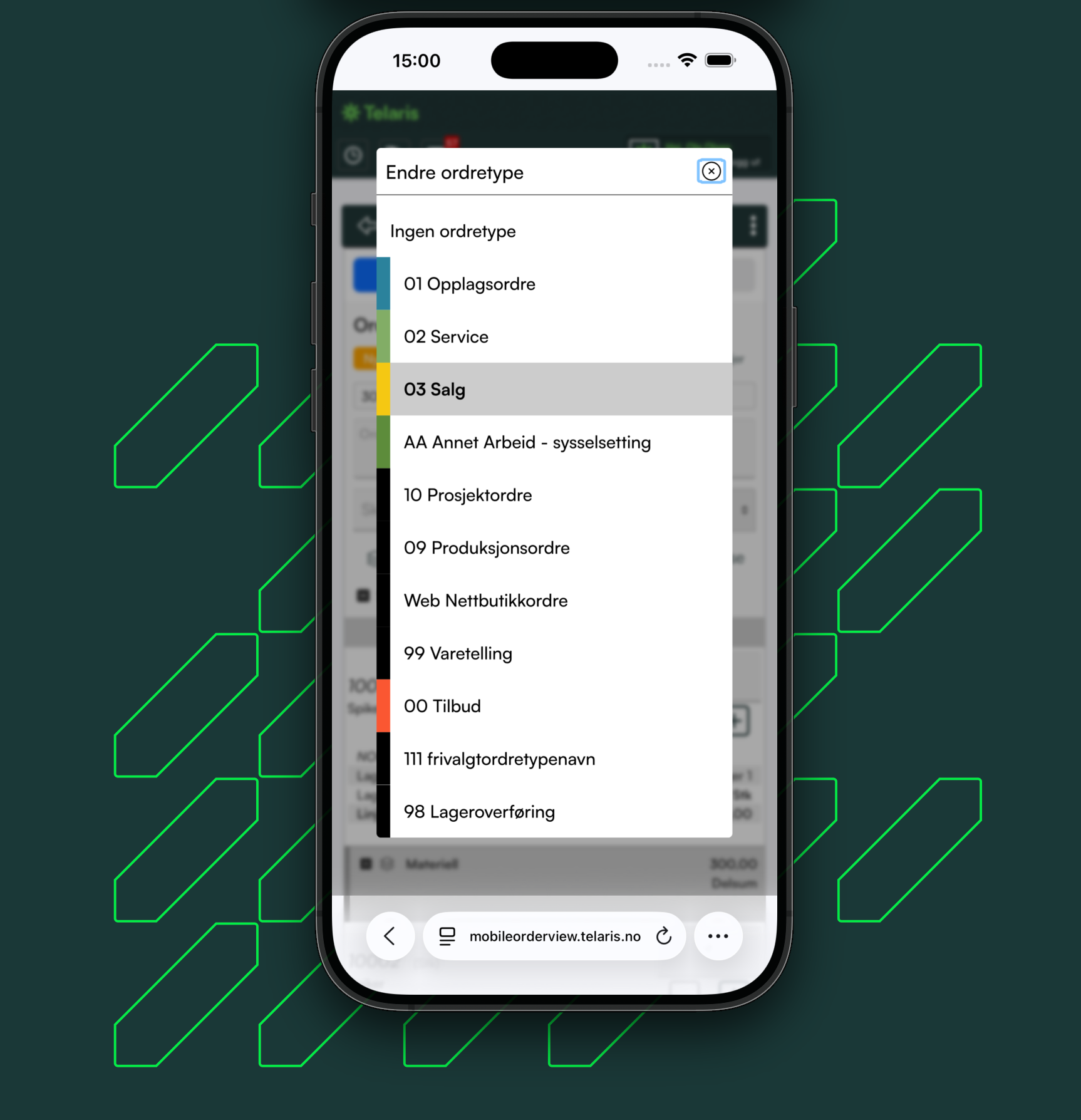
Change order type
You can choose order type from all active order types in Telaris
Update prices
Updates the prices on the order. Retrieves the price of the products from the product card regardless of discounts and customers' prices.
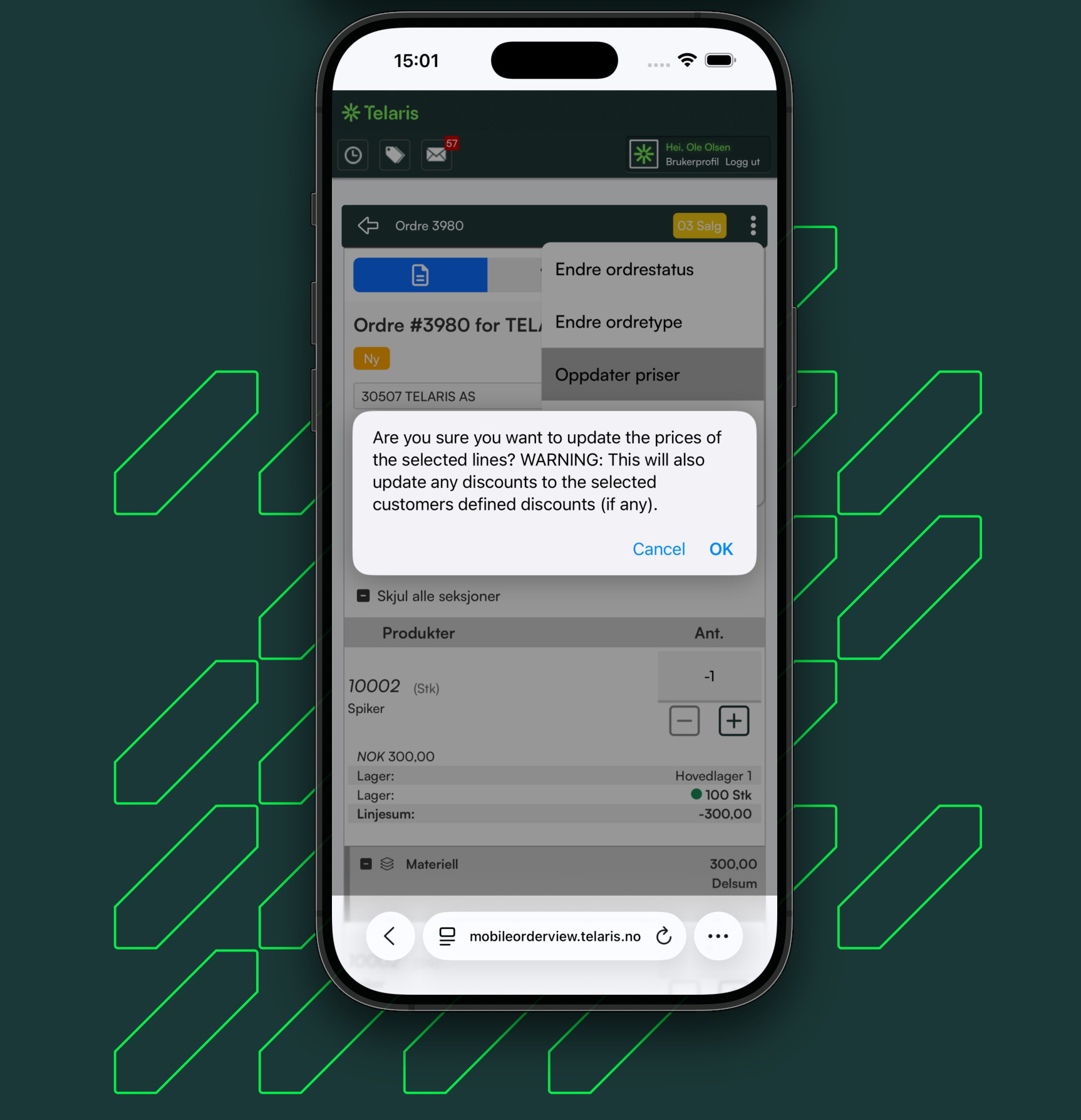
NB: You should exercise caution when using 'Update price' if you are unsure of the result
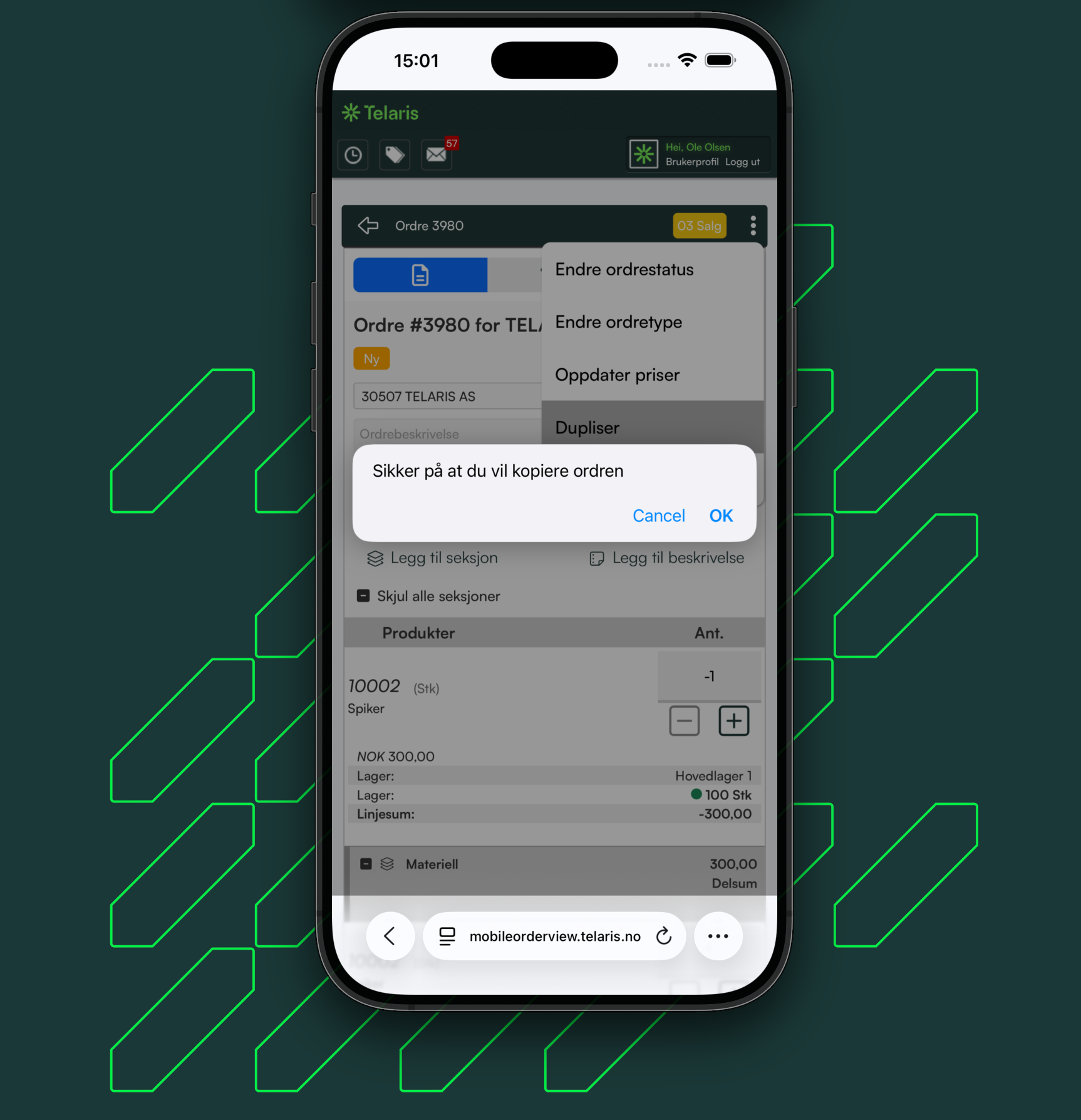
Duplicate
Duplicates the order to a new order. The duplication carries absolutely all information from the original order over to the new order. This also includes invoice address, delivery address and any discounts on order lines
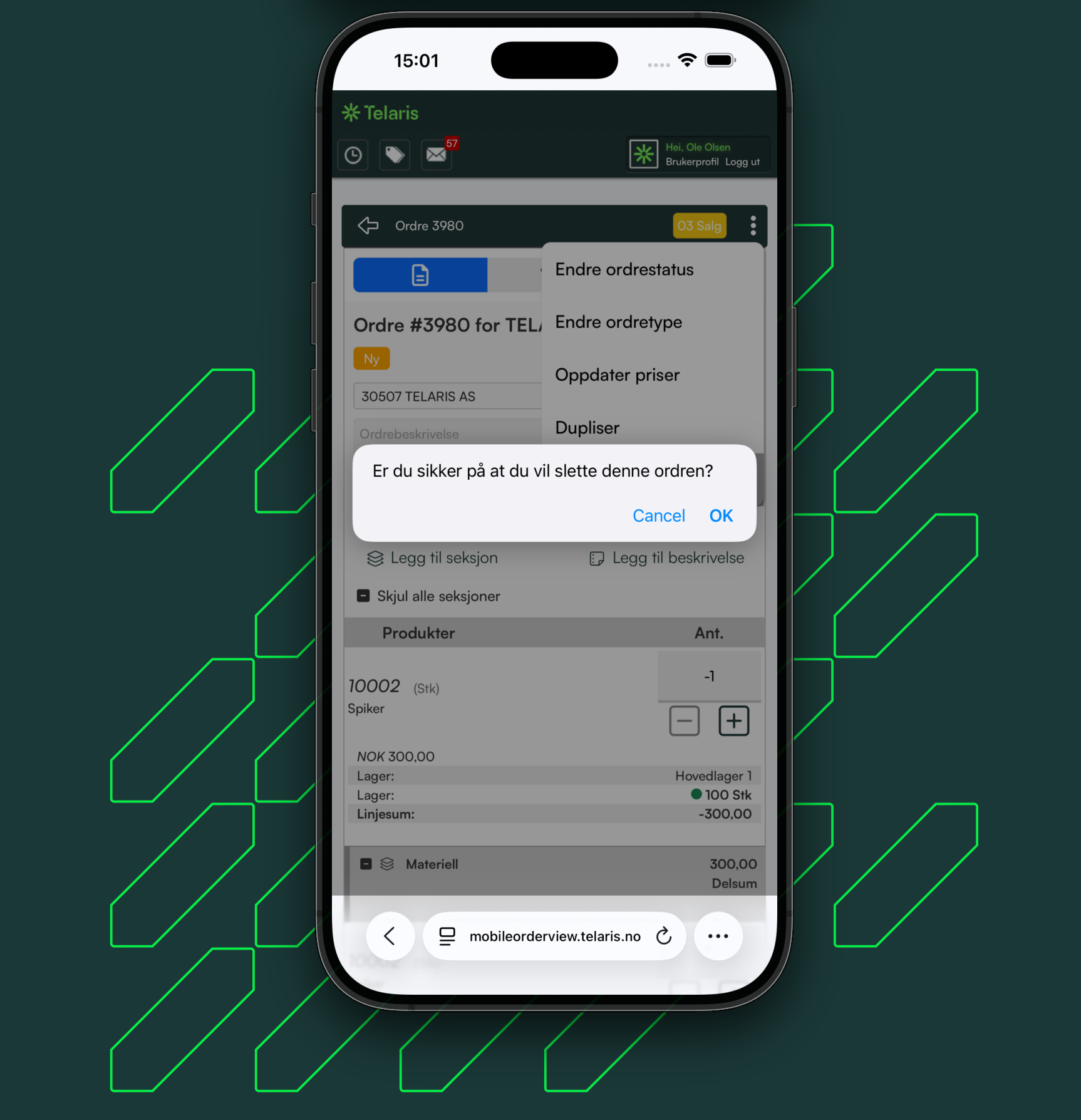
Delete order
Sends the order to the trash can.
Cannot be restored or undone from mobile order review

Was this article helpful?
That’s Great!
Thank you for your feedback
Sorry! We couldn't be helpful
Thank you for your feedback
Feedback sent
We appreciate your effort and will try to fix the article