Navigation
Guide for easy navigation in Telaris during training
TABLE OF CONTENTS
Navigation
Telaris is a cloud-based solution that can be accessed through a web browser on phones, tablets, and computers.
Since Telaris is web-based, users can navigate by going back and forth in the browser and keeping multiple tabs open at the same time.
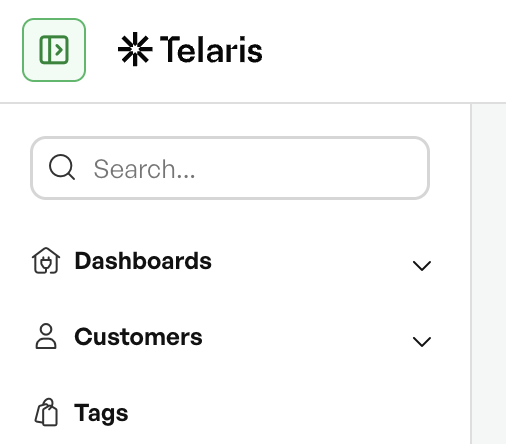
Hamburger Menu
In the left corner, you will find the "Hamburger Menu," which displays all options available for your user account.
This button can be used to show or hide the entire left-side menu.
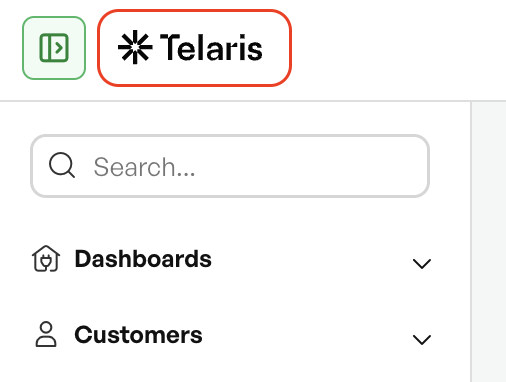
Home Button
The Telaris logo always acts as the Home button for your front page.
Right-side Menu
In the top-right corner, you will find the user profile and logout buttons, as well as messages, time tracking, and notifications.
Under the user profile, you can manage your name, password, profile picture, and login method.
There is also a "?" button here for accessing helpdesk article widgets.


Was this article helpful?
That’s Great!
Thank you for your feedback
Sorry! We couldn't be helpful
Thank you for your feedback
Feedback sent
We appreciate your effort and will try to fix the article