Order in foreign currency
Guide for orders in a currency other than the default.
Guide: Set default currency on customerGuide: Override sales price in currencyOrder
An order in a different currency will show the currency denomination per line, with prices in the selected currency.
Prices in the order will depend on whether a separate price has been set up for the product, or whether the product's price is converted to the selected currency.
There are several methods for pricing products in a currency other than the default currency in Telaris:
The product price is converted from the default currency to the selected currency using the exchange rate set up in Telaris (exchange rate must be activated, contact Telaris support)
The product has its own sales price in the selected currency (see separate guide for this)
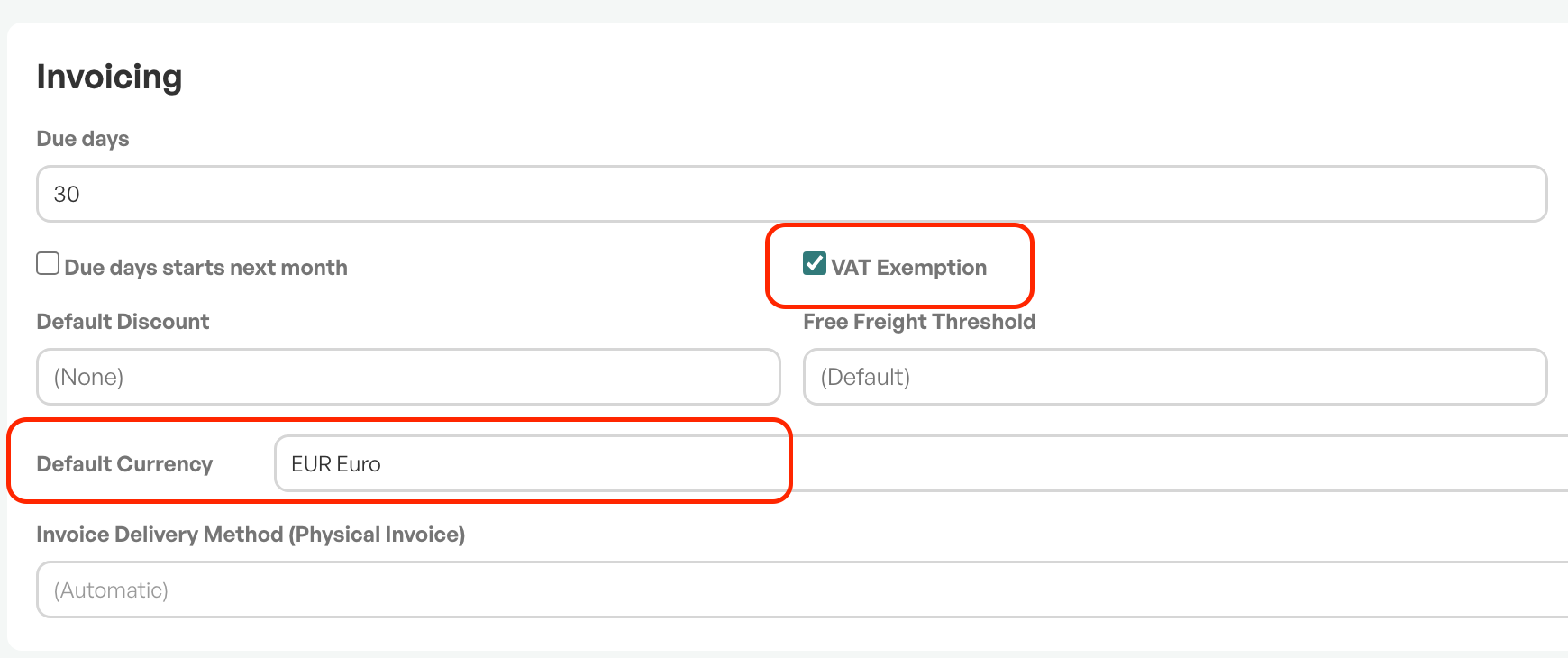
In the example below, the customer has default currency EUR, is marked as VAT-exempt, and the order lines have 0% VAT and are in EUR.

Note: Automatic currency updates require activation — contact Telaris support.

Was this article helpful?
That’s Great!
Thank you for your feedback
Sorry! We couldn't be helpful
Thank you for your feedback
Feedback sent
We appreciate your effort and will try to fix the article