Purchase planner - Order statuses
Order statuses control whether an order is included in the purchase planner. With the 'Delivery' setting, the products in the order are counted toward the purchase need, together with Min. stock and Min. purchase.
TABLE OF CONTENTS
- Purchase planner - Order statuses
- Order statuses
- Order status in relation to Min. purchase and Min. stock
Order statuses
The purchase planner also works as an order-based monitor. If you set up an order status with the 'Delivery' setting, the products in the order are checked for purchase need based on the quantity in the order.
Order statuses are edited under 'Settings > Order statuses'.

Order status in relation to Min. purchase and Min. stock
If you have an order with an order status set to 'Delivery', and at the same time a product that should reach 'Min. stock' with 'Min. purchase' set, the purchase planner combines the order need and the need to reach 'Min. stock'.
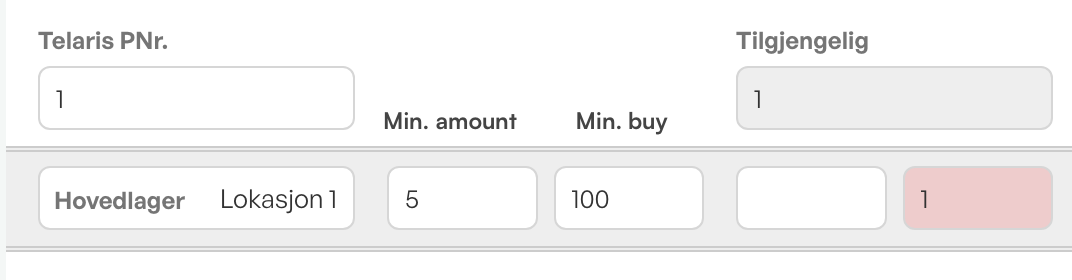
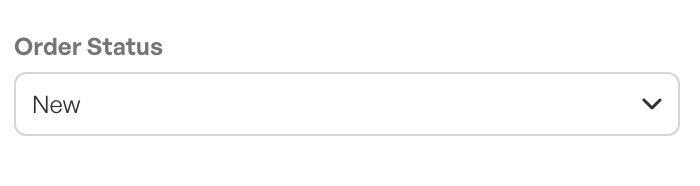
New example order with status 'New', which is set to 'Delivery' in settings.

The purchase planner takes the order need into account, along with min. stock and purchase quantity, and creates suggestions based on order, min. stock and min. purchase.


Was this article helpful?
That’s Great!
Thank you for your feedback
Sorry! We couldn't be helpful
Thank you for your feedback
Feedback sent
We appreciate your effort and will try to fix the article