Purchase planner - Minimum stock and minimum purchase
Purchase quantity of a product up to the min. stock level
TABLE OF CONTENTS
Setup and use
On the product card for stock-controlled products in Telaris are the fields 'Minimum stock' and 'Min. purchase'.
In relation to the purchase planner, these fields form the basis for two functions.
Minimum stock
Based on the number set here, the purchase planner will suggest purchases up to this level.
That is, if you have 5 units in stock and the min. stock is set to 10 units, Telaris will automatically suggest that you purchase 5 more to reach the min. stock.
Min. Purchase
Based on the number set here, the purchase planner will suggest that number for purchase. That is, in the purchase planner a purchase volume of 5 units will always be suggested.
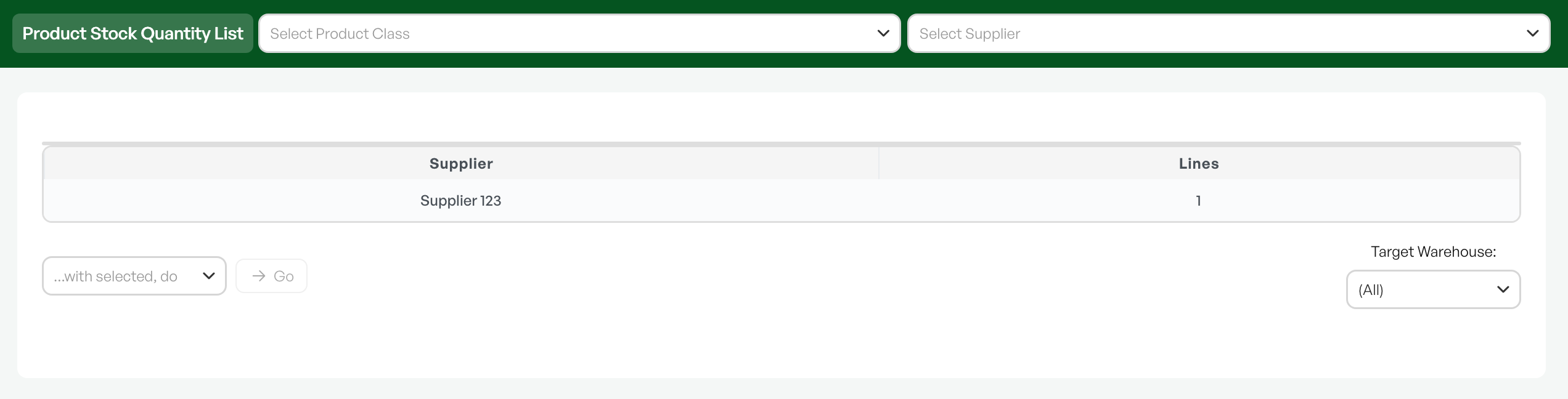


Adjusting Min. stock and Min. purchase
Needs change with the seasons, so it is important to be able to adjust these numbers to have purchase suggestions that reflect the need.
By using the Set Fields tool, you can mass-update Min. stock and Min. purchase.
Guide: Set fields

Was this article helpful?
That’s Great!
Thank you for your feedback
Sorry! We couldn't be helpful
Thank you for your feedback
Feedback sent
We appreciate your effort and will try to fix the article