How to activate or deactivate a user
Guide for activating or deactivating a user
Note: Users in Telaris are license-based, which means that activating or deactivating a user results in an increase or decrease in the number of users in the agreement and on the invoice.
Steps
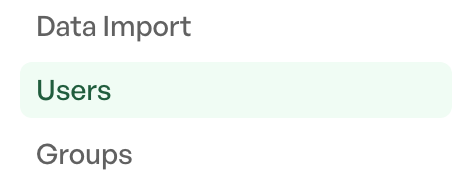
Go to the side menu > Settings > Users > Click the desired user for activation/deactivation
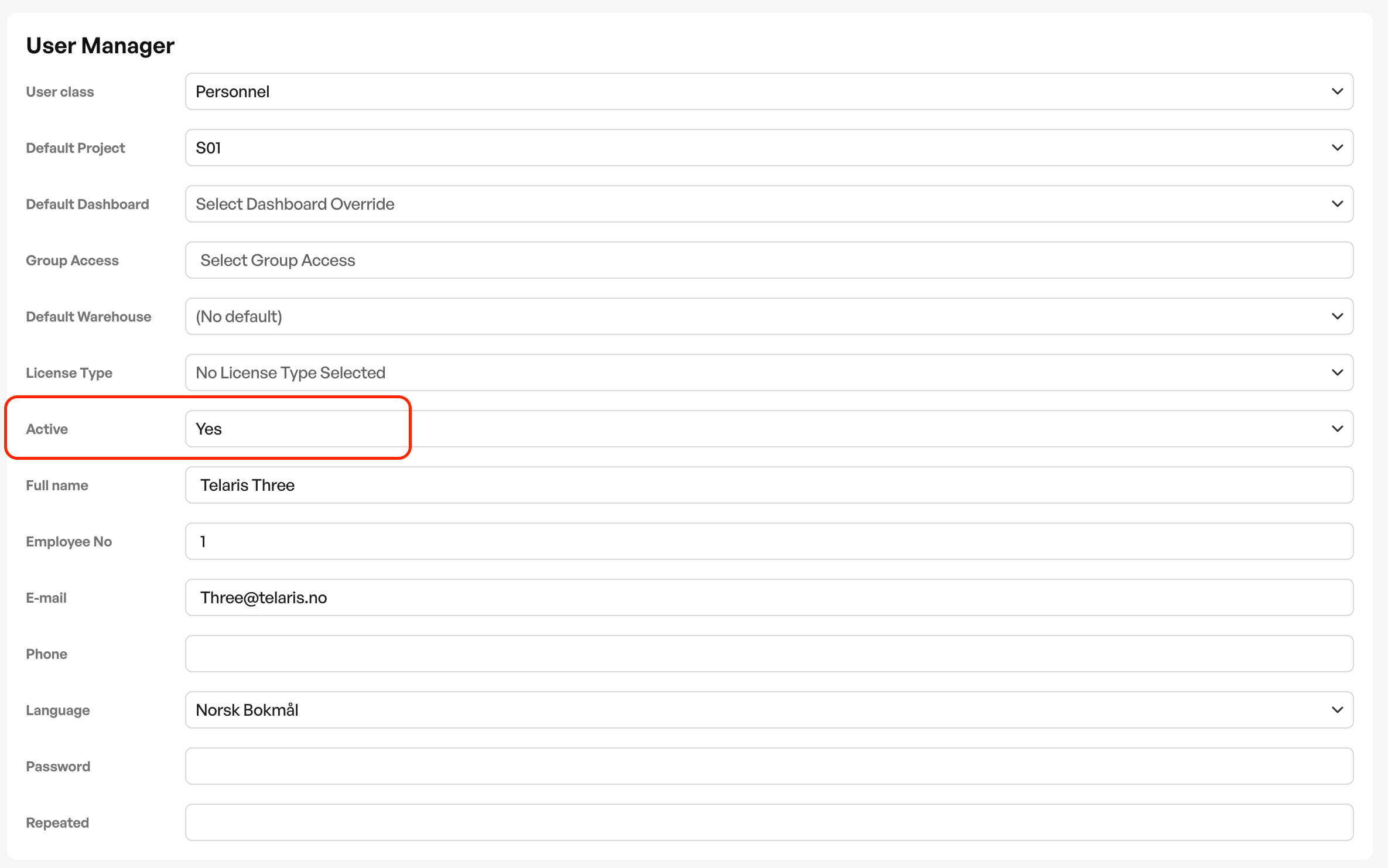
Activation or deactivation
To activate a user, 'Active = Yes'
To deactivate a user, 'Active = No'
Activating a user makes login available
Deactivating means the user cannot log in.
Guide: Change password

Was this article helpful?
That’s Great!
Thank you for your feedback
Sorry! We couldn't be helpful
Thank you for your feedback
Feedback sent
We appreciate your effort and will try to fix the article