Warehouse and location on order line
Guide for overview of how warehouse and location are displayed and handled in order lines.
TABLE OF CONTENTS
- Warehouse and location on order line
- Display of warehouse and location on order line
- Define product warehouse
Display of warehouse and location on order line
How the system shows warehouse and location on order lines depends on whether one or multiple warehouses are set up in Telaris.
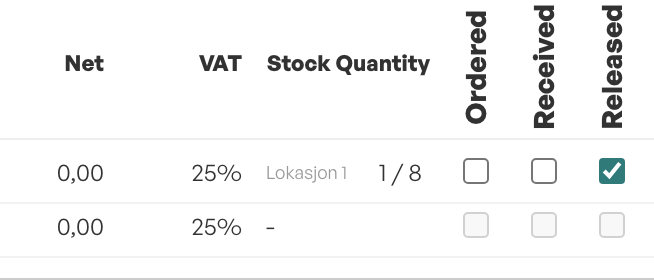
If only one warehouse exists
The system shows the location directly on the order line.
After the order is allocated, the actual allocated location is shown on the order line.
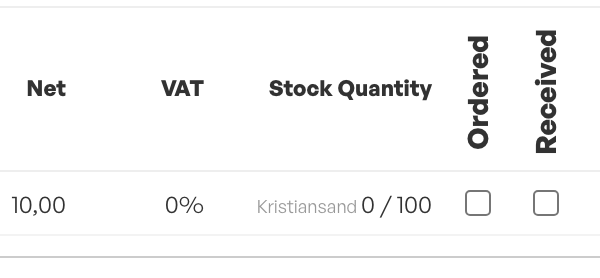
If multiple warehouses exist
The system shows the warehouse instead of location.
The default location (according to warehouse logic and warehouse from order or order line) is shown as a tooltip.
After the order is allocated, the actually allocated location is shown in the tooltip (hover over the warehouse on the line).
Guide: Lock warehouse to order
Define product warehouse
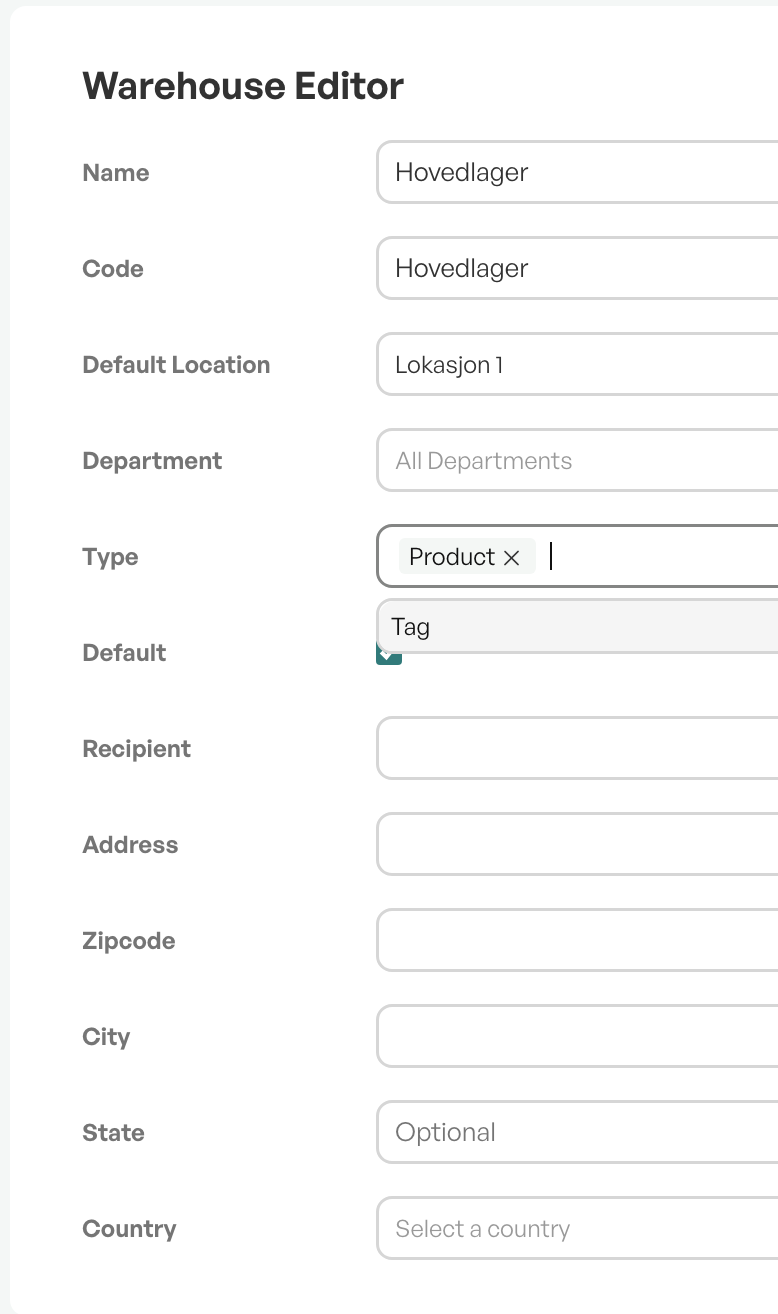
Each warehouse can be set as a product warehouse or not. This setting determines whether the warehouse is included in the warehouse logic — which affects how the system automatically assigns warehouse and location on order lines.
Product warehouses are set up under Settings → Warehouses → [select warehouse] → Product warehouse.
If the checkbox Product warehouse is checked, the warehouse is included in the logic.
If it is unchecked, the warehouse is excluded from the logic.
Only active product warehouses are included in the warehouse logic described in the article above.
If a warehouse is set to or from product warehouse, this will respectively activate or deactivate the warehouse as a product warehouse, and thus affect the warehouse logic.
Guide: Object/tag warehouse

Was this article helpful?
That’s Great!
Thank you for your feedback
Sorry! We couldn't be helpful
Thank you for your feedback
Feedback sent
We appreciate your effort and will try to fix the article