Locking a warehouse to an order
Guide for locking an order to a specific warehouse
Purpose
The function makes it possible to lock an order to a specific warehouse, in cases where you want to deduct items from only one warehouse in the order. Examples of use are with departments or product availability in stock.
Locking a warehouse to an order
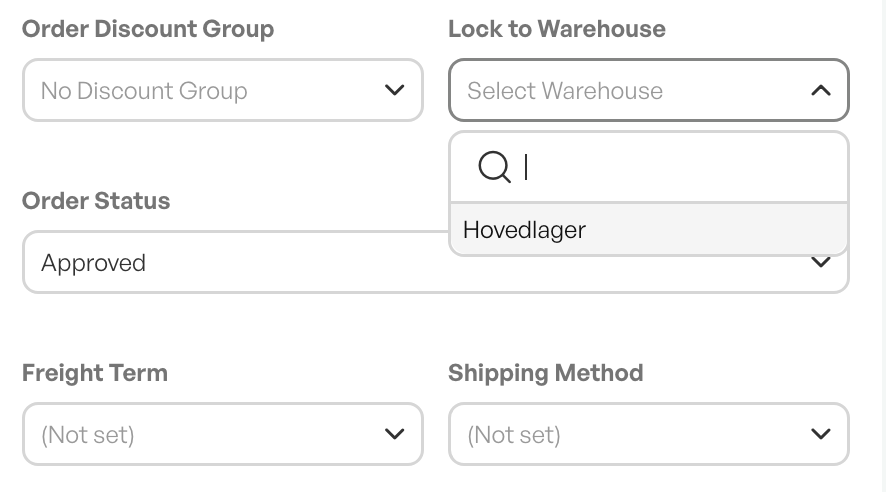
At the right of the order header, a warehouse drop-down menu is shown.
If you lock a warehouse to the order, the availability of the product in stock is reflected in the order lines.
If you select no warehouse, the stock balance for all warehouses is shown.
Tip: You can link departments in Telaris to warehouses, so that a warehouse is always selected when users belonging to a warehouse create an order

Was this article helpful?
That’s Great!
Thank you for your feedback
Sorry! We couldn't be helpful
Thank you for your feedback
Feedback sent
We appreciate your effort and will try to fix the article