Creating a new tag
Guide for creating new tags in Telaris
New tag
In the tag list there is a button called 'Create tag'. This brings up existing tag types/object types/project types and lets the user choose which type to create
There are also versions of Telaris where you have shortcuts for creation from dashboards
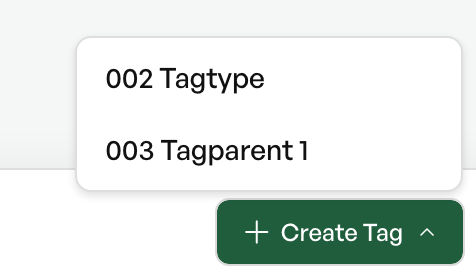
On click, you must choose which tag type the tag should be before creation.
After creation, you can enter a customer and set the desired category and so on.
The content to be entered varies based on how the tag type is set up.
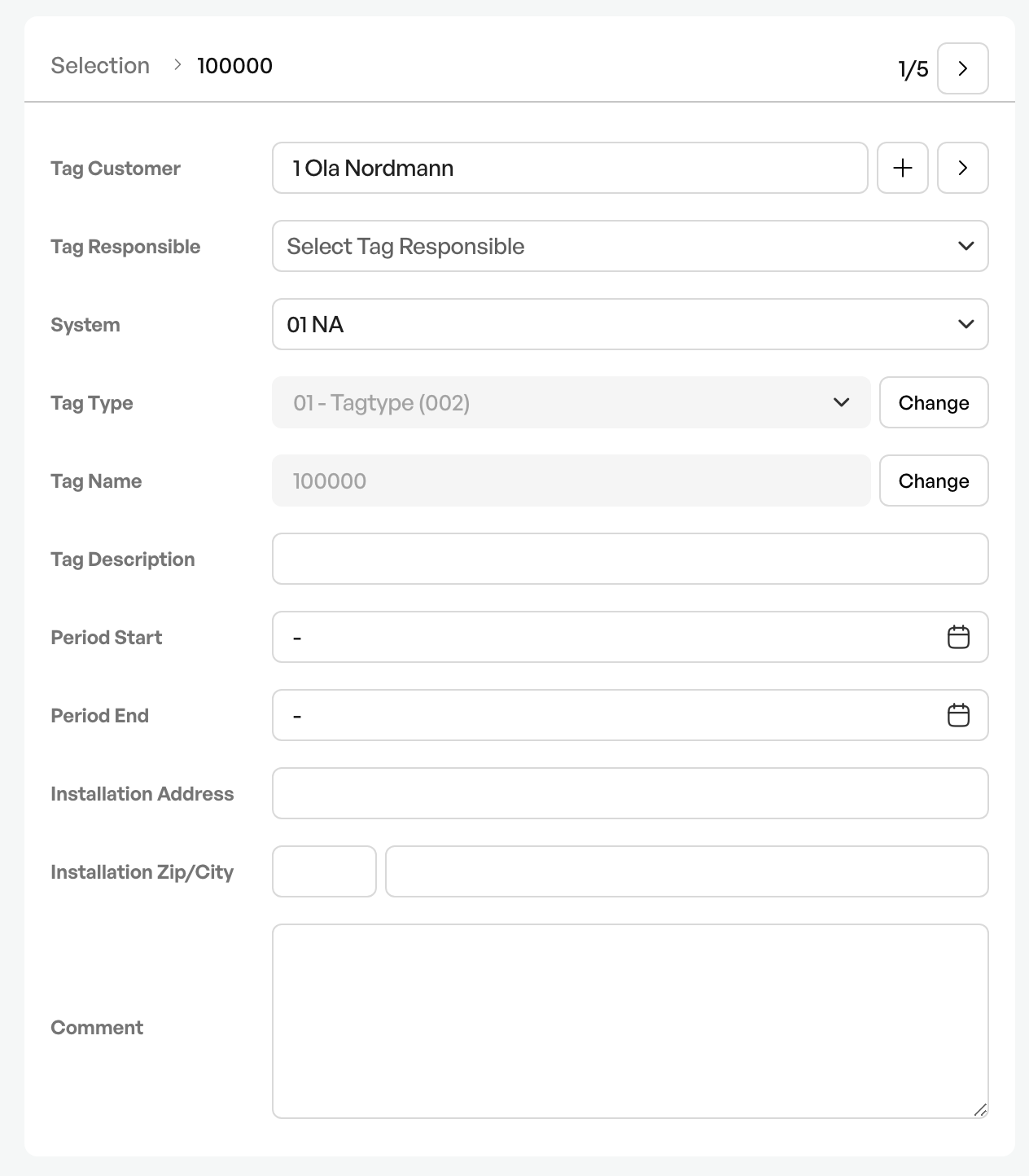
Remember to save when creating a tag.
Fields in a tag
Several tag types have several fields that must be filled in before saving. This varies based on the setup of the tag types.

Was this article helpful?
That’s Great!
Thank you for your feedback
Sorry! We couldn't be helpful
Thank you for your feedback
Feedback sent
We appreciate your effort and will try to fix the article