What is a tag in Telaris
In Telaris there is a module called the tag module, which lets you create, administer and use what are referred to as tags
.
A tag can have several different names, such as object, individual or projects. For example, a tag can be a boat with history linked to the boat, or a project for a customer that includes the necessary documentation, images and invoicing basis in an order.
This guide explains how to use tags and make the most of the module's functionality. At the bottom you will find a link to a more advanced guide on handling individuals.
TABLE OF CONTENTS
Overview
Located from the hamburger menu. Shortcuts are often created from dashboards to the relevant tags/objects/individuals/projects
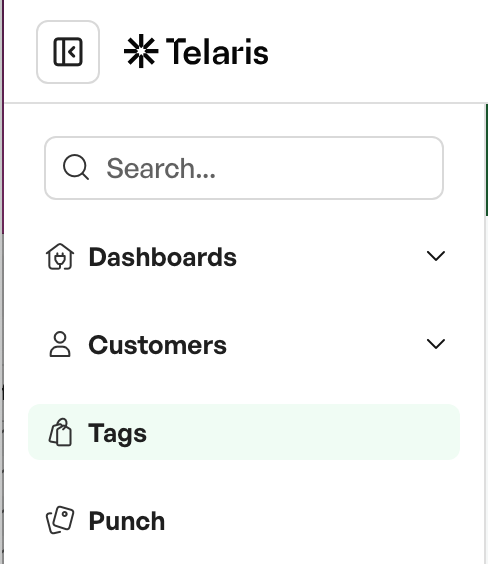
In the overview, all the tags that have been created are shown.
At the top of the page you can add filters to narrow the search.

Tag types
Tags can be categorised into different tag types based on their use. For example, if you have both trailers with history and projects, you can create separate tag types to handle these in parallel, as the example below shows, with searches on tags and projects, which are the same base module with different uses.
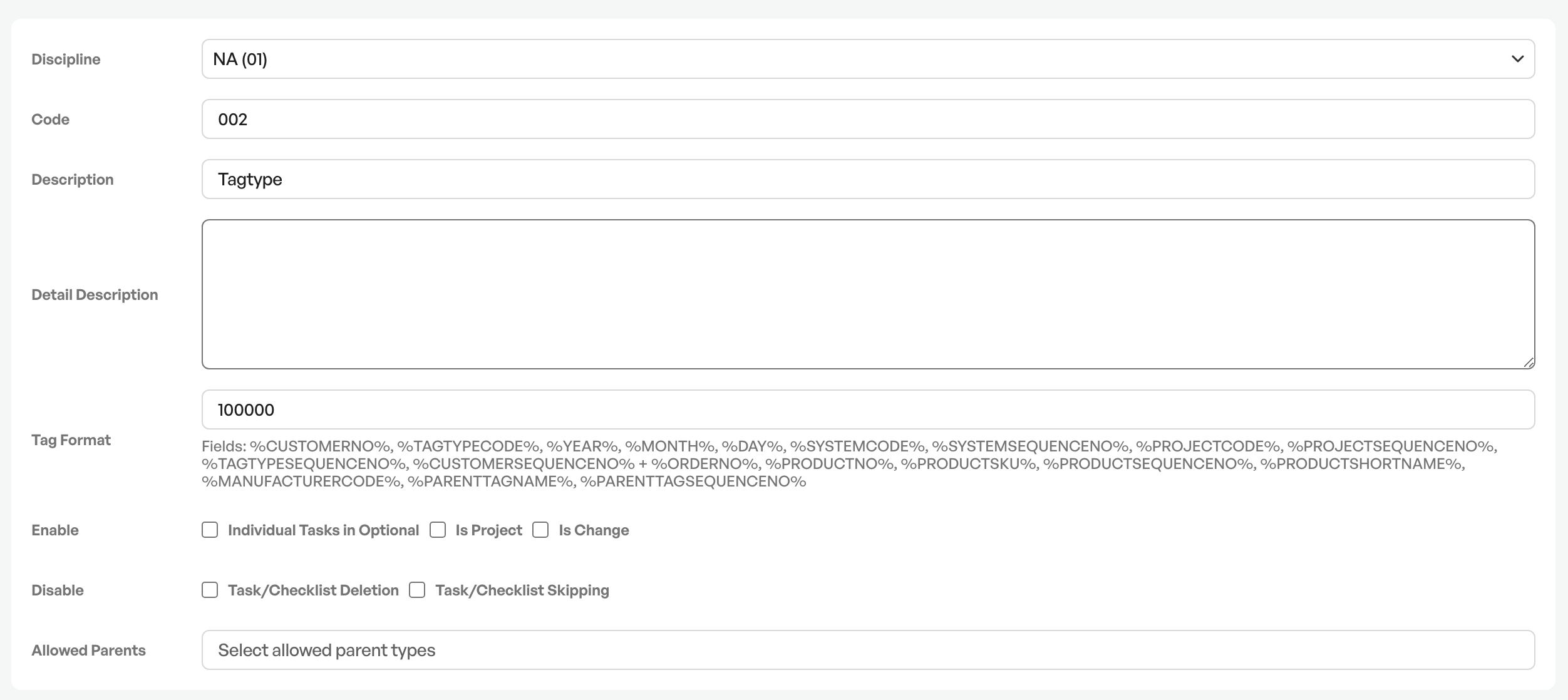
Options in tag types
Each tag type has several options for individual setup. This gives you the flexibility to make specific settings for each individual tag type.
In the helpdesk category for tags you will find more detailed explanations of individual types and how to set them up.
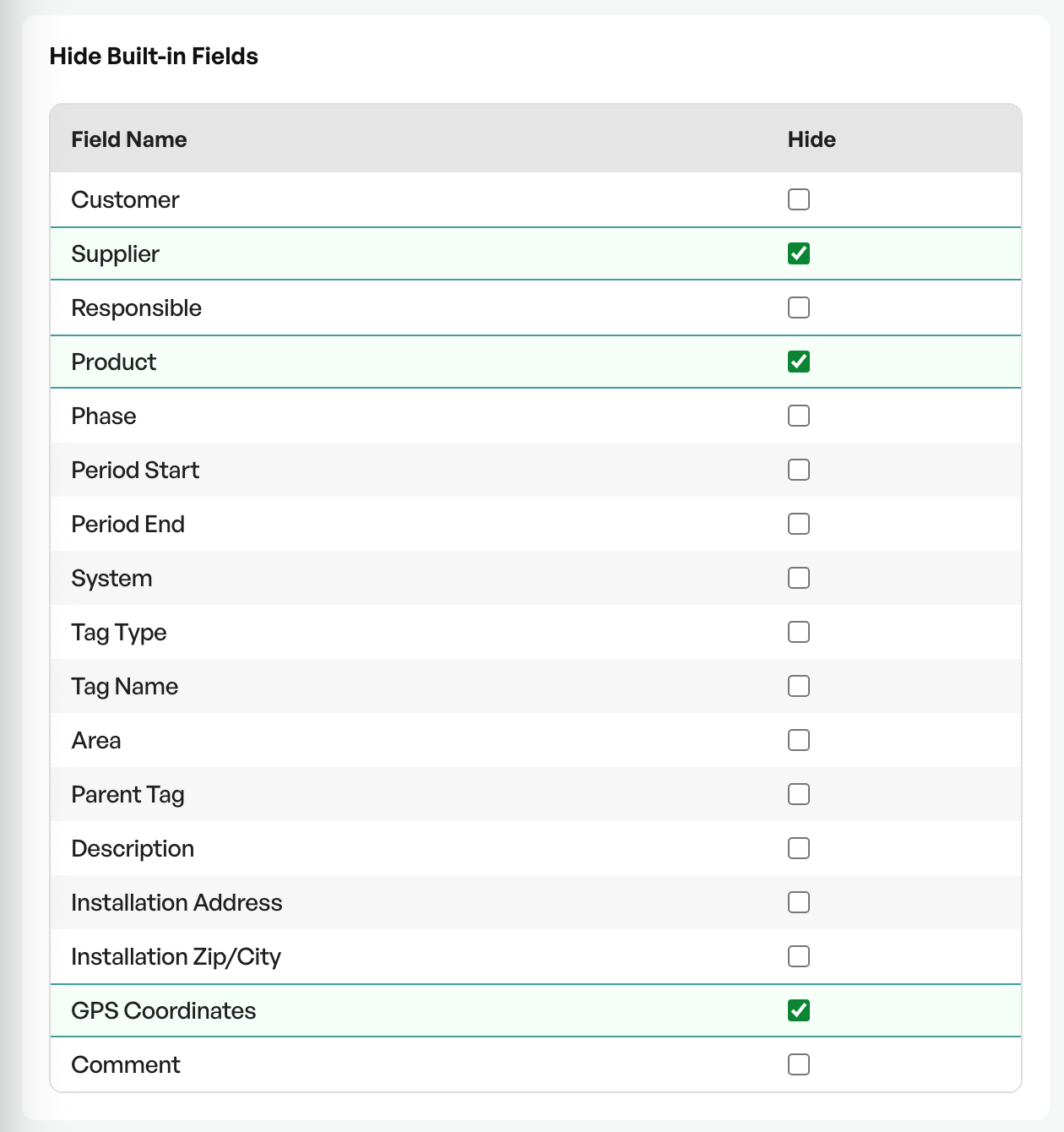
Standard fields that are shown per tag and can be shown and hidden as needed.
It is also possible to create custom fields per tag type


Was this article helpful?
That’s Great!
Thank you for your feedback
Sorry! We couldn't be helpful
Thank you for your feedback
Feedback sent
We appreciate your effort and will try to fix the article