Delivery addresses and contact persons
The option to add several addresses and contact persons, and to set defaults on the customer card.
TABLE OF CONTENTS
Delivery addresses
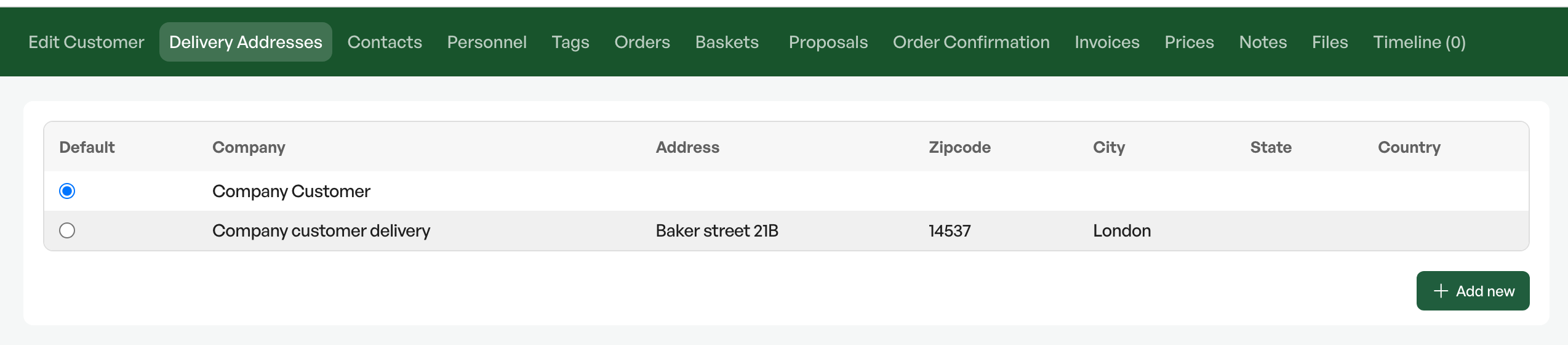
From the customer card you can add delivery addresses for the customer if they have more addresses than can be entered directly in the customer card.
You can also choose which delivery address is the default. This then becomes the delivery address for the customer in orders.
Contacts
Business customers with several contact persons can be saved on the customer card and can be chosen as contact persons on orders.
You can also set a default contact person on the customer card, so that the contact person becomes the default contact person in the order context.


Was this article helpful?
That’s Great!
Thank you for your feedback
Sorry! We couldn't be helpful
Thank you for your feedback
Feedback sent
We appreciate your effort and will try to fix the article