Adding Products to a Purchase order
Adding Products to a Purchase order Manually
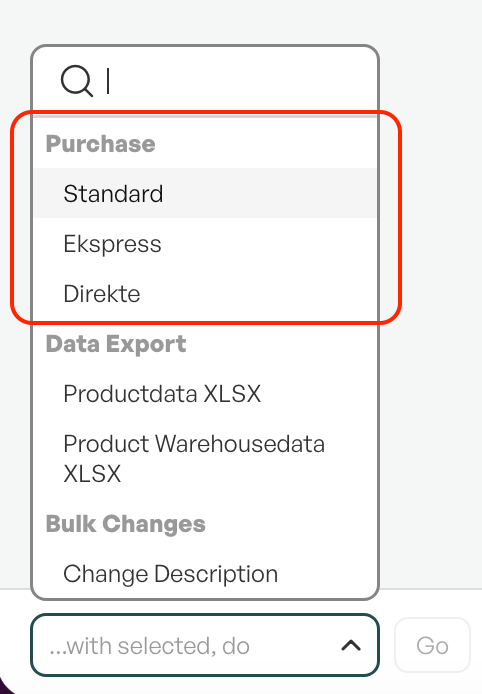
From the product list, you can add products directly to an existing purchase, or create a new purchase.
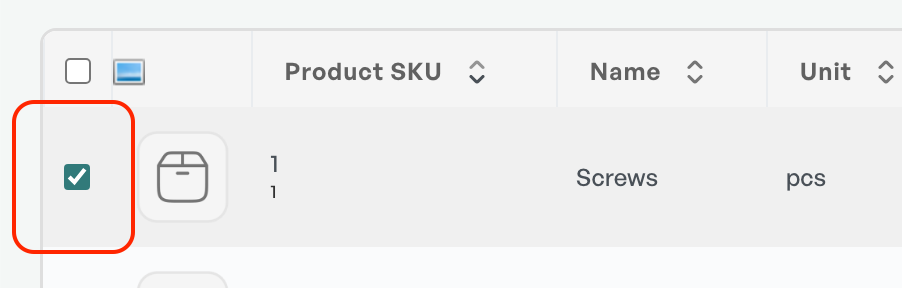
To select a product from the product list, mark the radio button and use "..With selected, perform".
If there are open purchases for the supplier of the product, the product will automatically be added to the open purchase.
Adding Products Inside the Purchase order
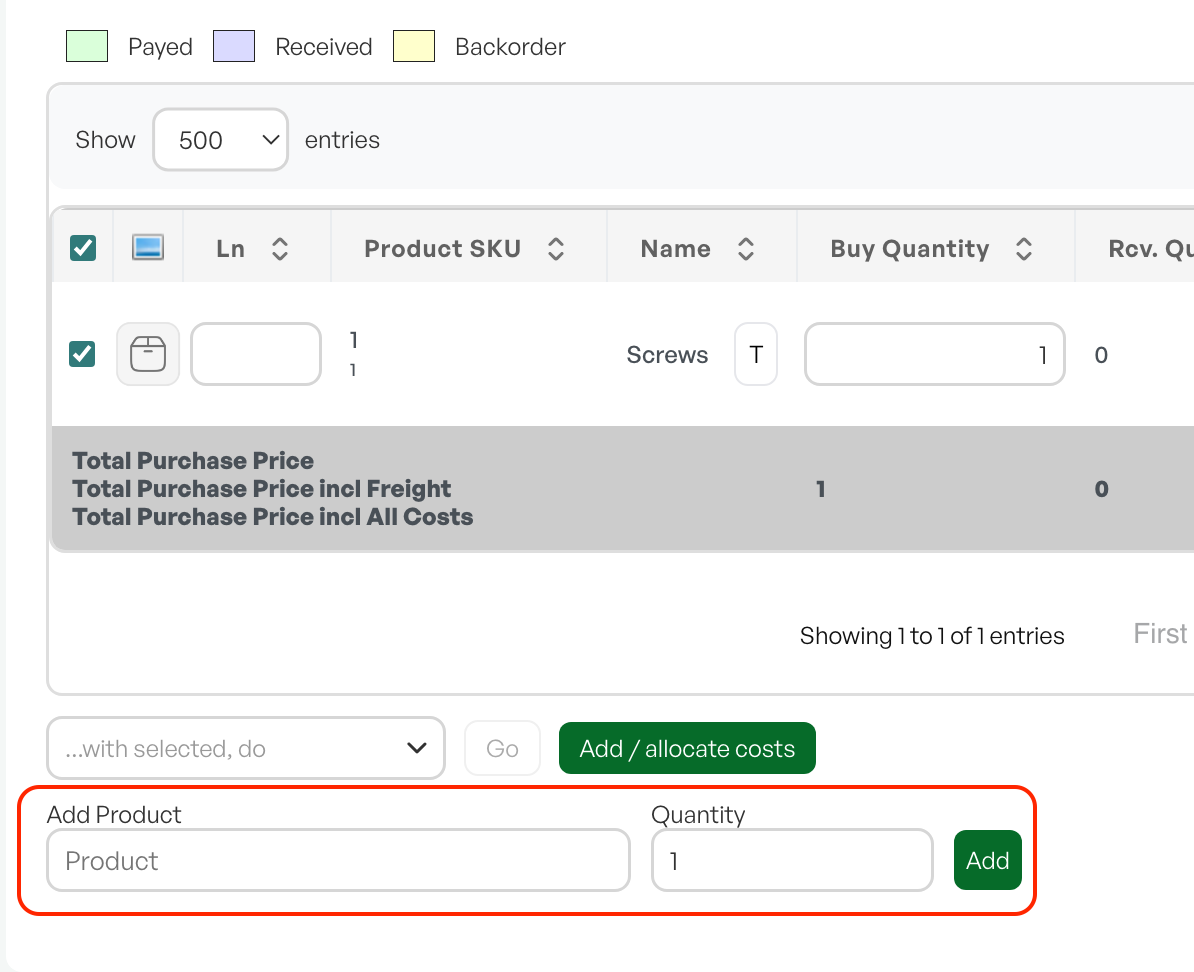
In a purchase with the status "Open", a line is shown at the bottom that allows you to add products directly to the purchase.
The search will only search for products that are in catalogues linked to the supplier selected on the purchase.

Was this article helpful?
That’s Great!
Thank you for your feedback
Sorry! We couldn't be helpful
Thank you for your feedback
Feedback sent
We appreciate your effort and will try to fix the article