Tags on customers and suppliers
Tags are a tool for easily creating searchable groupings of customers or suppliers.
TABLE OF CONTENTS
Function
Tags are used to create groups of customers or suppliers that are searchable in the customer list.
Useful in cases where you, for example, want to classify suppliers in connection with supplier assessment.
Creating a tag
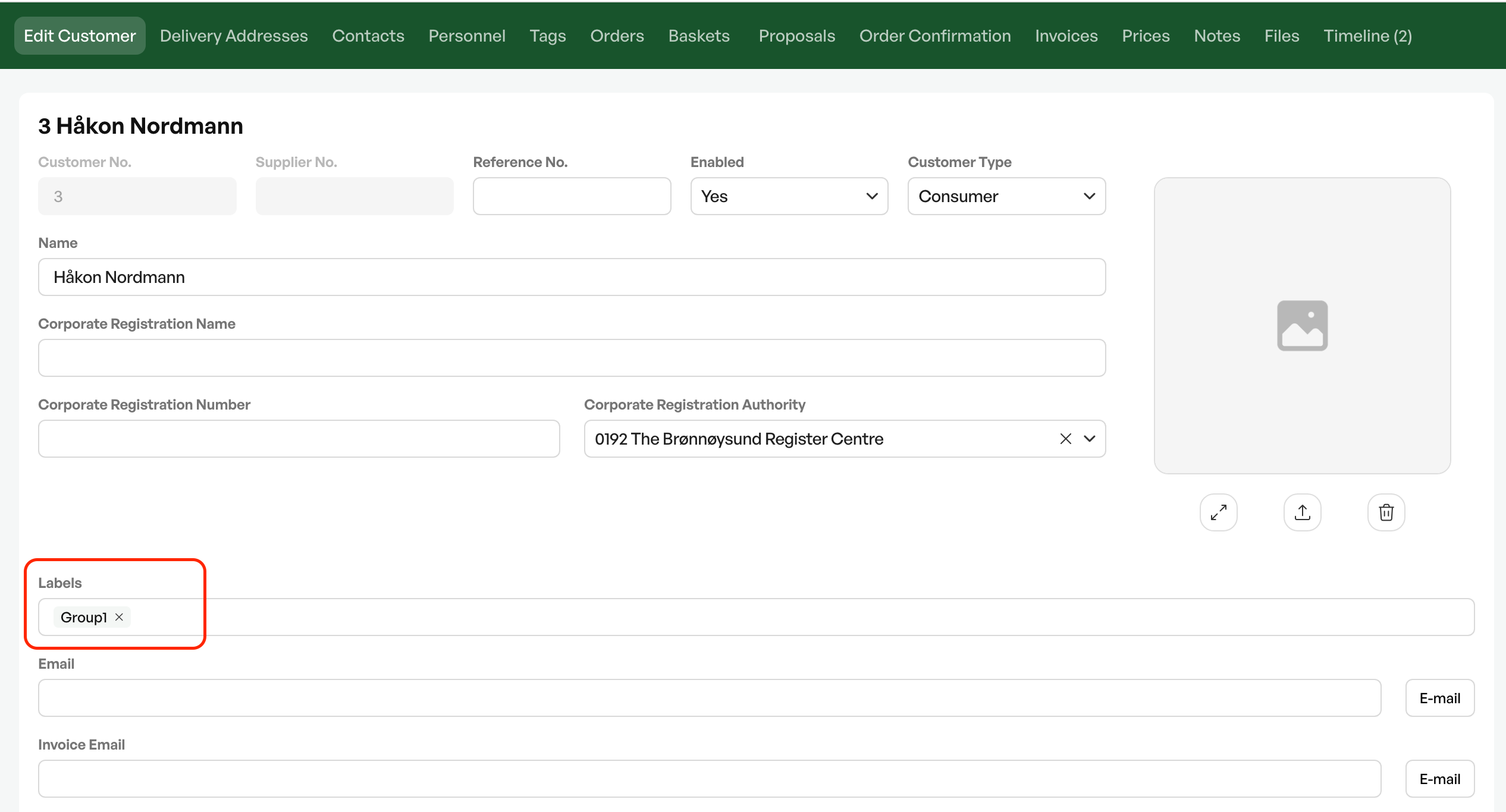
To create a tag, you enter the desired tag name on a customer card. It is saved for search and will appear as a suggestion if you type it on another customer.
Searching for a tag
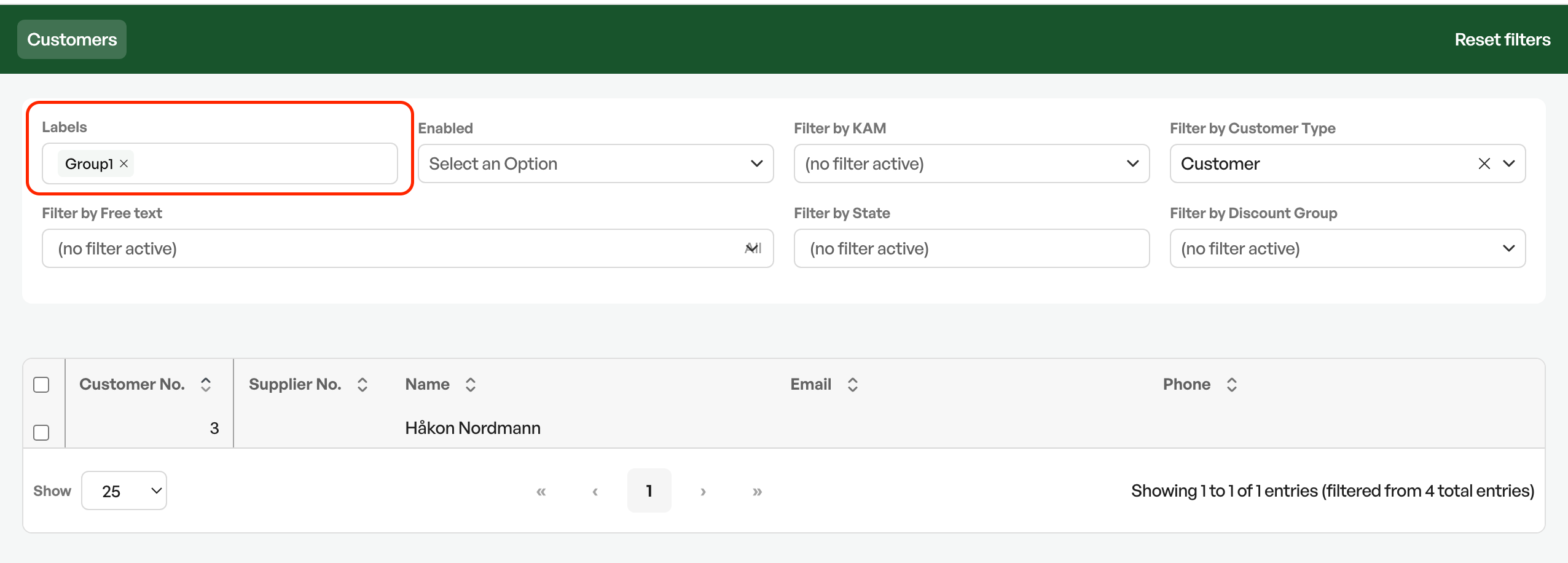
In the customer search you have tags as a search field. If you click in the field, all active tags are shown. A tag is active as long as it is registered on a customer.
All customers and suppliers with the tag you search for are shown as hits in the list.

Was this article helpful?
That’s Great!
Thank you for your feedback
Sorry! We couldn't be helpful
Thank you for your feedback
Feedback sent
We appreciate your effort and will try to fix the article