Exporting customers/suppliers
Guide for exporting the customer and supplier list to Excel
Guide
Navigate to the Customers/suppliers list
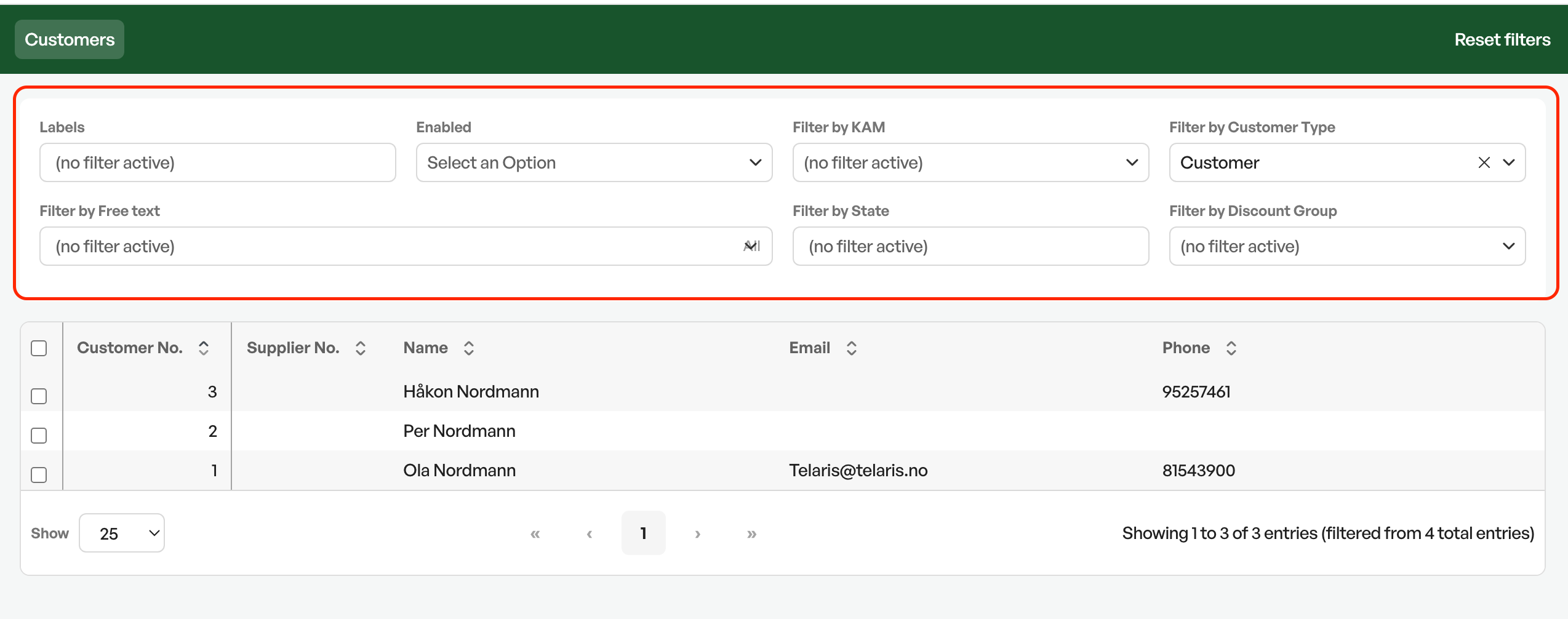
Use the filter fields in the search to define which customers to export.
From the customer/supplier list you can find customers and suppliers, as well as the customer type.
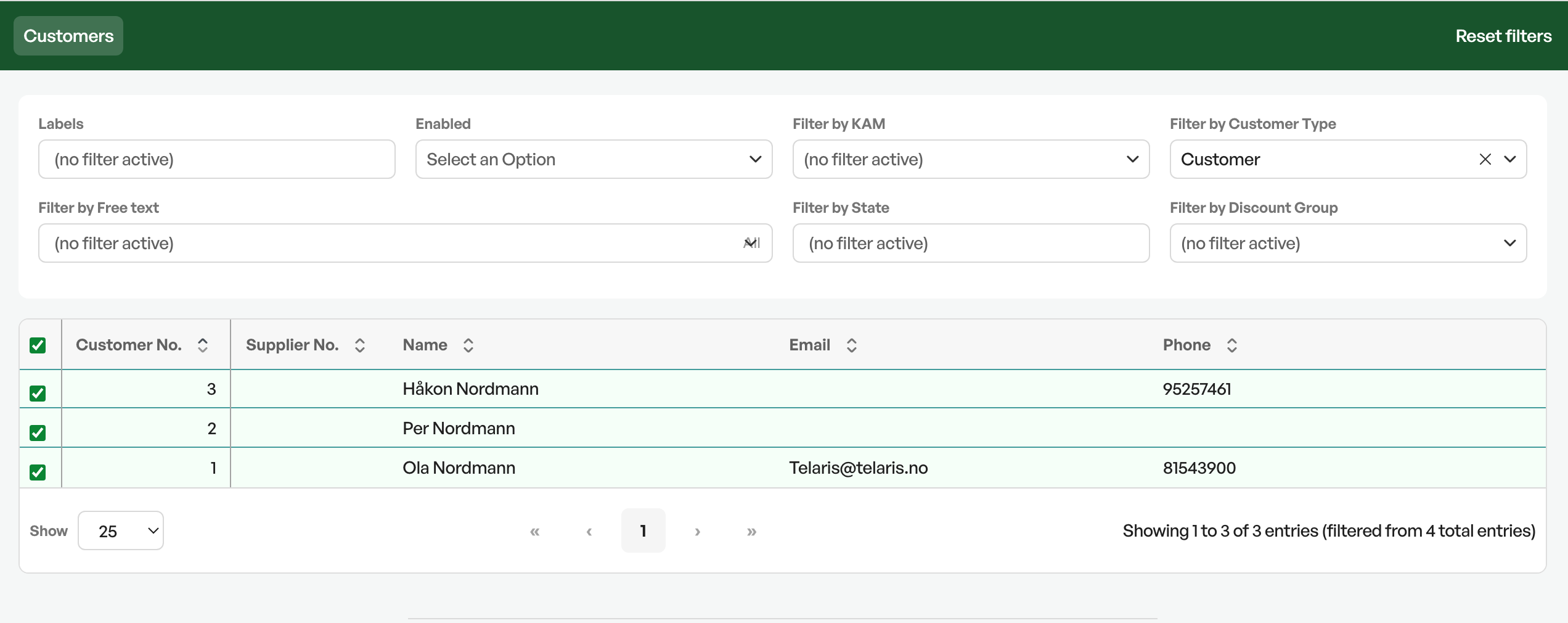
Select all the customers you want to export. Selecting at the top of the column header selects all in the search.
Navigate to the bottom of the page to 'With selected, do', choose 'Run report' and execute.
In the dialog that appears, you choose which report to run. Usually there is a report here for export.
Click 'Go'
You then download an Excel file with the customers/suppliers you want to export.

Was this article helpful?
That’s Great!
Thank you for your feedback
Sorry! We couldn't be helpful
Thank you for your feedback
Feedback sent
We appreciate your effort and will try to fix the article