Setting up work packages
Work packages are set up by an administrator. The module requires a licence that must be activated by Telaris, and requires that the tags and their checklists are already in use. This guide describes the setup at a functional level.
TABLE OF CONTENTS
Prerequisites
- Tags with checklists in use
- Work package types set up
- Licence for work packages activated by Telaris (and a separate additional licence for transmittals)
How the module is set up
- Check that the licence for work packages – and for transmittals if relevant – is activated. Contact Telaris if needed.
- Create the work package types under Administration → Work package types, with rules for how tags and documentation are pulled in.
- Create the transmittal types under Administration → Transmittal types, and link them to the work package types.
- Set up the signature roles to be used when signing.
- Check the phase and structure setup – system, area, discipline and section are used as filters in the list.
- Set up Com and MC packages if the business follows NORSOK Z-007.
- Test with one package, from creation to sent transmittal.
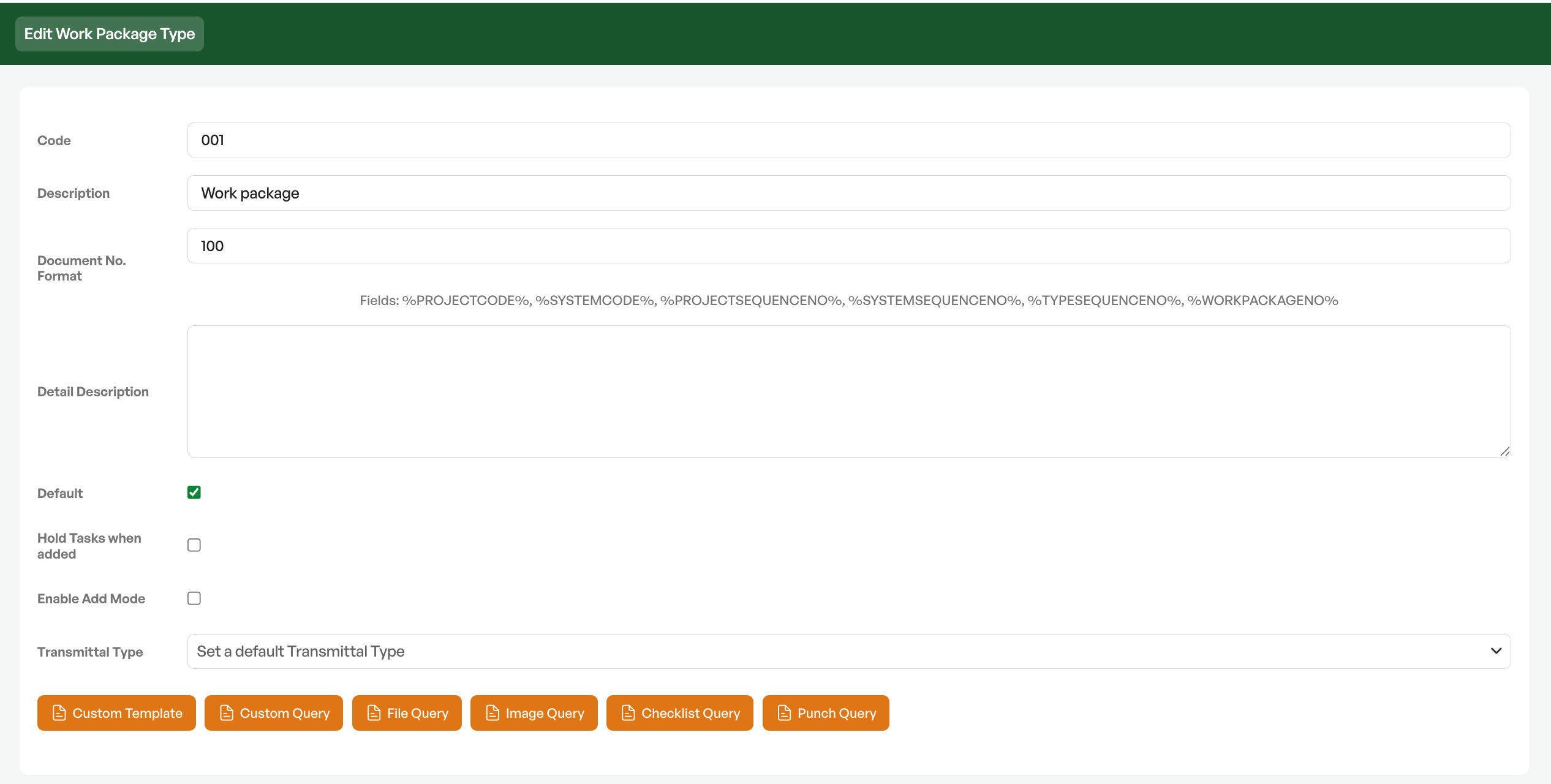
But can choose to show or hide standard fields:
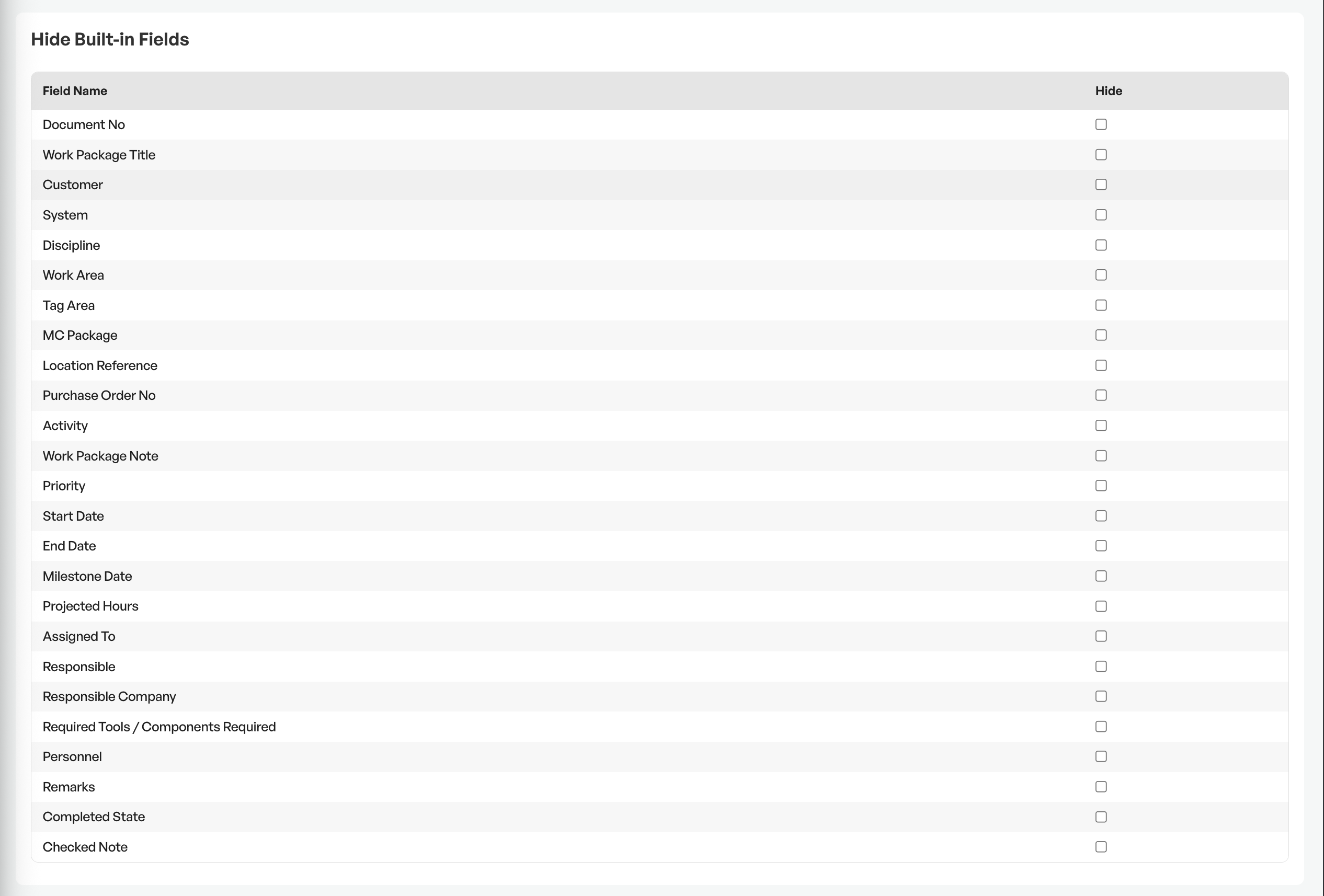
As well as create custom fields

NOTE: The detailed setup of work package types and transmittal types goes together with the tag setup. Contact Telaris if you are unsure about the rules for how tags and documentation should be pulled in.
Licences and settings
Several functions in the module are governed by separate licences and settings that are activated by Telaris. Among the functions that can be switched on:
- Transmittals for formal transmittal
- Com and MC packages per NORSOK Z-007
- Linking of deviation points to tags (and thereby to the package), and punch filters in the list
- Digital signing
- Document control and combined PDFs
- Phases and phase-based progress
- Planning and milestones on the package
- Linking between order and work package
- Work area, discipline, and module/section as filters
- Control of archived and completed checklists, and due date, in the package's task list
NOTE: Contact Telaris to have the functions the business needs activated.

Was this article helpful?
That’s Great!
Thank you for your feedback
Sorry! We couldn't be helpful
Thank you for your feedback
Feedback sent
We appreciate your effort and will try to fix the article