Verified E-signing
Functionality for customers to sign proposals electronically
INNHOLDSFORTEGNELSE
E-signing
Strengthens and secures the proposal phase by letting customers sign proposals with BankID, SMS or email.

Ordering
E-signing is a paid service at Telaris.
Contact Telaris for a quote
Setup
After activation, the setup of Verified becomes available under 'Settings - Integration settings - Settings'
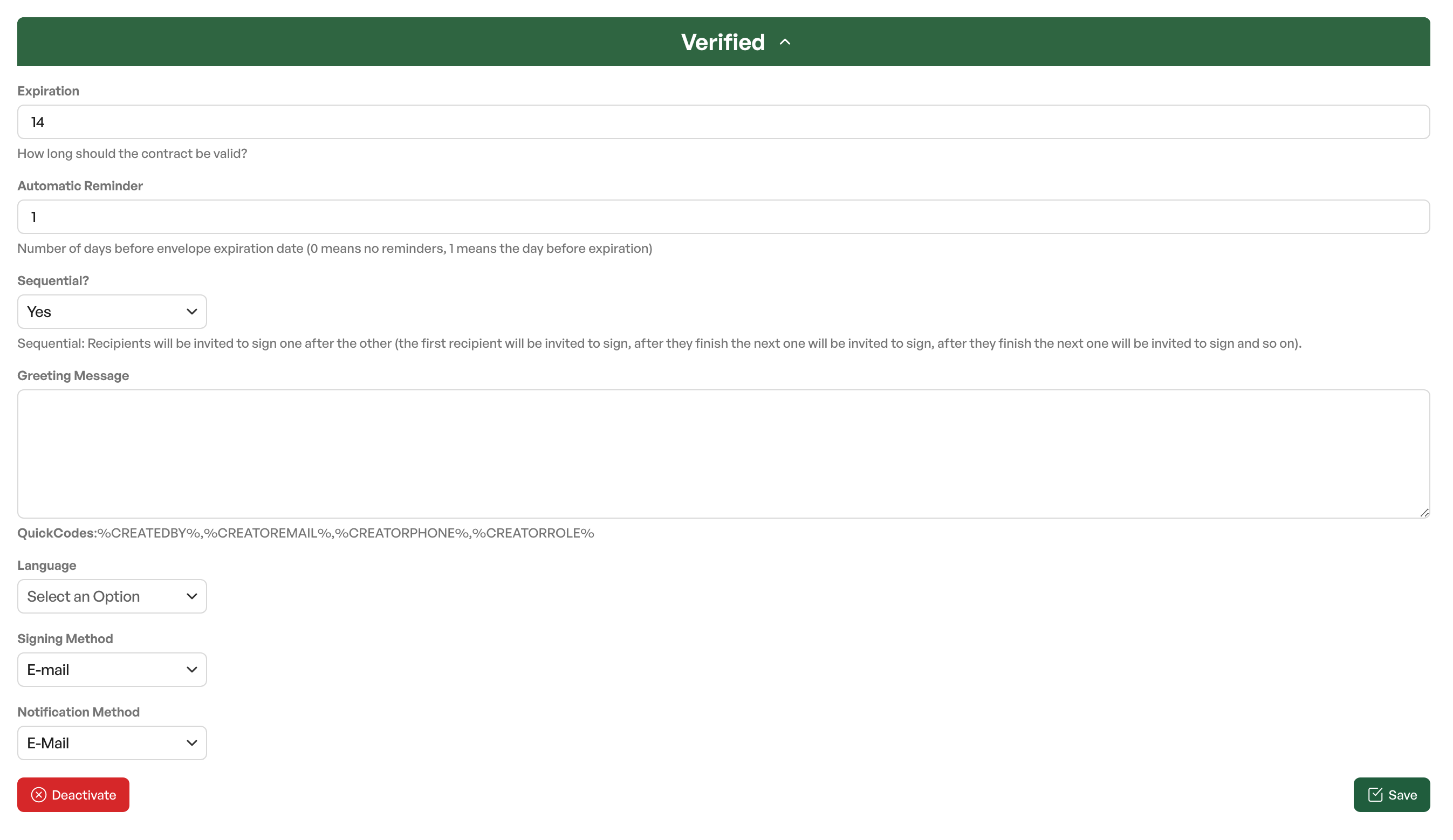
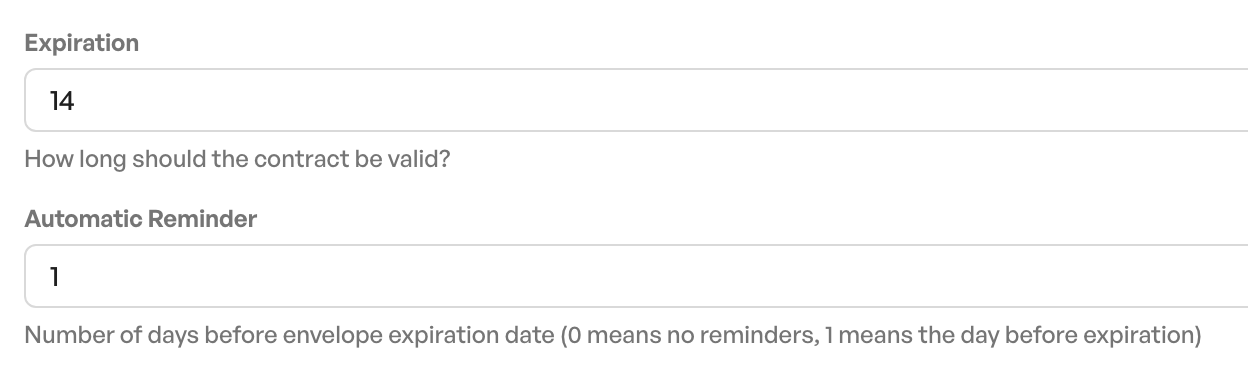
Expiration
The expiry date on the e-signing proposal. After the expiry date, the recipient can no longer sign the proposal
Automatic reminder
Automatic reminder about the proposal to the recipient. The number specifies the notice in days before the expiry date.
Sequential
Sequential signing. When sending a proposal, you can define the order of signing. With sequential signing enabled, all people who receive the proposal must sign in a set order before the proposal is fully signed

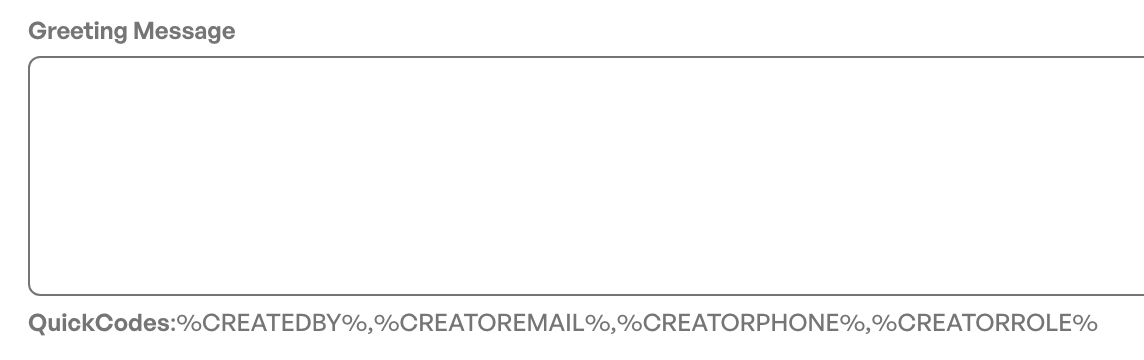
Greeting message
Custom default text shown in the email to the recipient before the signing phase starts.
Contains QuickCodes for merging sender information
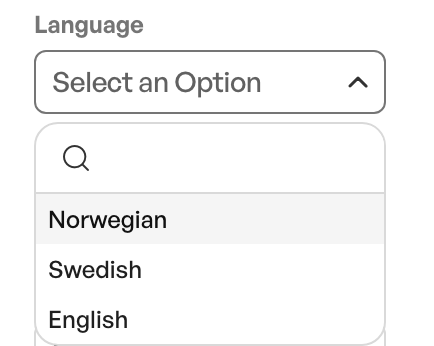
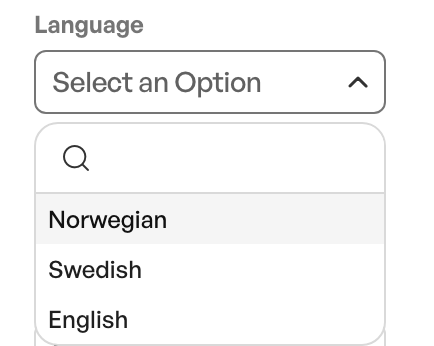
Language
The default language used in the signing process for the information sent to the customer. Note that the document from Telaris keeps its original language
Signing Method
Default signing method to be used when sending a proposal
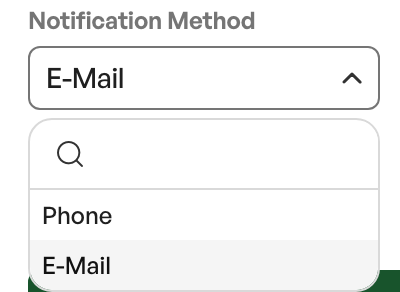
Notification Method
Default setup of notification method on a sent proposal
Guide: e-signing

Was this article helpful?
That’s Great!
Thank you for your feedback
Sorry! We couldn't be helpful
Thank you for your feedback
Feedback sent
We appreciate your effort and will try to fix the article