Create a proposal
Guide for creating a proposal
TABLE OF CONTENTS
Create a proposal
A proposal is created from an order draft.
In the order draft you find the 'Proposal' button
The order lines that are checked are what ends up on the proposal.
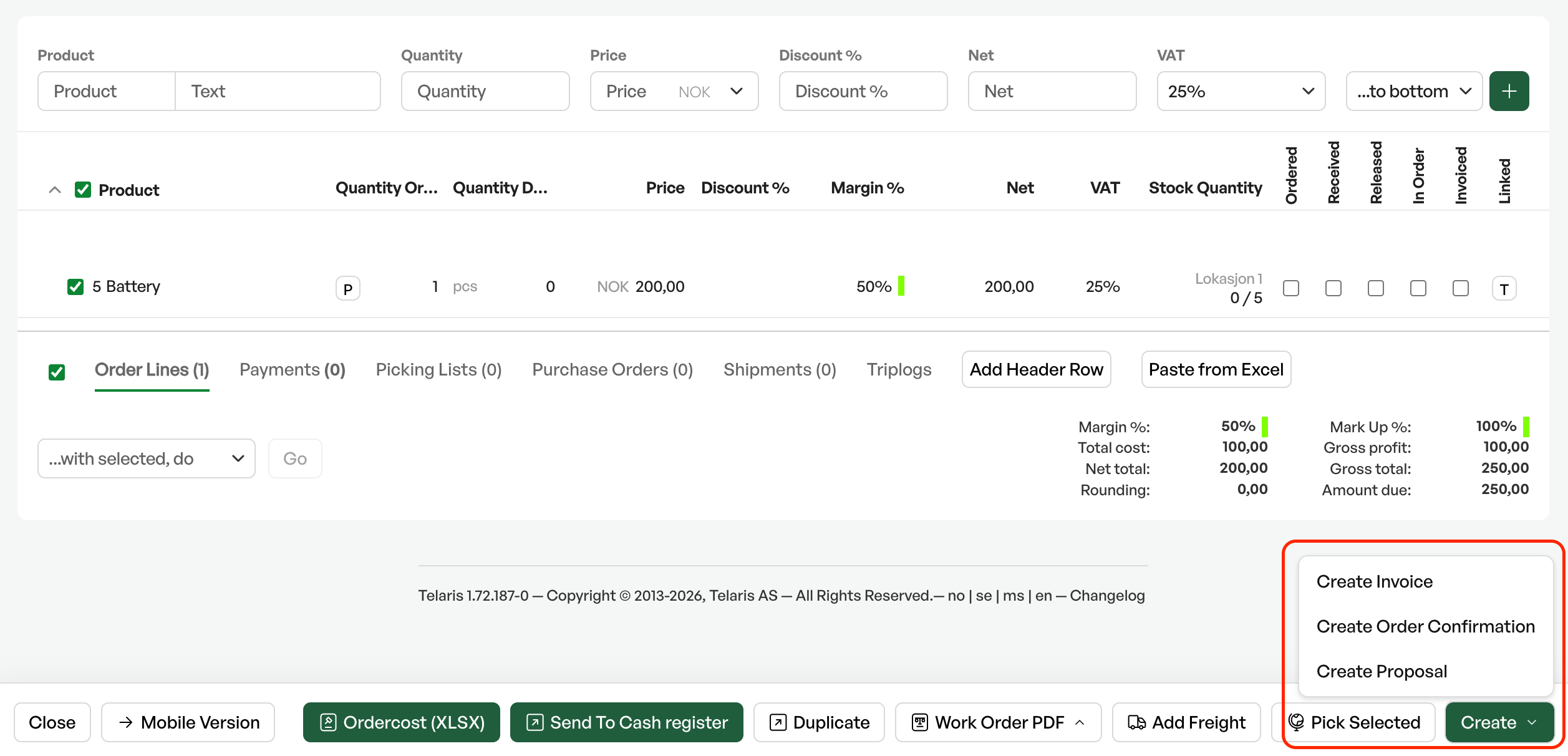
Tip: You can create several proposals from one order draft
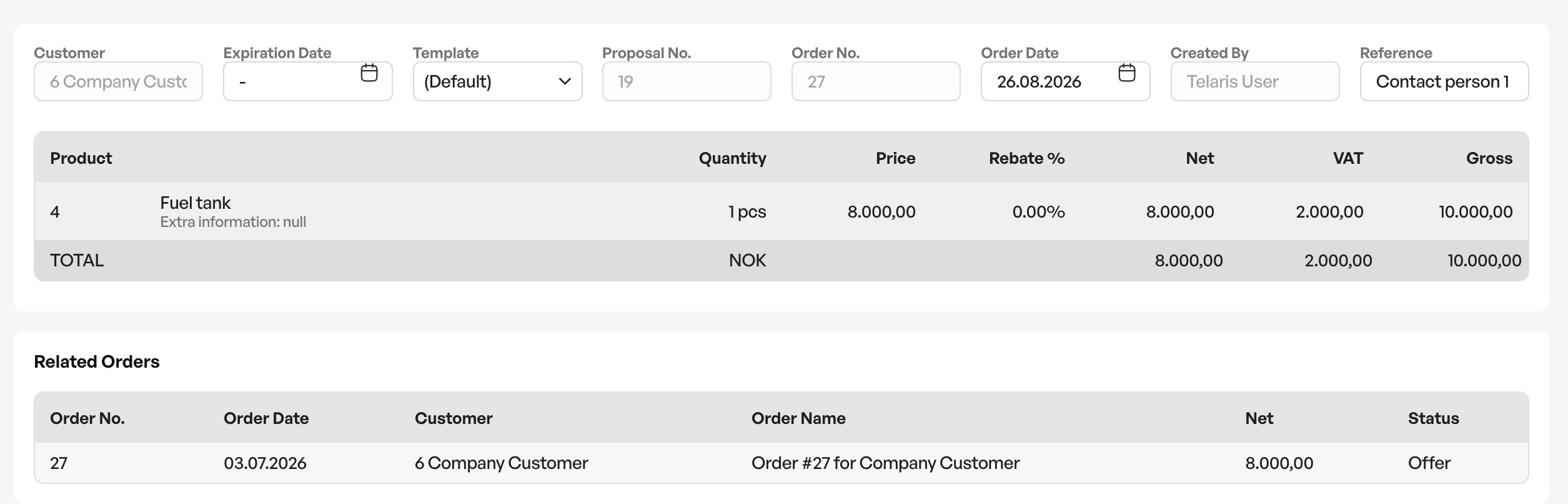
Produced proposal
A proposal can be checked and sent out from Telaris.
Sending and generating PDF
At the bottom of the view are options for sending, viewing and downloading.
Here you can also upload additional files to the proposal if accompanying documents are needed.

Overview of generated proposals on the order
In the order draft there is a separate tab for proposals, where all generated proposals on the current order are listed. From here you can click the line and go to the proposal for further processing.

Note: Generated proposals in Telaris follow the order. If the order is changed from the proposal, the order must be changed manually to match the proposal if the customer chooses a different proposal

Was this article helpful?
That’s Great!
Thank you for your feedback
Sorry! We couldn't be helpful
Thank you for your feedback
Feedback sent
We appreciate your effort and will try to fix the article