Timeline on a product
Guide for viewing changes on a product via the product card
Guide
In several places in Telaris you find 'Timeline'.
The timeline shows historical changes that have been made. On the product card you find the 'Timeline' tab, which shows all logged changes on the product chronologically, as well as which user made the change.
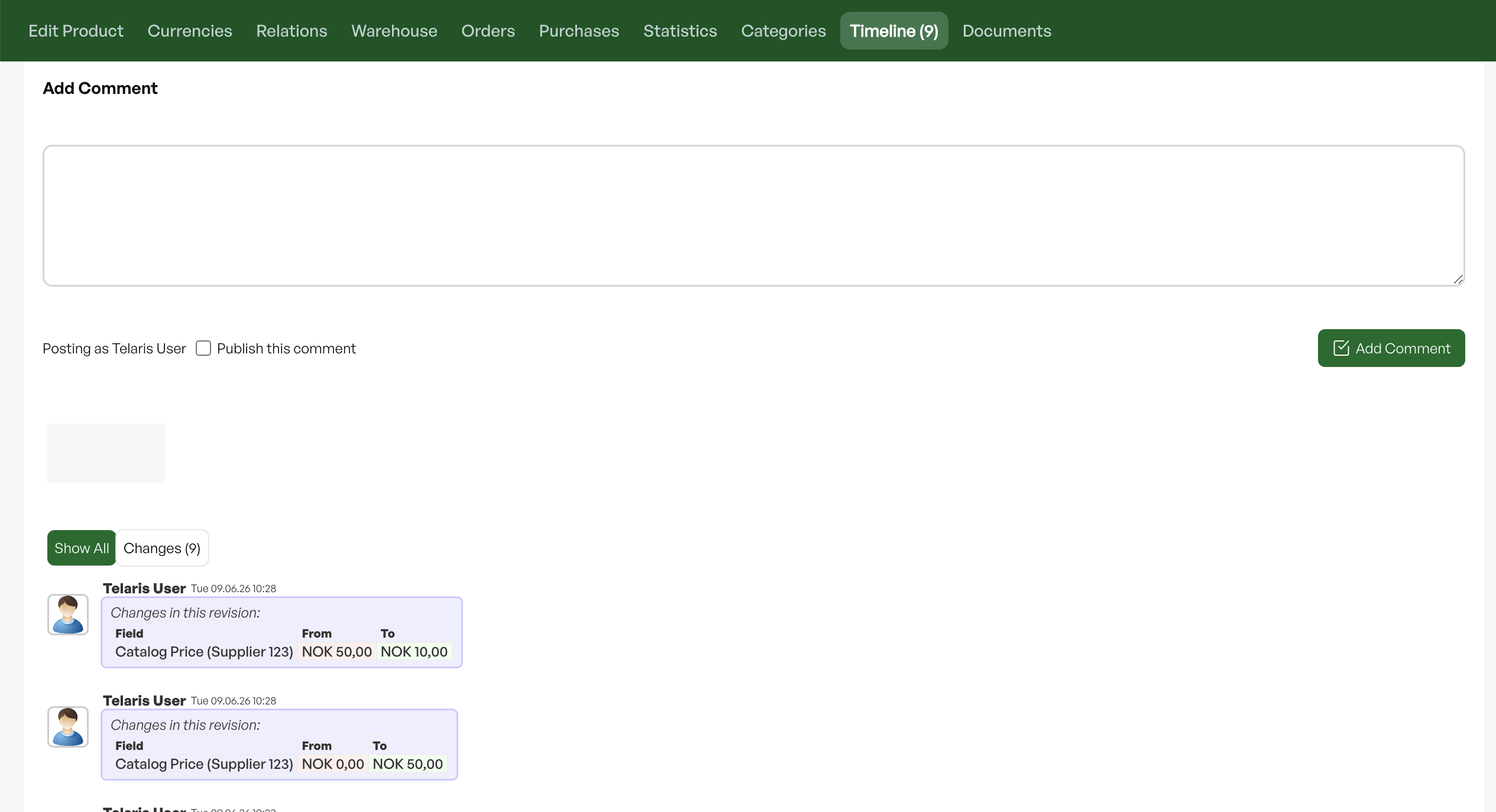
Tip: It is also possible to leave comments in the timeline if you want to justify changes, or to log an event.

Was this article helpful?
That’s Great!
Thank you for your feedback
Sorry! We couldn't be helpful
Thank you for your feedback
Feedback sent
We appreciate your effort and will try to fix the article