Set currency
Option to set a price in another currency on a product
NB: Note that to use this function, currency must be activated. If you are unsure about this, contact Telaris beforehand.
Setting currency on a product card
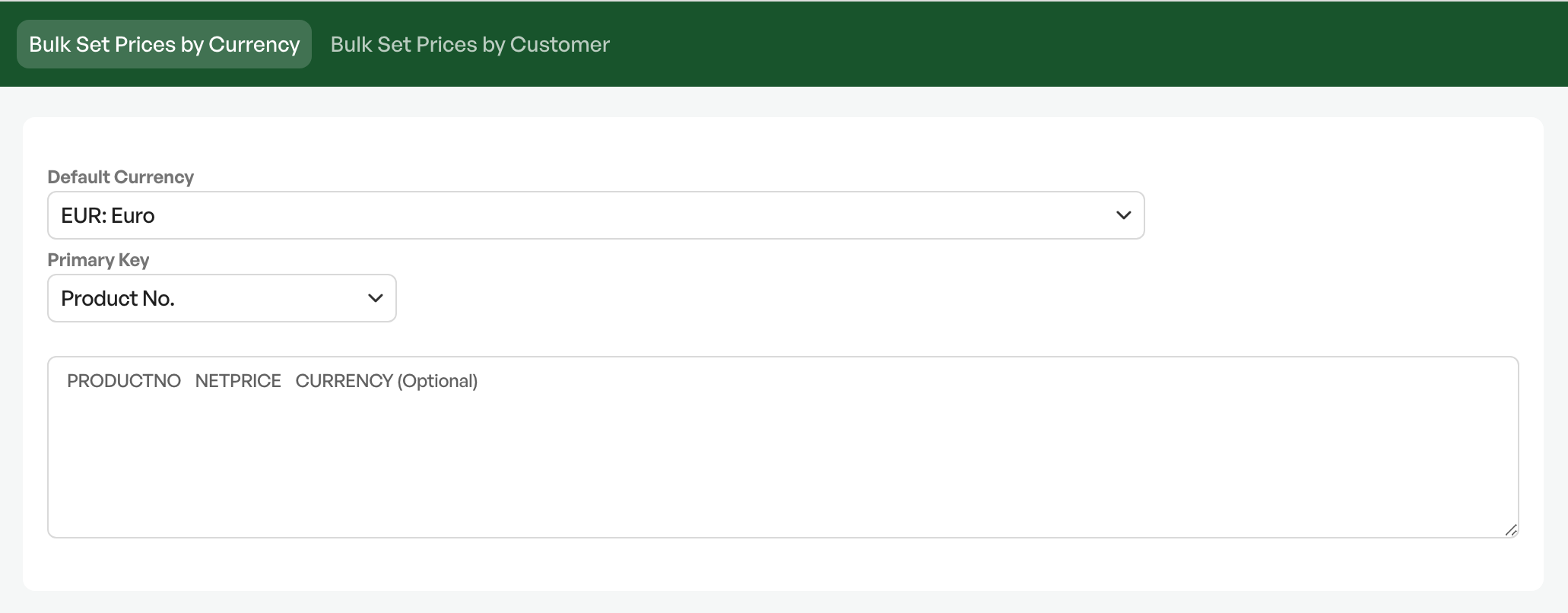
In cases where you want to set a price in a specific currency on a product card.
There are two primary keys to choose from. One is ProduktSKU and the other is Telaris PNR.
You select the desired currency to set from the 'Standard valuta' field
To use the function, you set up an Excel file
| Product | Price | Currency (optional field) |
| 10000 | 100 | EUR |
From the Excel file, you copy the content without headers and paste it into the field and click update.
On the product card of the products you want to update, a price in the imported currency is shown under the "Valuta/Currencies" tab
If you create an order with a customer who will purchase in the chosen currency, the price of the product is retrieved from the set currency field on the product card.
Tip: Run two tests before the final import to ensure the correct result

Was this article helpful?
That’s Great!
Thank you for your feedback
Sorry! We couldn't be helpful
Thank you for your feedback
Feedback sent
We appreciate your effort and will try to fix the article