Record hours in the order you are in
Guide to recording hours directly against the order you are in
How to do it
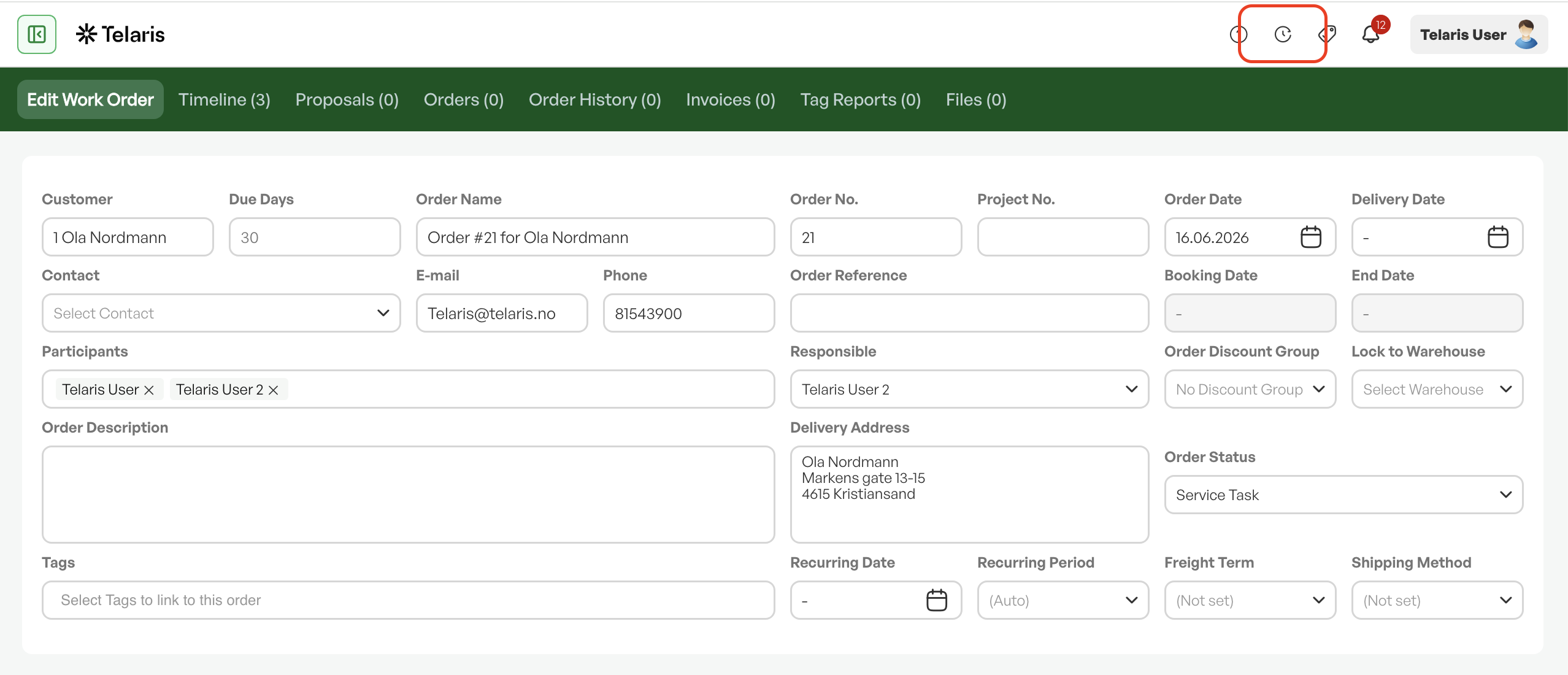
When you are in an order in Telaris and want to record hours, you can click directly on the clock symbol in the top right of the screen.
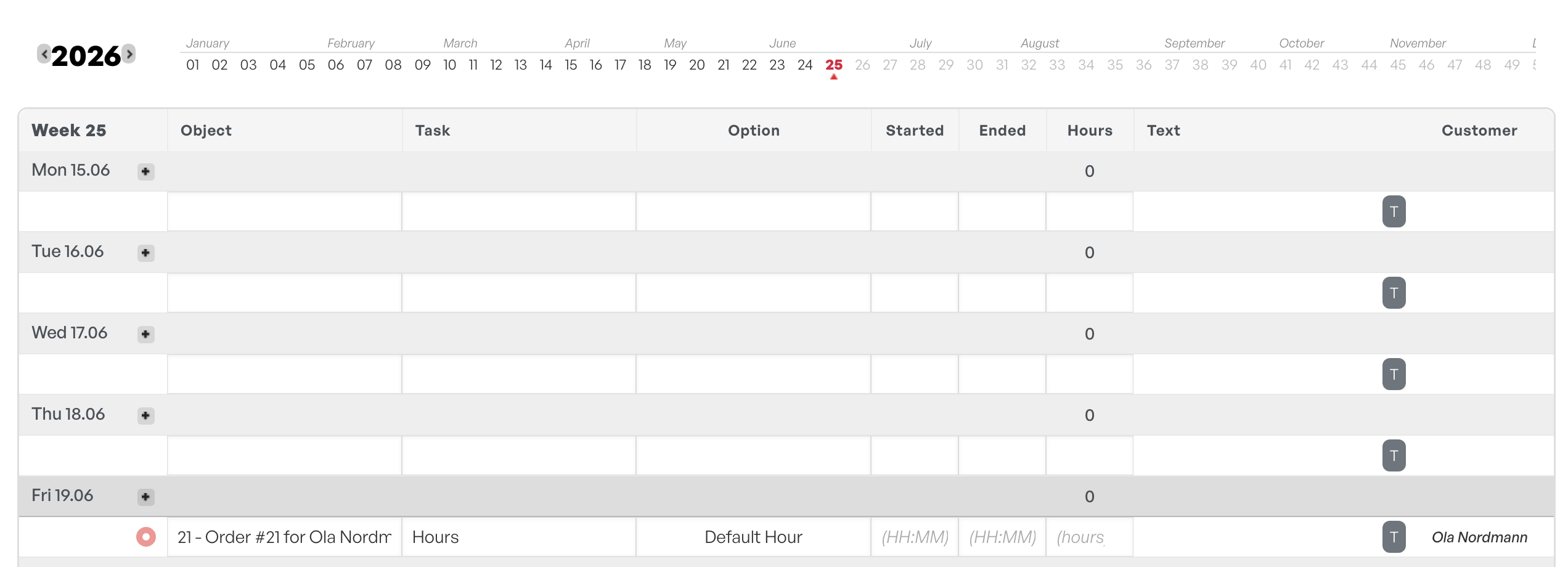
The time entry then automatically pulls in the order, so you can easily fill in the rest of the information correctly.

Was this article helpful?
That’s Great!
Thank you for your feedback
Sorry! We couldn't be helpful
Thank you for your feedback
Feedback sent
We appreciate your effort and will try to fix the article