Working with Pick Lists
Once a pick list has been created, it must be picked in order to be completed
TABLE OF CONTENTS
Picking Pick Lists
To complete the picking of products from the warehouse after creating a pick list, open the pick list and click 'Sett plukket'.
The products are then removed from the warehouse and remain in the order until final invoicing
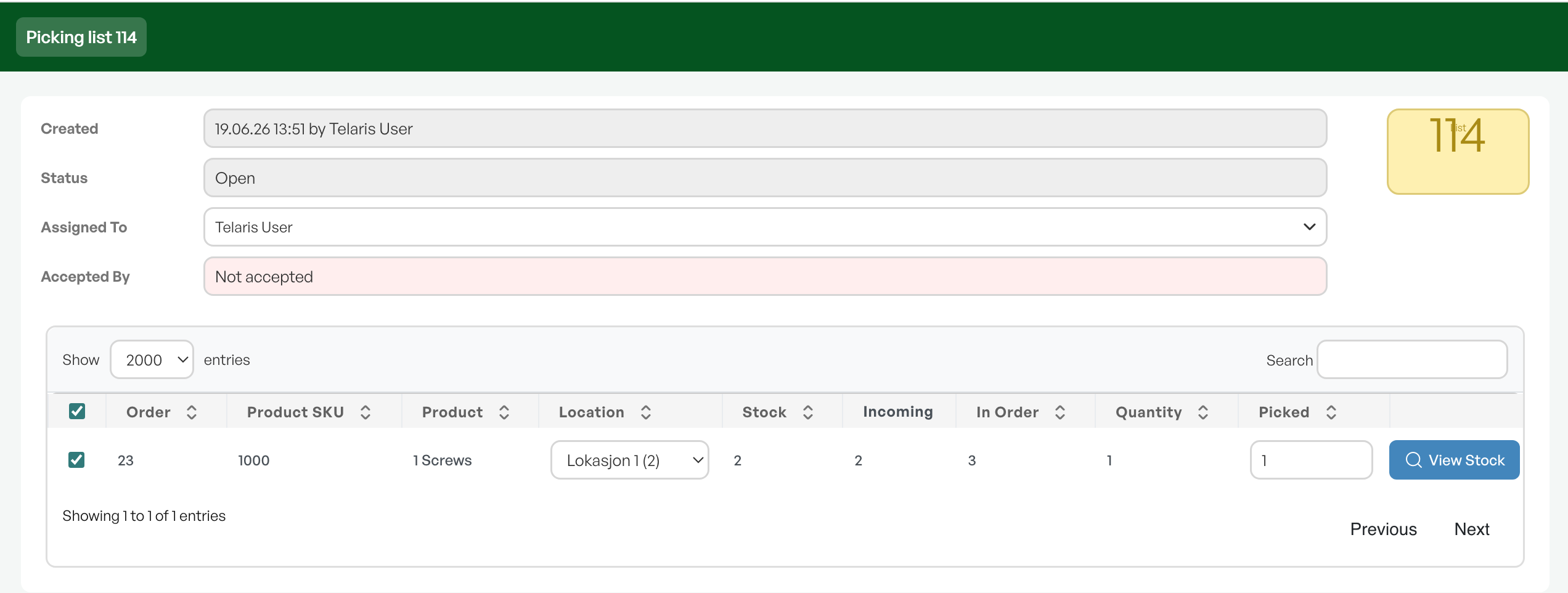
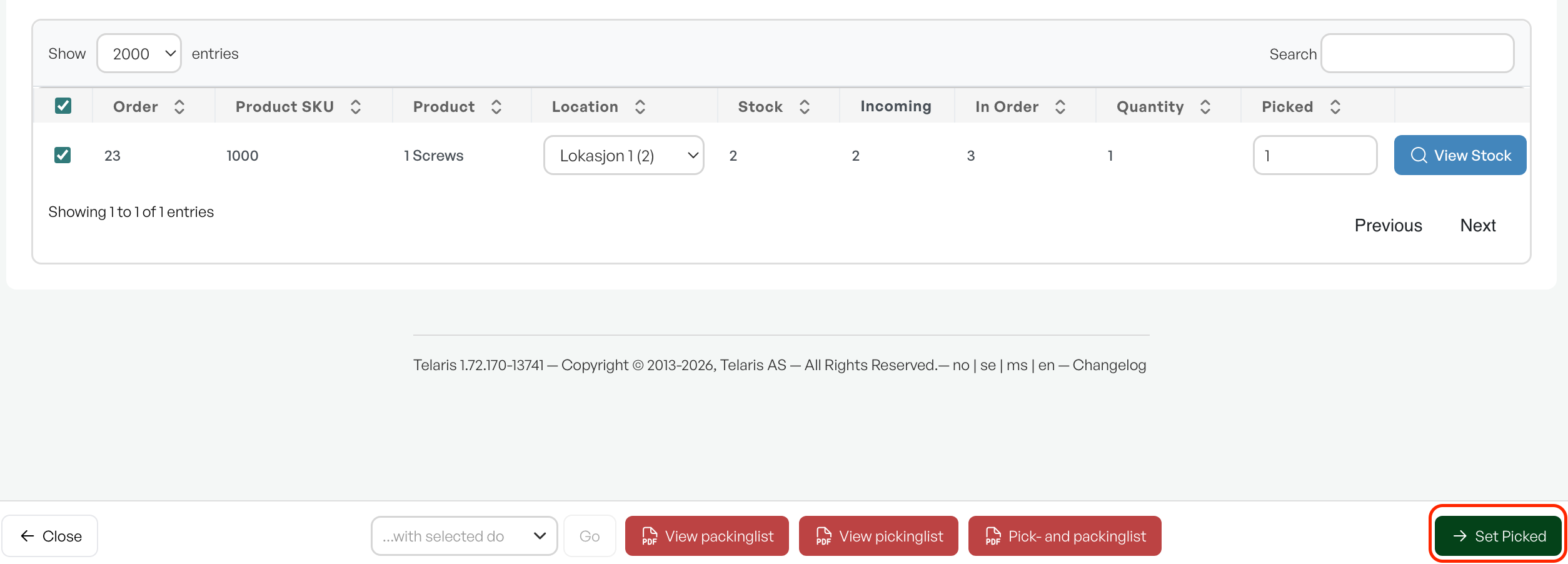
This marks the product as picked on the order
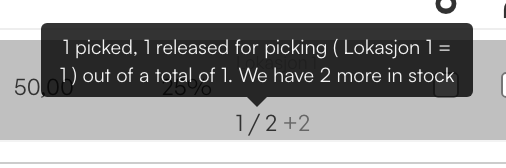
Note: Picked items have been taken from the warehouse, but until they are invoiced they remain the company’s property
Download PDF
From the order view, click the pick list tab to export PDF copies of packing and pick lists.
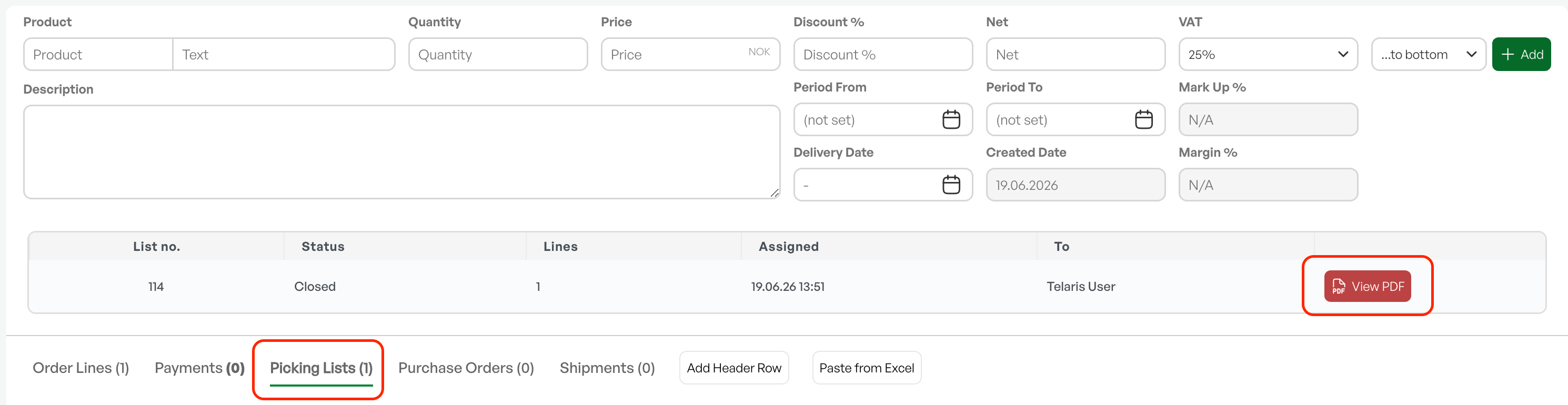
Overview of Pick Lists
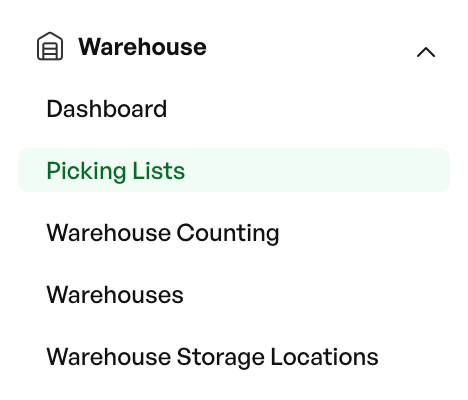
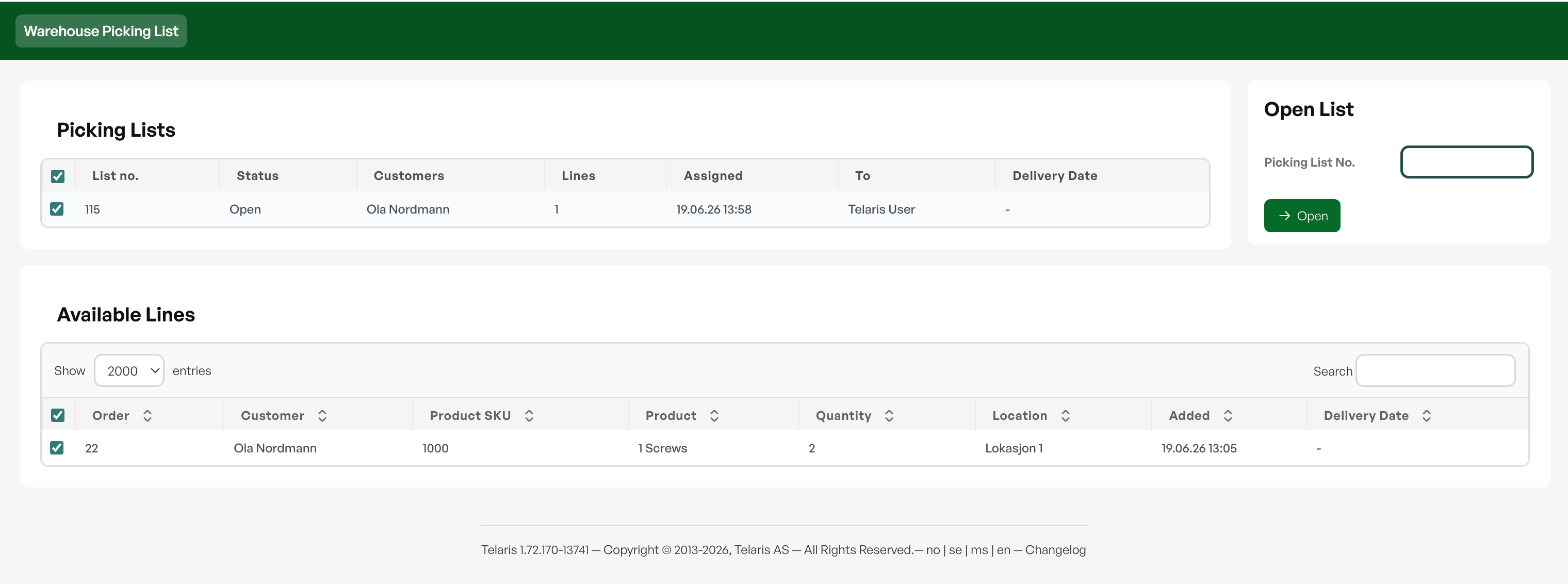
The side menu provides an overview of all pick lists, including status, dates and other information
This page also shows all order lines that are ready to be picked

Was this article helpful?
That’s Great!
Thank you for your feedback
Sorry! We couldn't be helpful
Thank you for your feedback
Feedback sent
We appreciate your effort and will try to fix the article