Creating a picking list
Picking lists are used to keep track of what leaves the warehouse.
TABLE OF CONTENTS
How to create a picking list
There are two methods for creating picking lists. One for preparing, and one for creating a picking list directly.
1. Creating a picking list directly
2. Release to picking
1. Creating a picking list directly
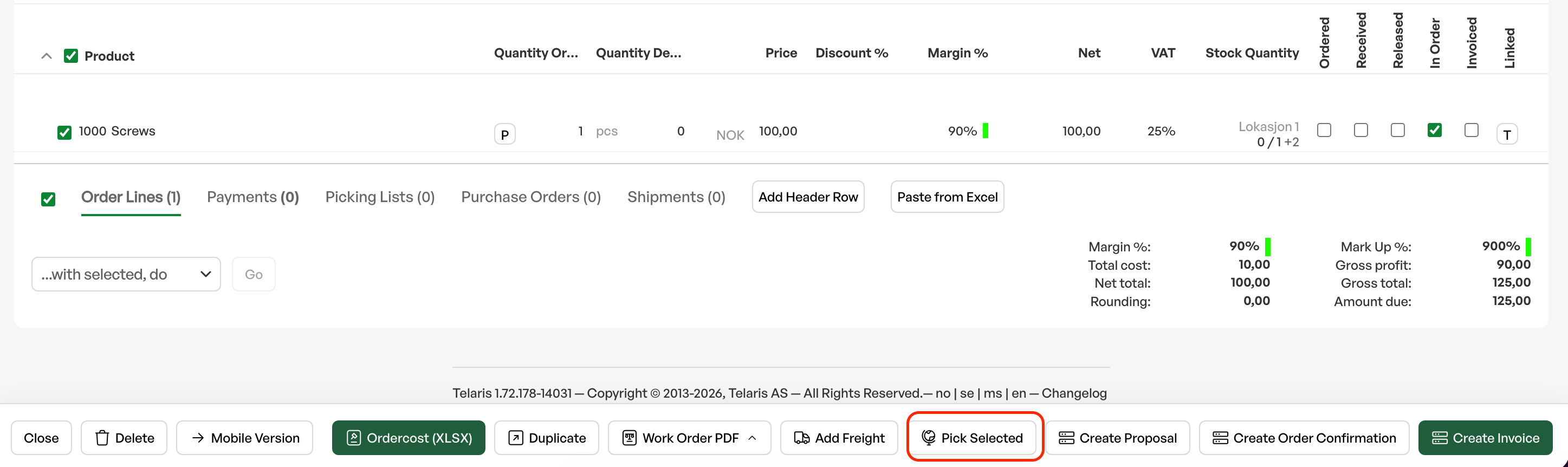
On the order screen is the button 'Pick selected lines'.
This button automatically creates a picking list with the selected products in the order lines.
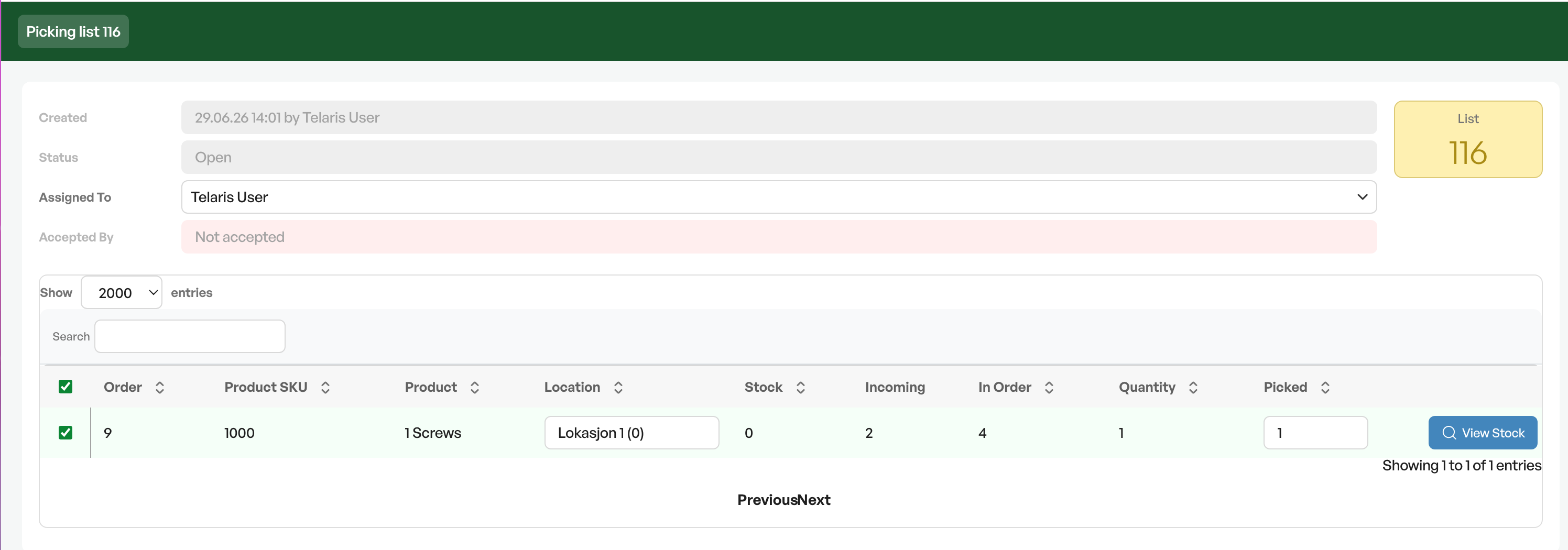
On creation you are taken directly to the picking list.
If you go back to the order, it shows that a picking list has been created on the order.

2. Release to picking
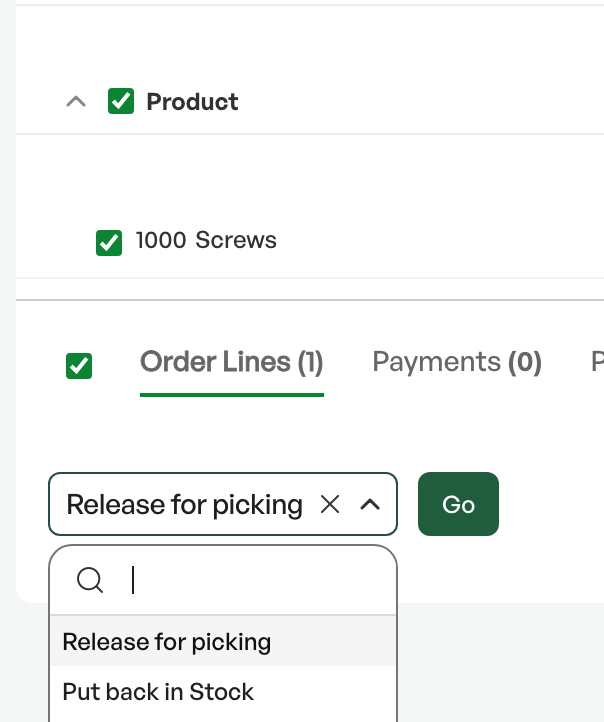
On the order screen you select the lines you want to prepare for picking, then go to the dropdown 'With selected, do' and choose 'Release to picking'.
This puts the selected products into a list on the order screen, ready to be made into a picking list.
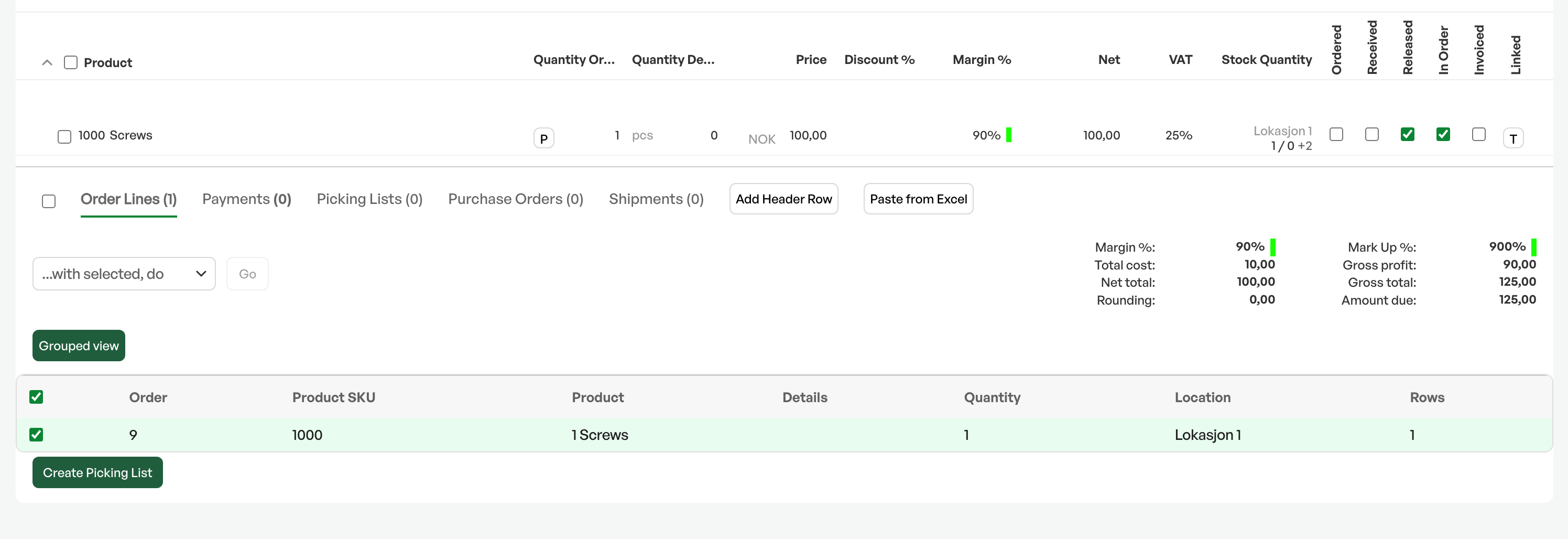
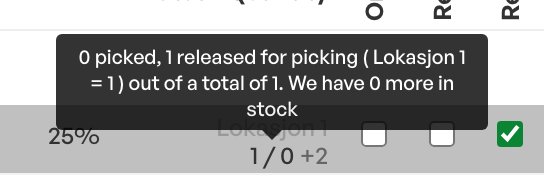
On the order line the product is shown as released for picking.
In the list of products released for picking is the button 'Create picking list' to create the picking list.
After you click create picking list, it is visible on the order.


Was this article helpful?
That’s Great!
Thank you for your feedback
Sorry! We couldn't be helpful
Thank you for your feedback
Feedback sent
We appreciate your effort and will try to fix the article