Pricing methods - Sales price
Catalogs have several methods for setting the sales price. An explanation of each method follows below.
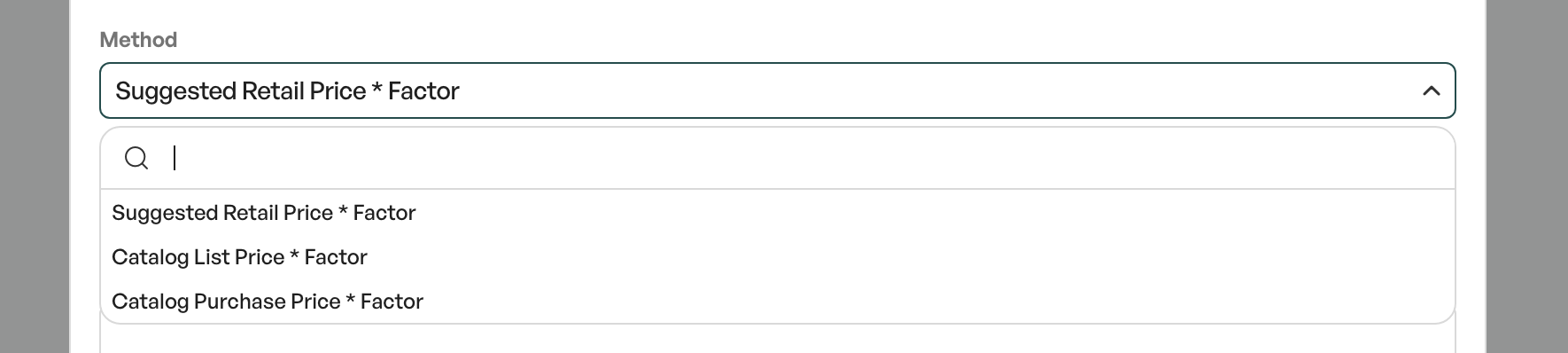
Note: After a catalog has been created and imported with a method, the method should not be changed afterwards.
TABLE OF CONTENTS
Sales price from catalog excl. VAT * Factor
The import is done with a separate column for purchase price and a separate column for sales price. A factor can be set in the catalog settings to apply a percentage markup on the sales price.
For example, a catalog import where you have both purchase price and sales price in the import file and want a 20% markup on the sales price is done as in the image below:
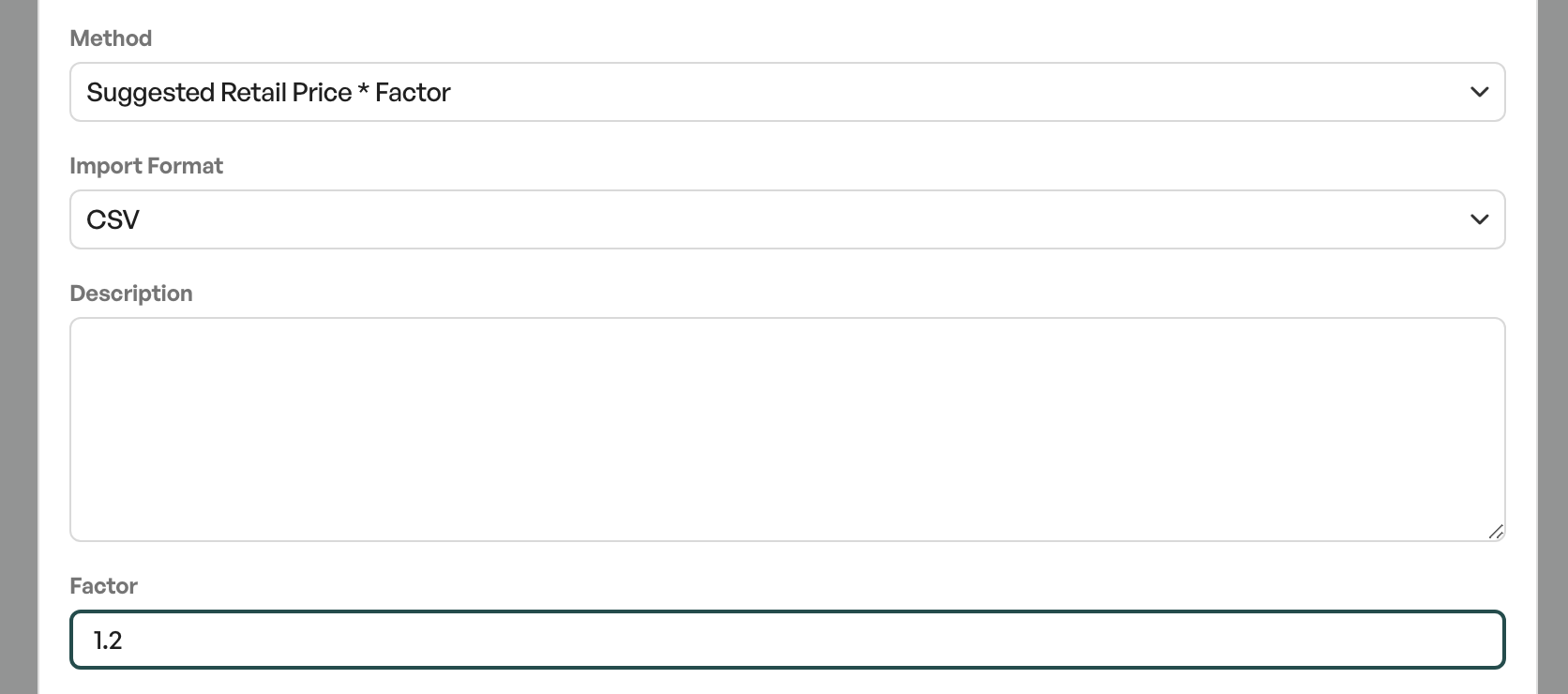
When updating the sales price, products in the product list fetch the factor 1.2 (20%) and multiply up the sales price. With a factor of 1, the sales price remains as it is set in the import of the price file/catalog.
In many cases when using the method 'Sales price from catalog excl. VAT * factor', the prices are predefined by the supplier.
Note: The factor markup from the catalog is not shown on the sales prices in the catalog products. The factor markup is only shown on products in the product list after a price update, or when importing catalog products into products.
Catalog list price * Factor
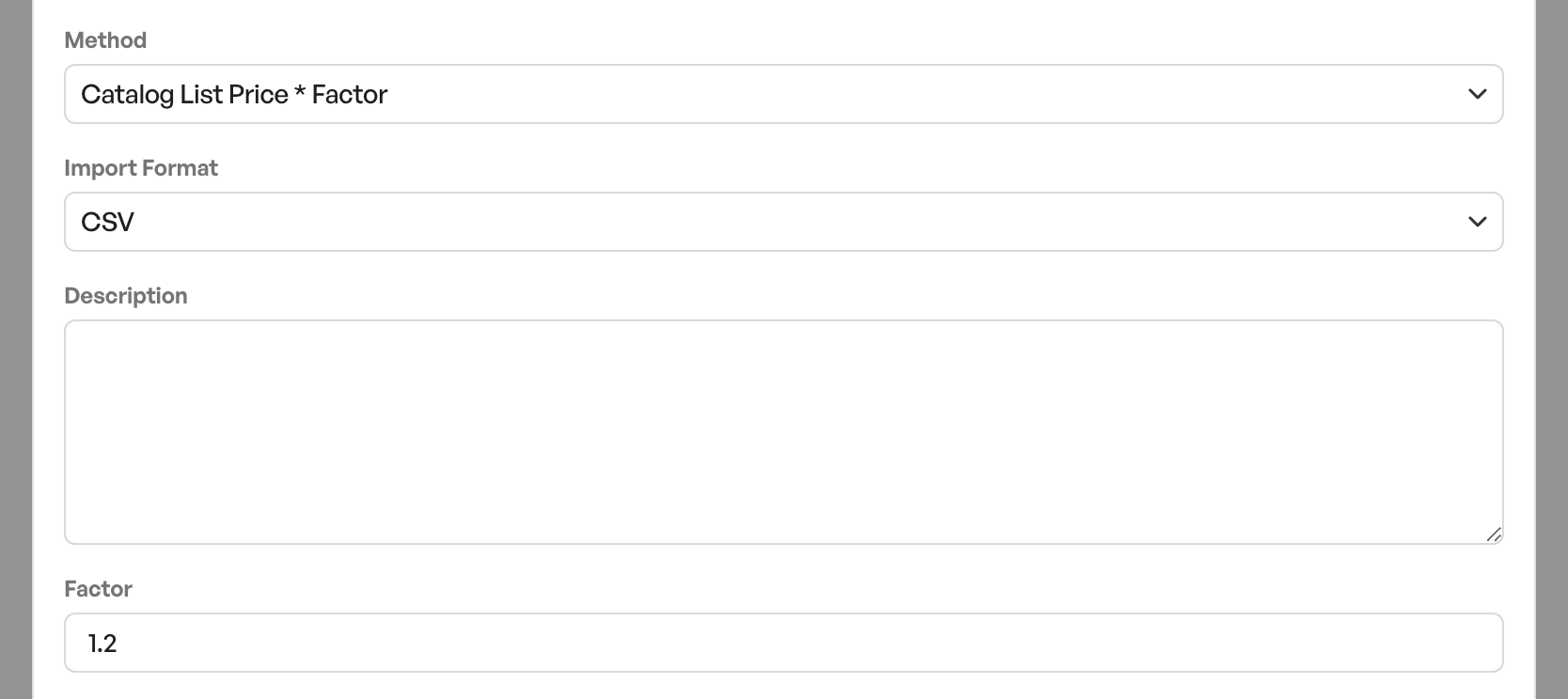
The import is done with a separate column for purchase price. With the catalog list price * factor method, the list price is used to generate a sales price. This price is set on products when importing from a product in the catalog in relation to the factor.
The method is also used together with discount groups, which can be used to generate a purchase price:
Example Catalog list price * Factor:List price: 100,- Factor: 1.2 = Purchase price 100,- = Sales price 120,-Example Catalog list price * Factor with discount groupList price: 100,- Factor 1.2 Discount group: 20% = Purchase price 80,- = List price 100,- = Sales price 120,-
More about discount groups can be found further down in the article.
Purchase price from catalog excl. VAT * Factor
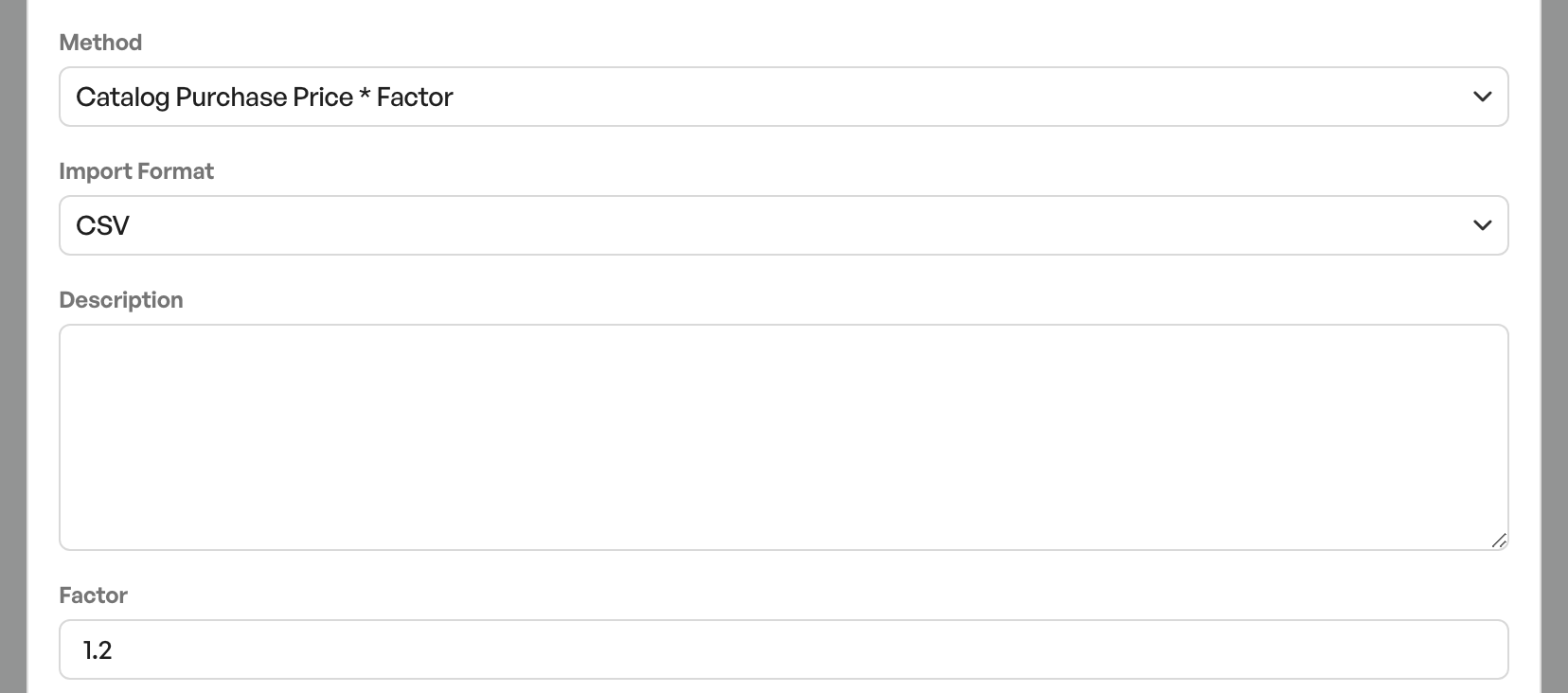
The import is done with a separate column for purchase price. With the Purchase price * factor method, the purchase price is used to generate a sales price. This price is set on products when importing from a product in the catalog in relation to the factor.
Most often used together with discount groups. See the separate link at the bottom of the article for how to set up and use discount groups.
Example Purchase price from catalog excl. VAT * Factor:Purchase price: 100,- Factor: 1.2 = Purchase price 100,- = Sales price 120,-Example Purchase price from catalog excl. VAT * Factor with discount groupList price: 100,- Factor 1.2 Discount group: 20% = Purchase price 80,- = List price 100,- = Sales price 100,-
Guide:Catalog - Discount groups

Was this article helpful?
That’s Great!
Thank you for your feedback
Sorry! We couldn't be helpful
Thank you for your feedback
Feedback sent
We appreciate your effort and will try to fix the article